
To connect Structure to Issue List, simply set the Source of Issue List to be Structures, then select the desired Structure(s) from the 2nd Source dropdown
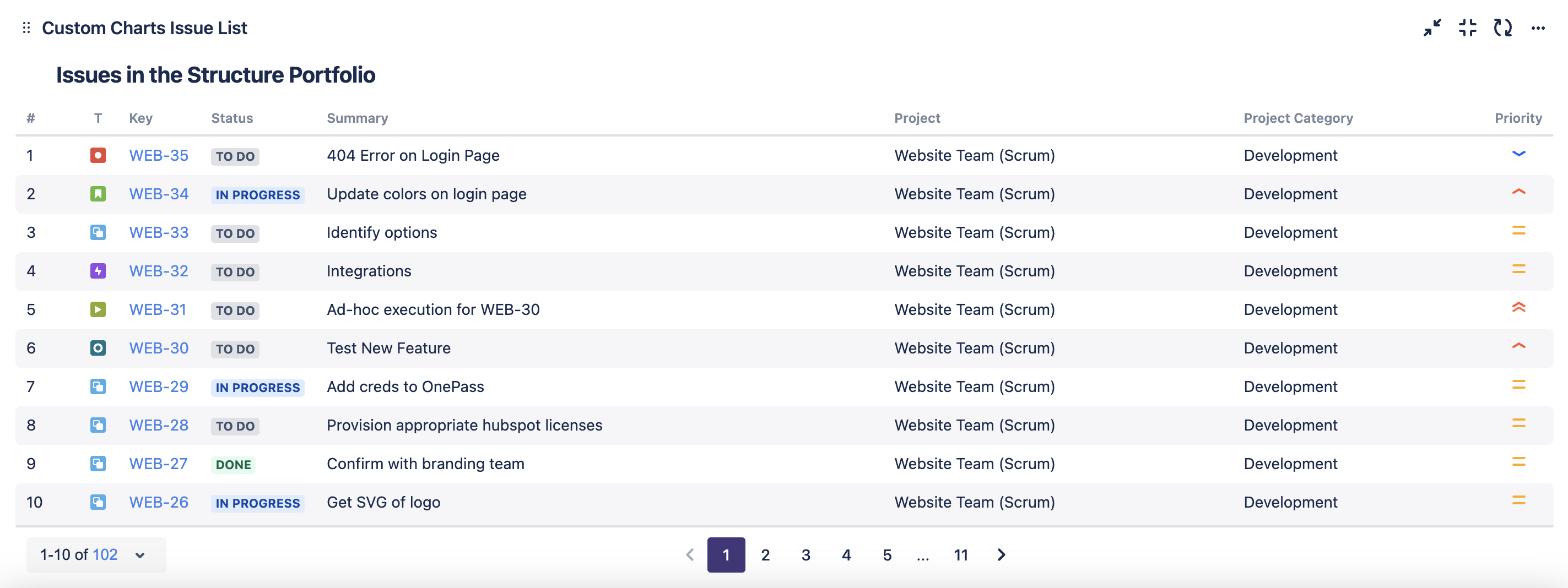
Recreate The List Above
-
Set the Source of Issue List to be Structures, then select the desired Structures from the 2nd dropdown
-
In the Columns tab, click + Add another field for each field:
-
Type Project in the field search
-
Type Project Category in the field search
-
Type Priority in the field search
-
-
Optional: Give your list a title, turn on alternating row columns, and reorder your columns
-
Click Save or Insert