
To connect Structure to Custom Charts, simply set the Source of Custom Charts to Structures, then select the desired Structure(s) from the 2nd Source dropdown.
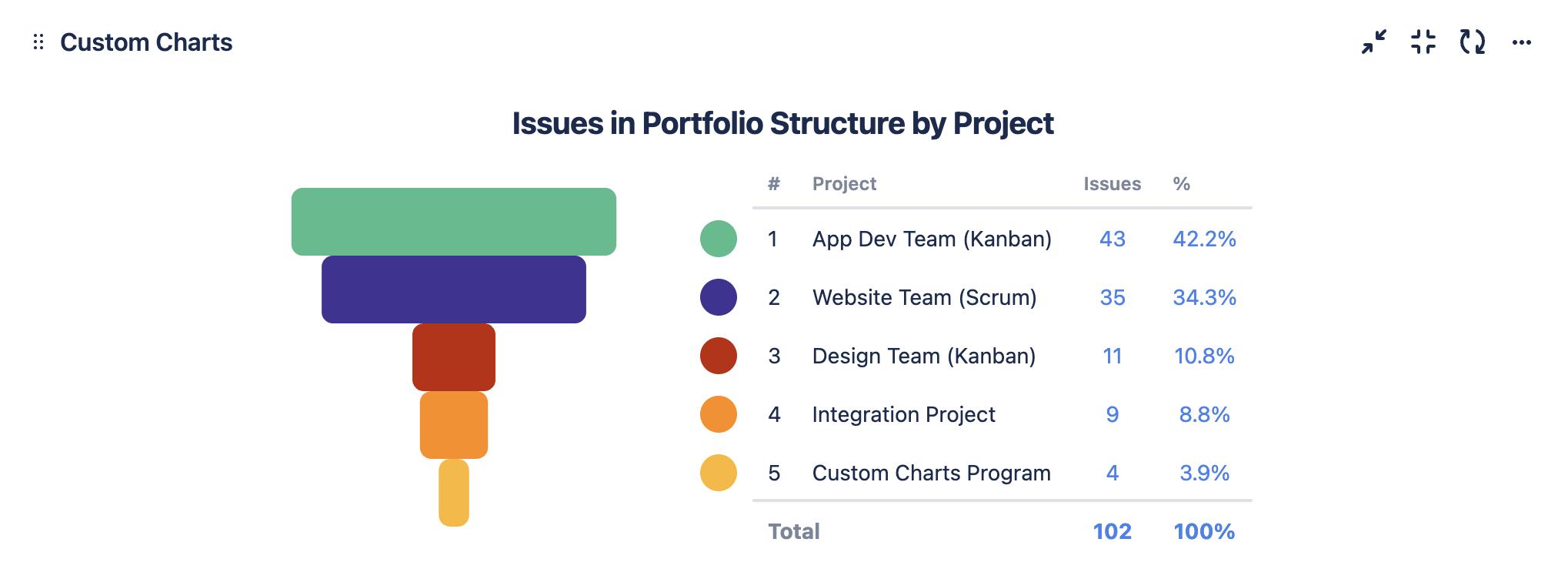
Example chart with Structure
-
Set the Source of Custom Charts to be Structures, then select the desired Structures from the 2nd dropdown
-
Set the Chart by dropdown to be Projects
-
Optional: Change the Chart Type to Funnel Chart
-
Optional: Give your chart a title and adjust the colors of your bars
-
Click Save or Insert