
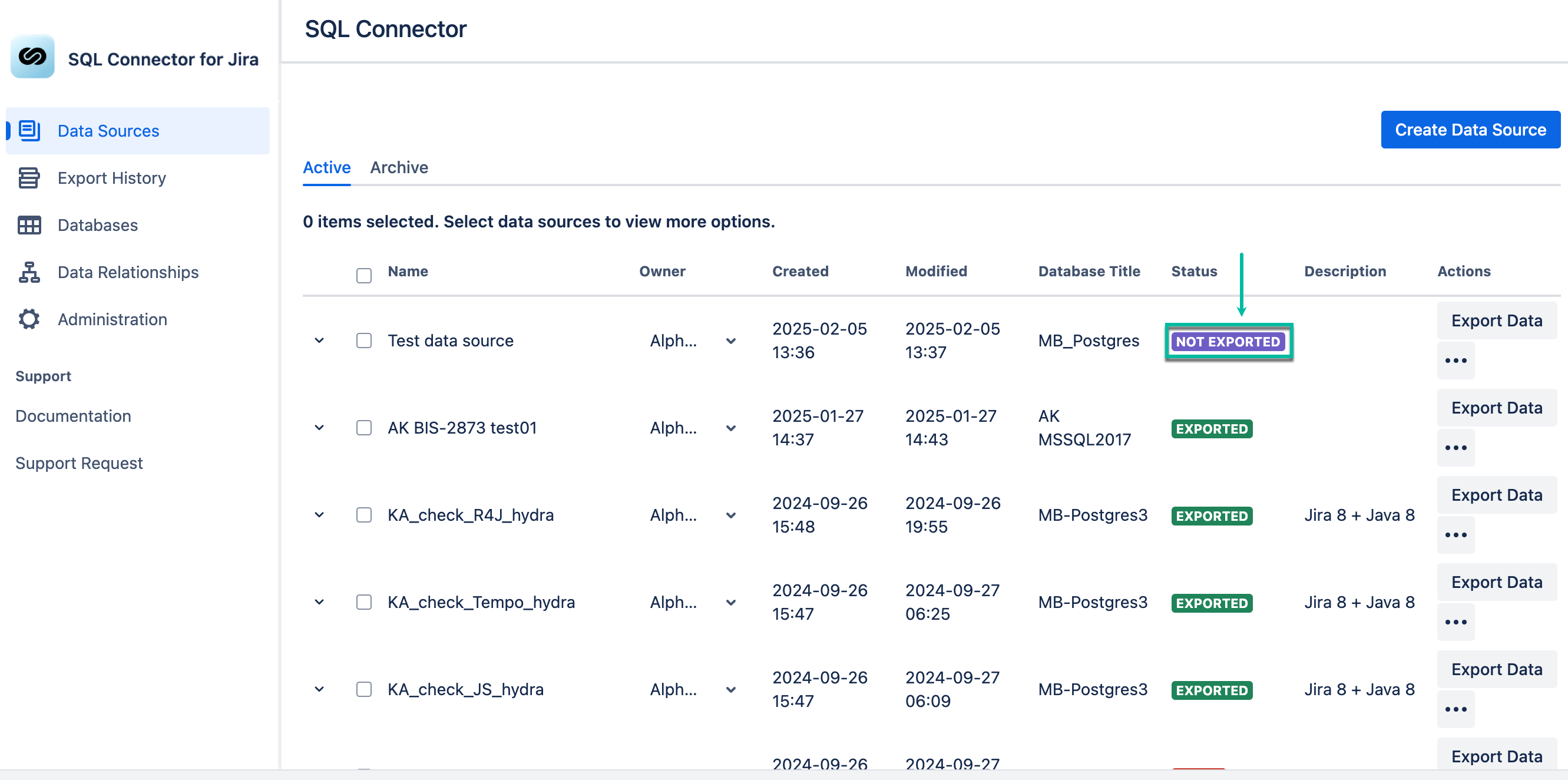
The newly-created data source has the NOT EXPORTED status.
-
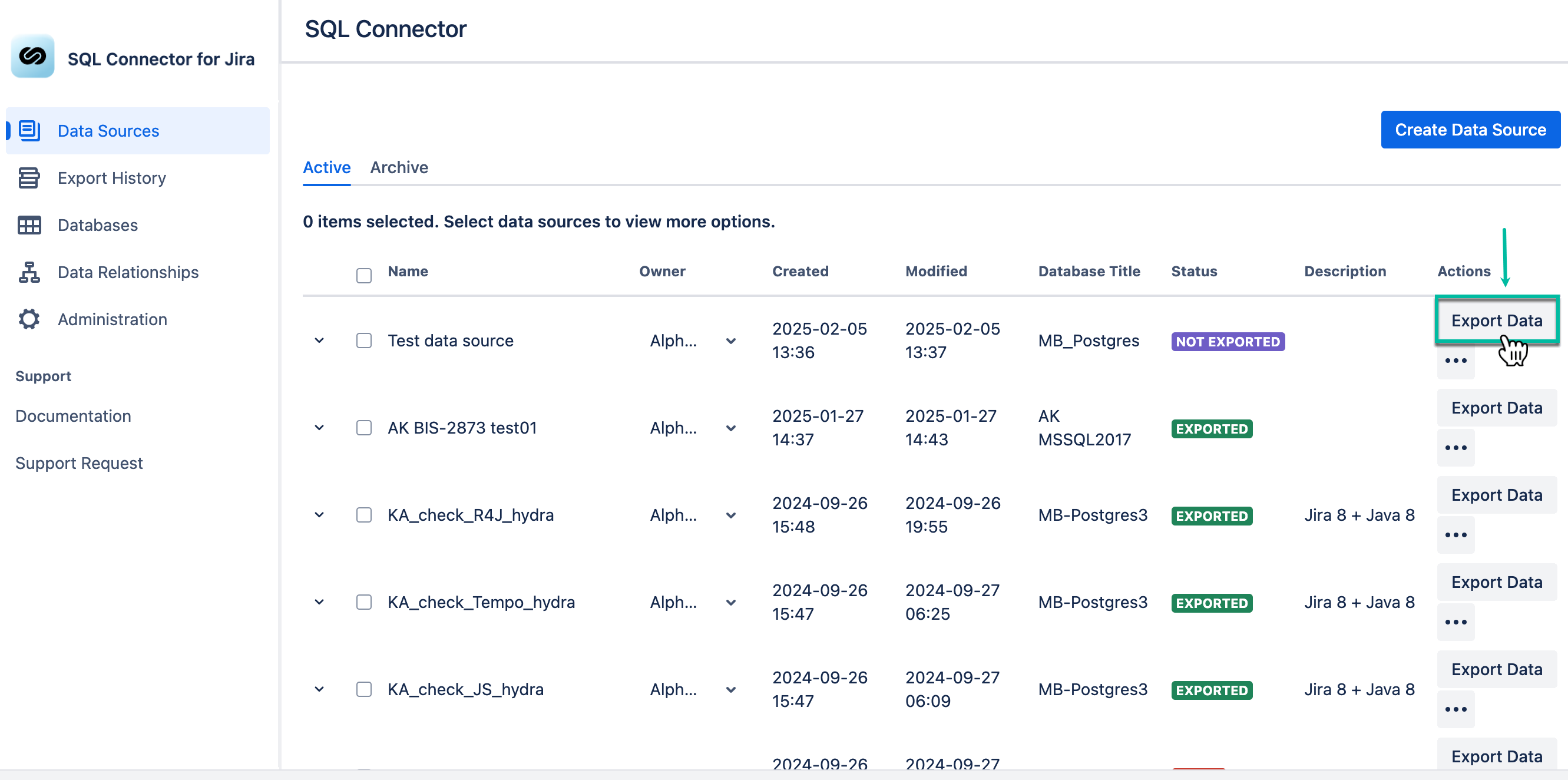
Select Export data.
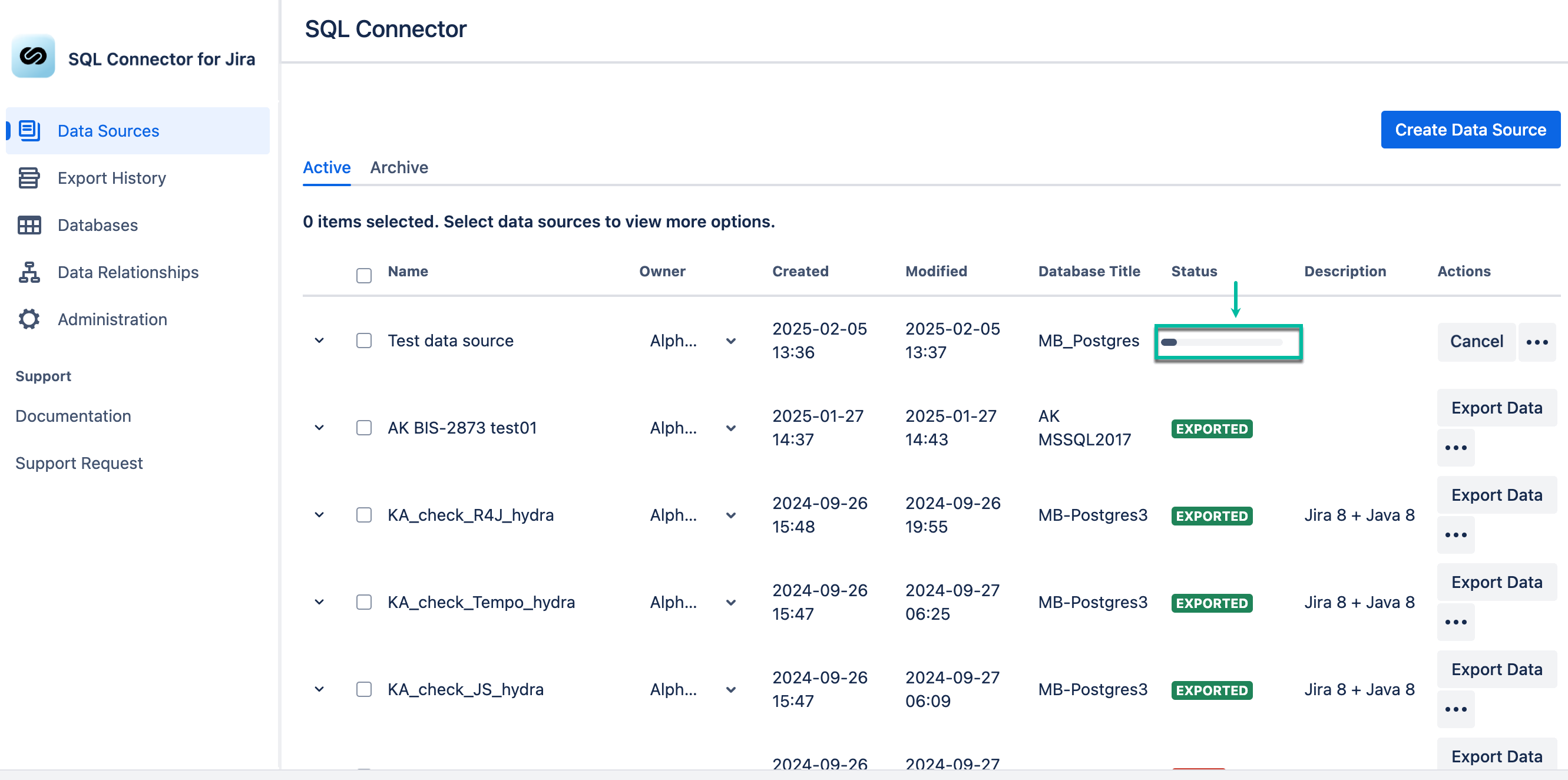
The NOT EXPORTED status will be changed to the progress bar.
After the export is finished, the data source status will be set to EXPORTED.
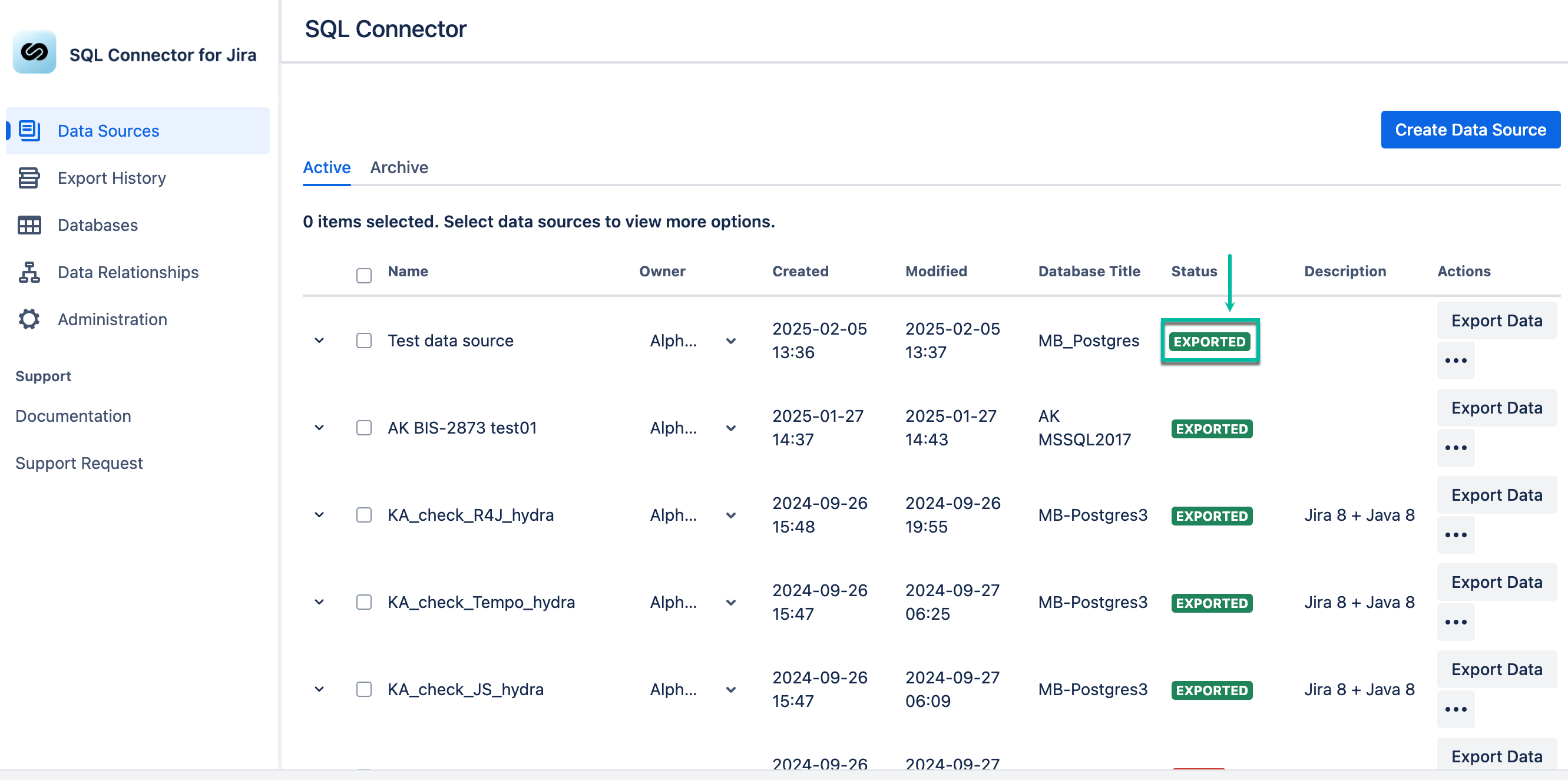
Now you can check that data was successfully exported to the database.
.png?cb=58d30f409cd0c2cce7e6faf1a2c37c9c)