
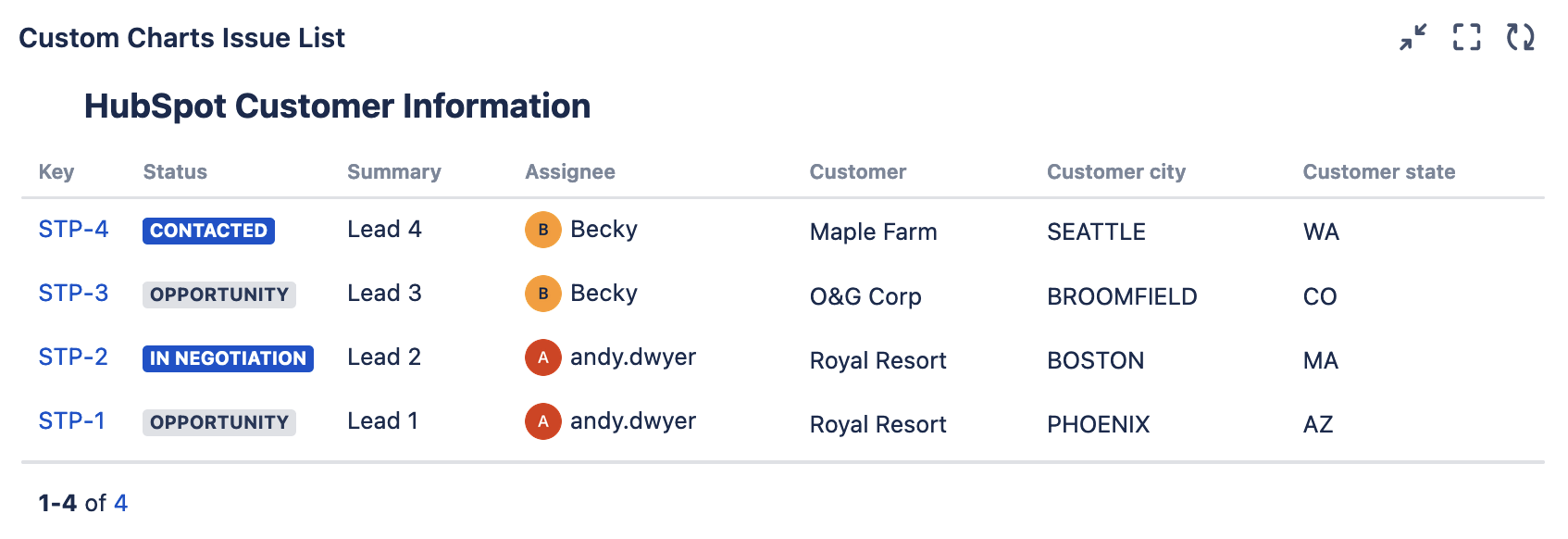
This chart shows CRM data from HubSpot pulled into Jira using Elements Connect.
Recreate This Chart In Your Own Instance
-
Choose the Issue List gadget or macro
-
Set the Source to Projects
-
Add the following Issue List Columns:
-
System fields:
-
Key
-
Status
-
Summary
-
Assignee
-
-
Elements Connect fields:
-
Customer
-
Customer city
-
Customer state
-
-
-
Optional: Give the gadget or macro a title and combine or rename any segments
-
Click Save or Insert