
The authentication log page allows you to find out which user has logged in or registered and when. Plugin logged all relevant actions of 2FA for Bitbucket: U2F & TOTP. To get Authentication log page, please follow the next steps:
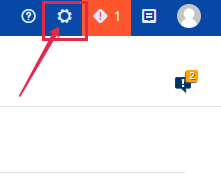
Step 1. Go to the Bitbucket Administration tab.
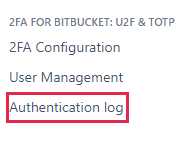
Step 2. On the left side menu panel find “2FA FOR Bitbucket: U2F & TOTP” tab and click Authentication log.
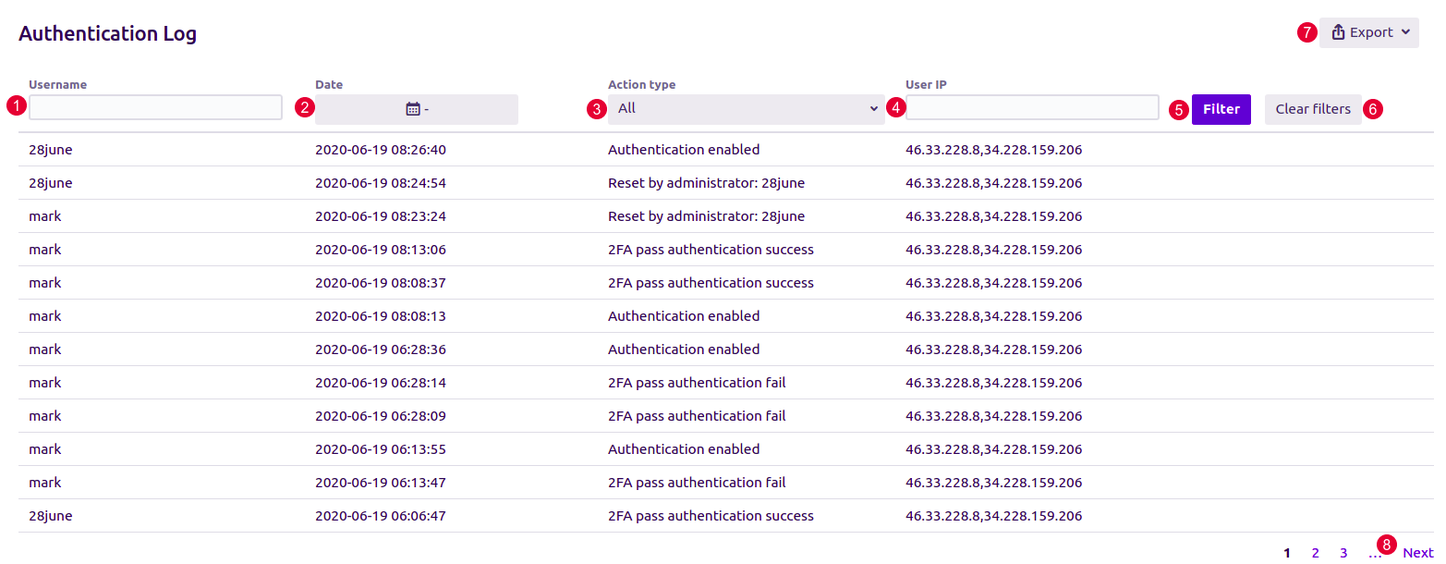
In the opened page you’ll find:
-
Username column. Type to filter by username.
-
Date for a certain action. Select to filter by date.
-
Action type stores all relevant actions. Select to filter by action type.
-
User IP. Shows IP from which user entered the Bitbucket. Type to filter by user IP.
-
Filter. Click to apply the selected parameters.
-
Clear filter.
-
Export - click to export logs information in XLS, XLSX, CSV formats.
-
Use the navigation to see more results.