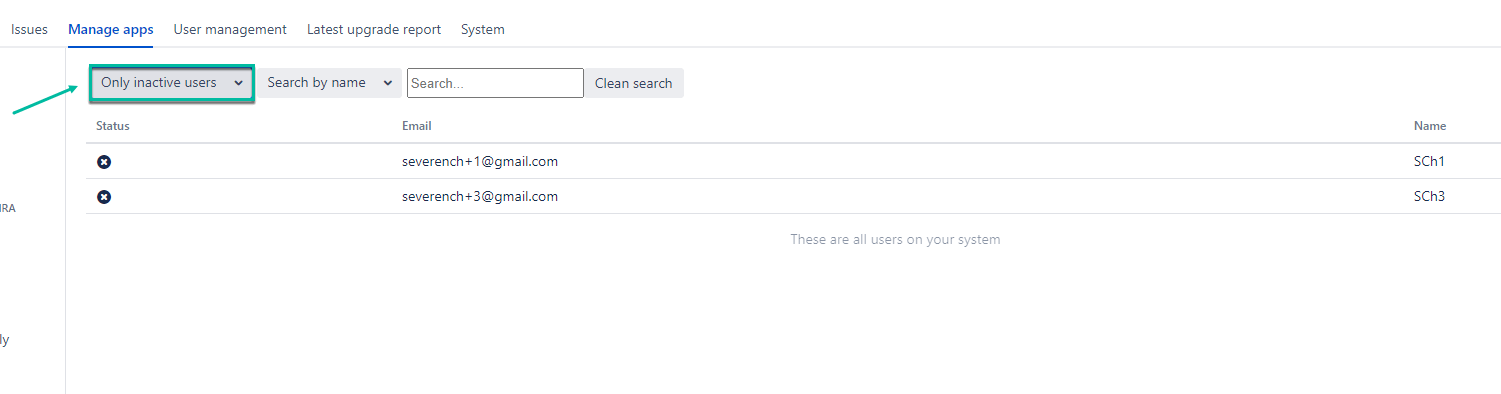
This setting allows you to view all users and filter users without enabled 2FA.
-
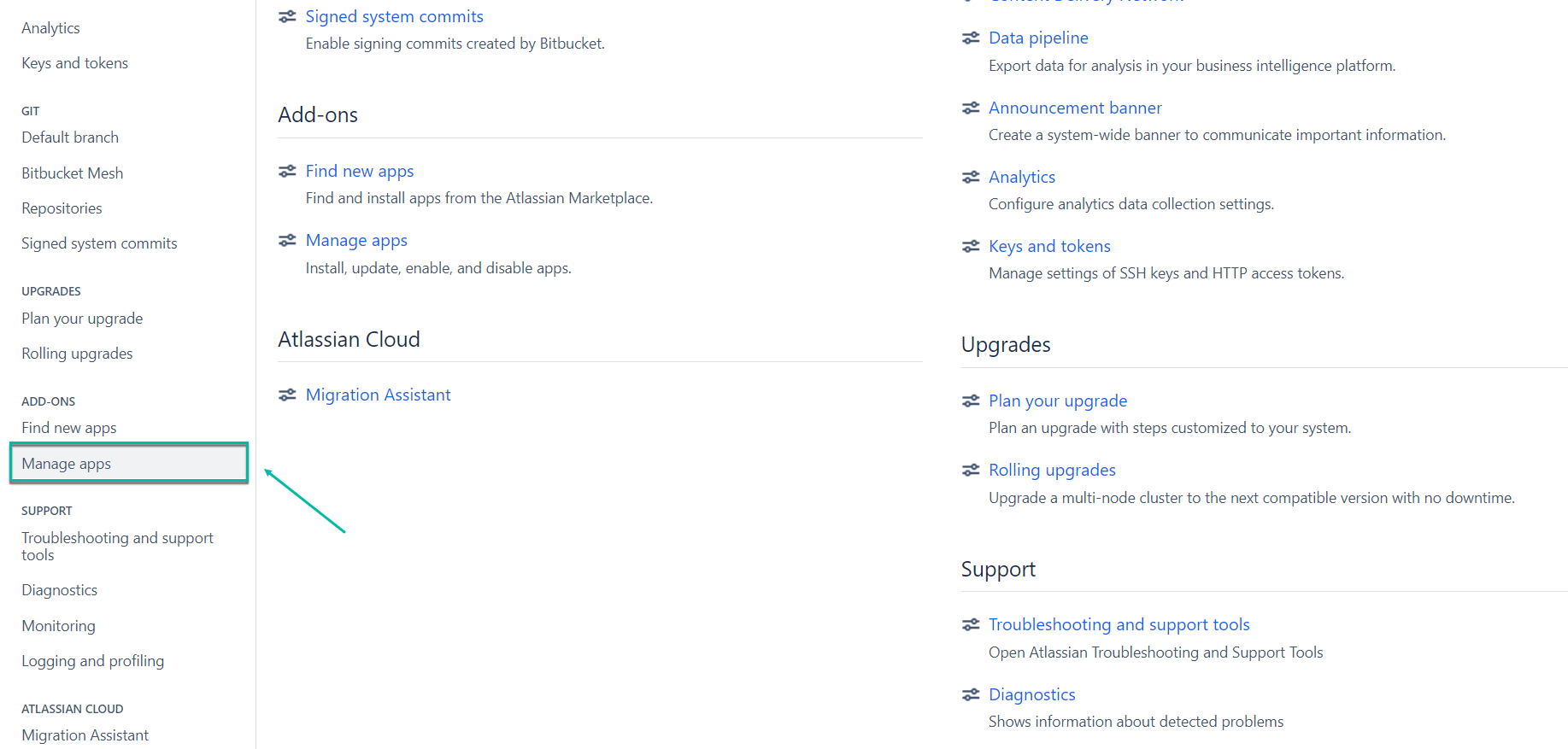
Being signed in to your Bitbucket account, navigate to the Administration section, and then select Manage apps.
-
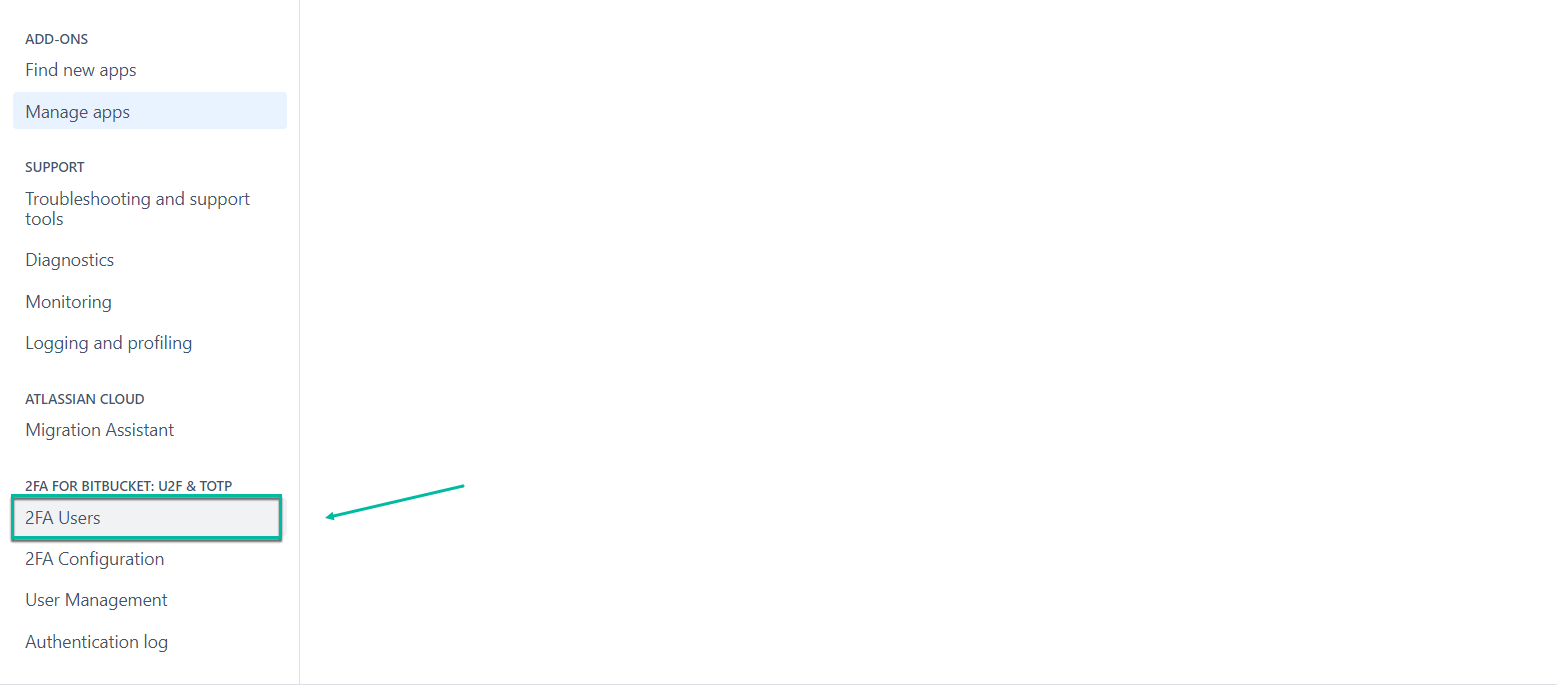
Select 2FA Users.
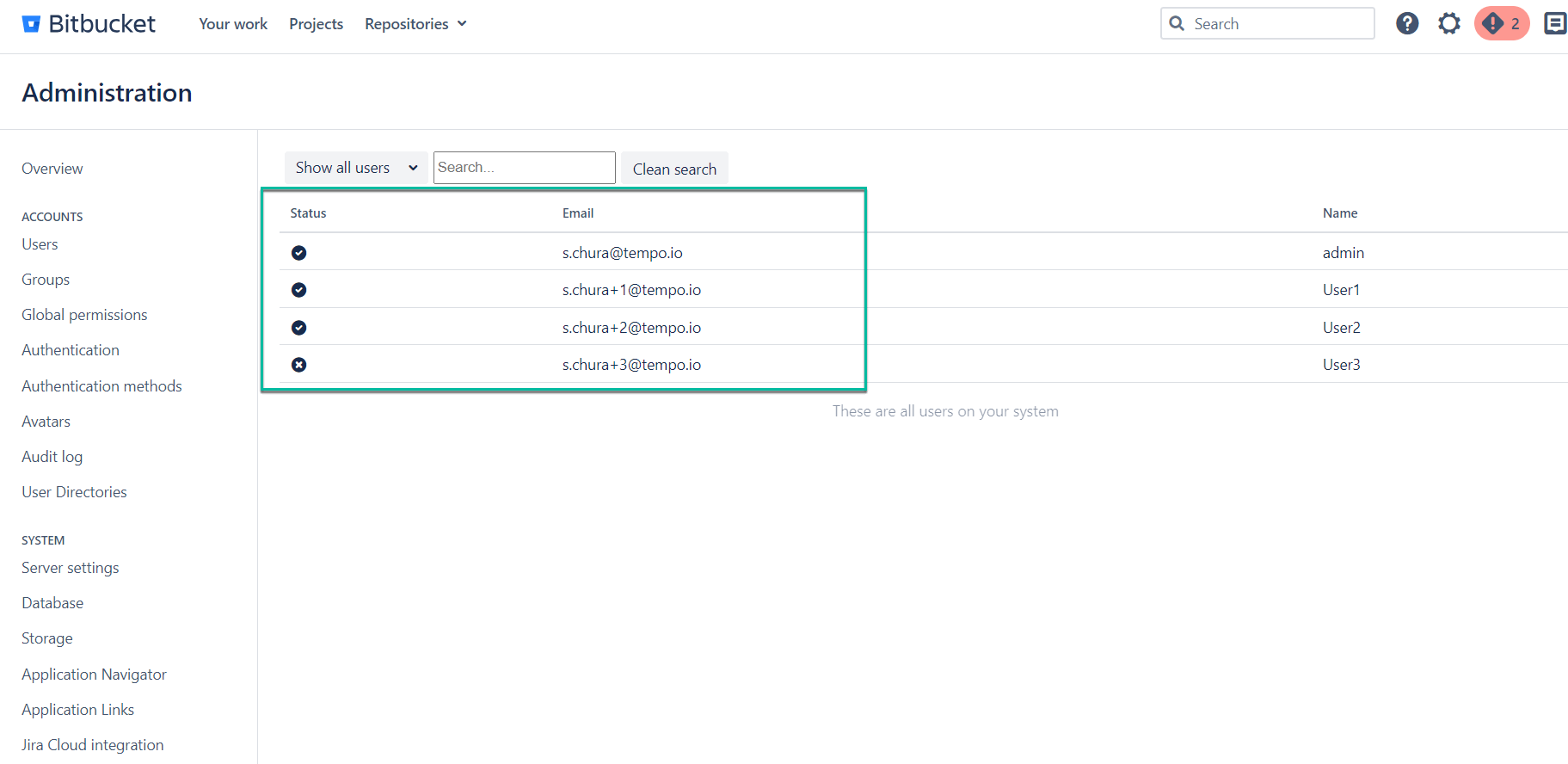
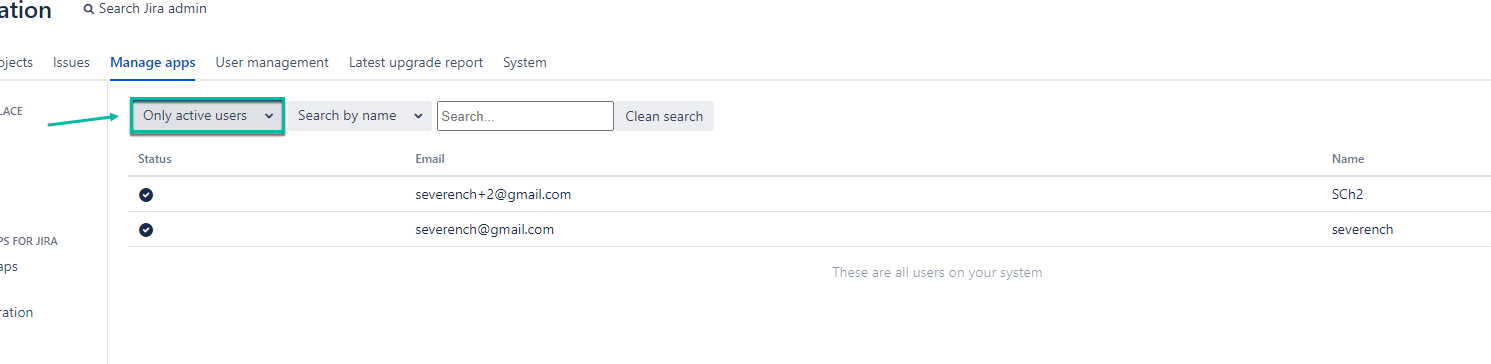
Here, you can see all users: active and inactive.
-
Select Only active users to view users with enabled 2FA.
-
Select Only inactive users to view users without enabled 2FA.