2FA for Bitbucket is scheduled for deprecation. Please plan accordingly.
You must have the Bitbucket Administrator’s rights to be able to carry out the instructions on this page. You can learn more about this here.
Please take a look at Supported Platforms section as well.
How to install 2FA for Bitbucket: U2F & TOTP?
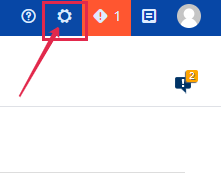
Step 1. Go to the Bitbucket Administration tab.
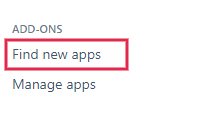
Step 2. On the left side menu panel find ADD-ONS Tab and select Find new apps.
Step 3. Enter “2FA for Bitbucket: U2F & TOTP” in the search field and find application in the search result.
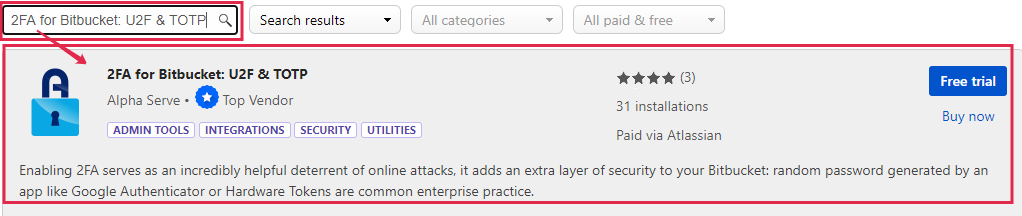
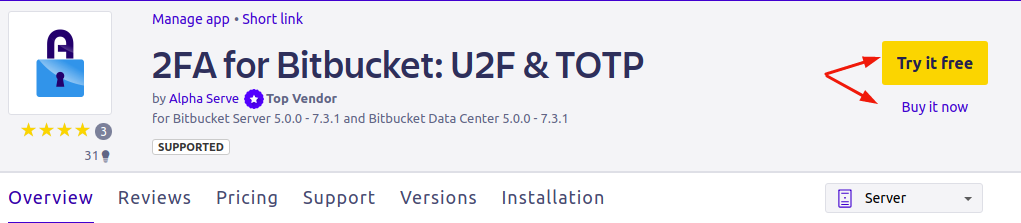
Step 4. Click Free trial to get a 30-day free trial license or Buy now to purchase application license.

After step 4 follow the standard client installation path and the application will be automatically installed on your Bitbucket instance.
You can also install 2FA for Bitbucket: U2F & TOTP directly from Atlassian Marketplace by visiting the application product page here.
How to uninstall or disable 2FA for Bitbucket: U2F & TOTP?
Step 1. Go to the Bitbucket Administration tab.
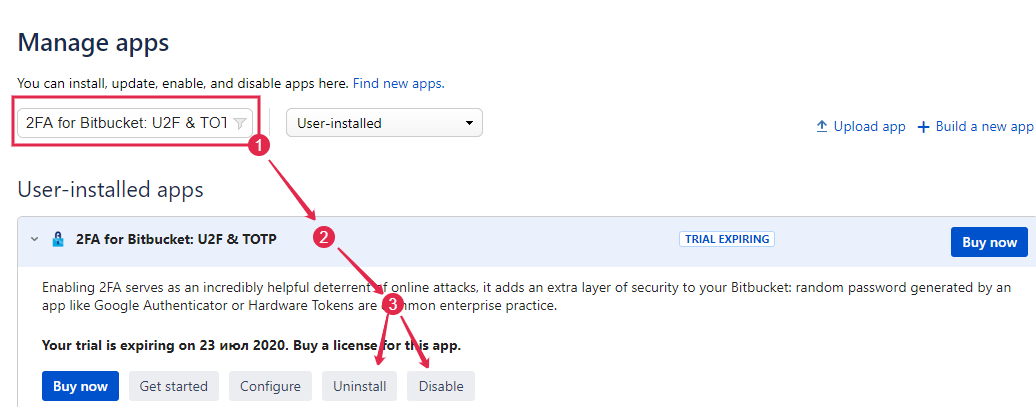
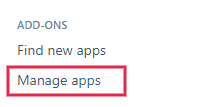
Step 2. On the left side menu panel find ADD-ONS Tab and select Manage apps.
Step 3. Use the search box or just find 2FA for Bamboo: U2F & TOTP in the user-installed add-ons list and click on the application’s field. In the field that opened, click Uninstall or Disable.
Note, uninstalling an app permanently removes it from your application and file system. If you only want to temporarily remove it, you can disable your app instead.