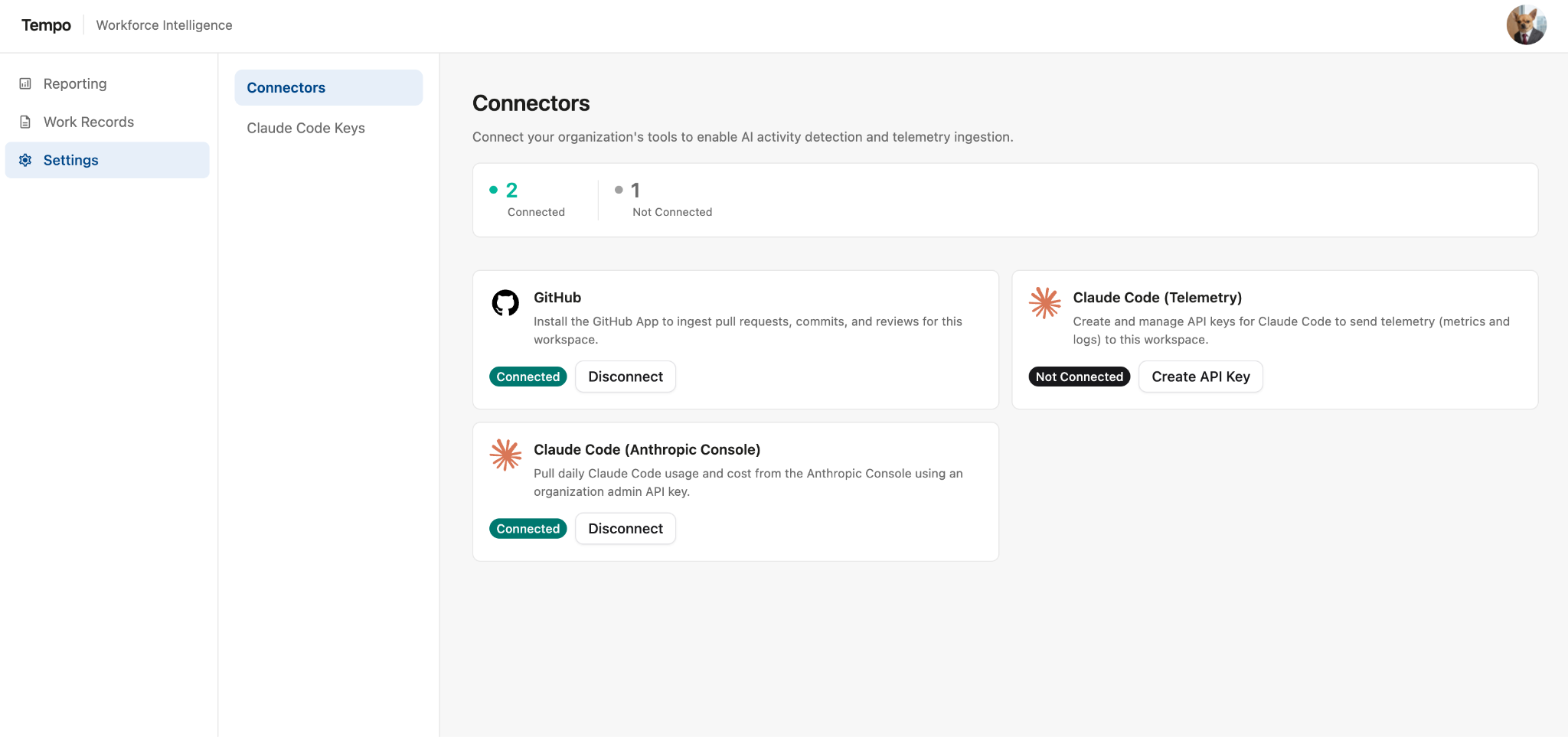
What it pulls: Once you install the GitHub App, Workforce Intelligence starts receiving commit and pull request events from your organization as they happen, including opens, merges, reviews, and comments. Each event is automatically matched to a Jira work item by finding Jira issue keys in the commit message, PR title, or branch name. It's also matched to a person by comparing their GitHub username to their Workforce Intelligence contributor record. When you first set up the connection, Workforce Intelligence also backfills historical data, so you get insights from work that has already been completed.
How it’s used: GitHub activity is the foundation of Work Activity. From there it feeds:
-
AI Adoption Rate — flags which commits and pull requests were AI-assisted.
-
Cycle Time — commit and review timestamps mark how work moves from in progress to done.
-
AI Cost Tracking — a person’s AI spend is attributed to work items with detected GitHub activity on a given day.
Setup
To connect Workforce Intelligence to GitHub:
-
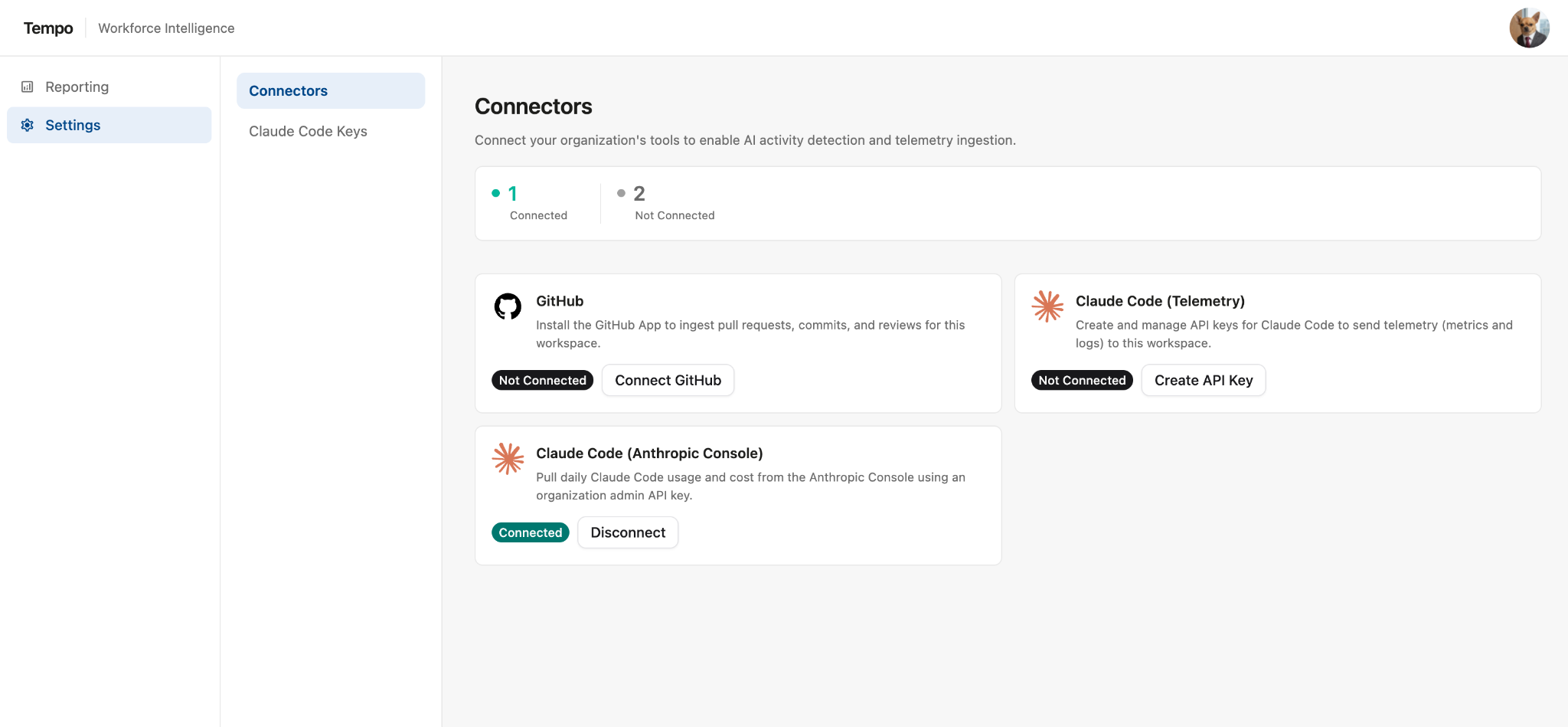
In Workforce Intelligence, go to Settings | Connectors.
-
Look for the GitHub connector and click Connect GitHub.
-
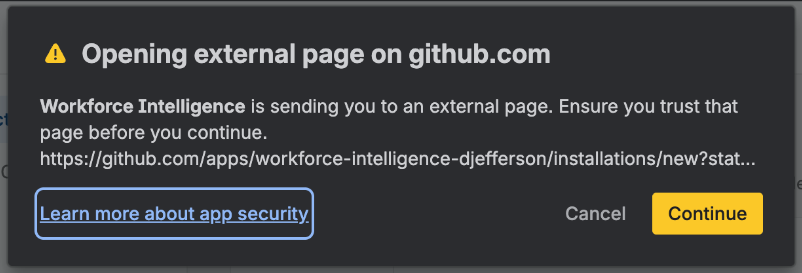
A message will appear warning that your are opening an external page. Click Continue.
-
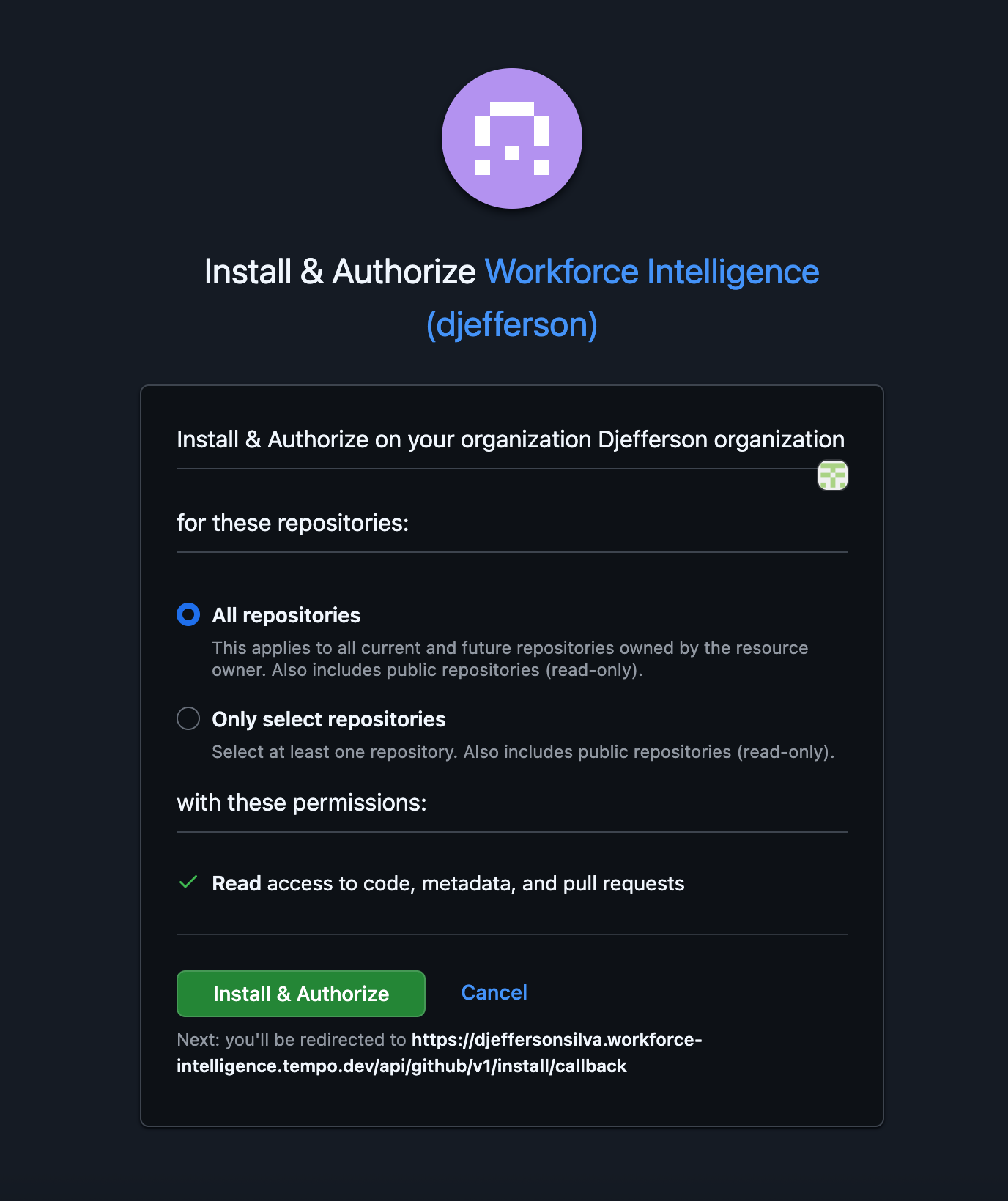
On the following page, you can install and authorize Workforce Intelligence within GitHub. Select the repositories you want to connect with Workforce Intelligence, or select All repositories to connect Workforce Intelligence to your entire organization. Once you’ve made your selection, click Install & Authorize.
-
When you are finished, GitHub will now be connected to Workforce Intelligence. You can view or edit this connection in Settings | Connectors.