
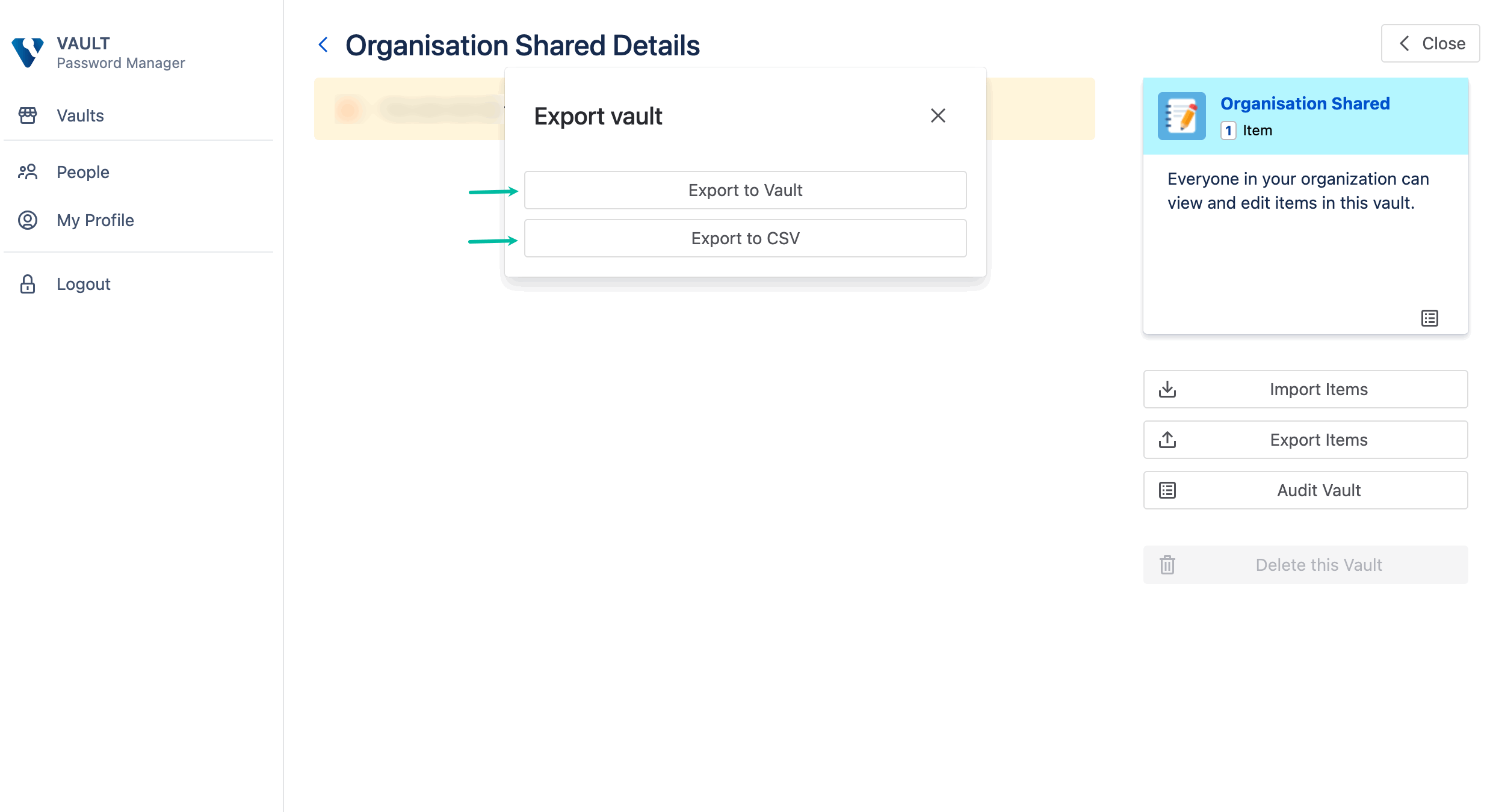
Vault Password Manager allows you to export vaults in two ways:
-
Export to another Vault App/Jira Instance
Creates a*.vault.bakfile that contains all records and app-specific metadata. The file is encrypted and a file password is required on creation. -
Export to CSV file
Creates a*.csvfile. Vault data is not encrypted in this case.
Each vault is exported independently. Users can export their private vaults and any vaults for which they have the Allow Managing permission. Only admins can export the organization vault.
To export a vault:
-
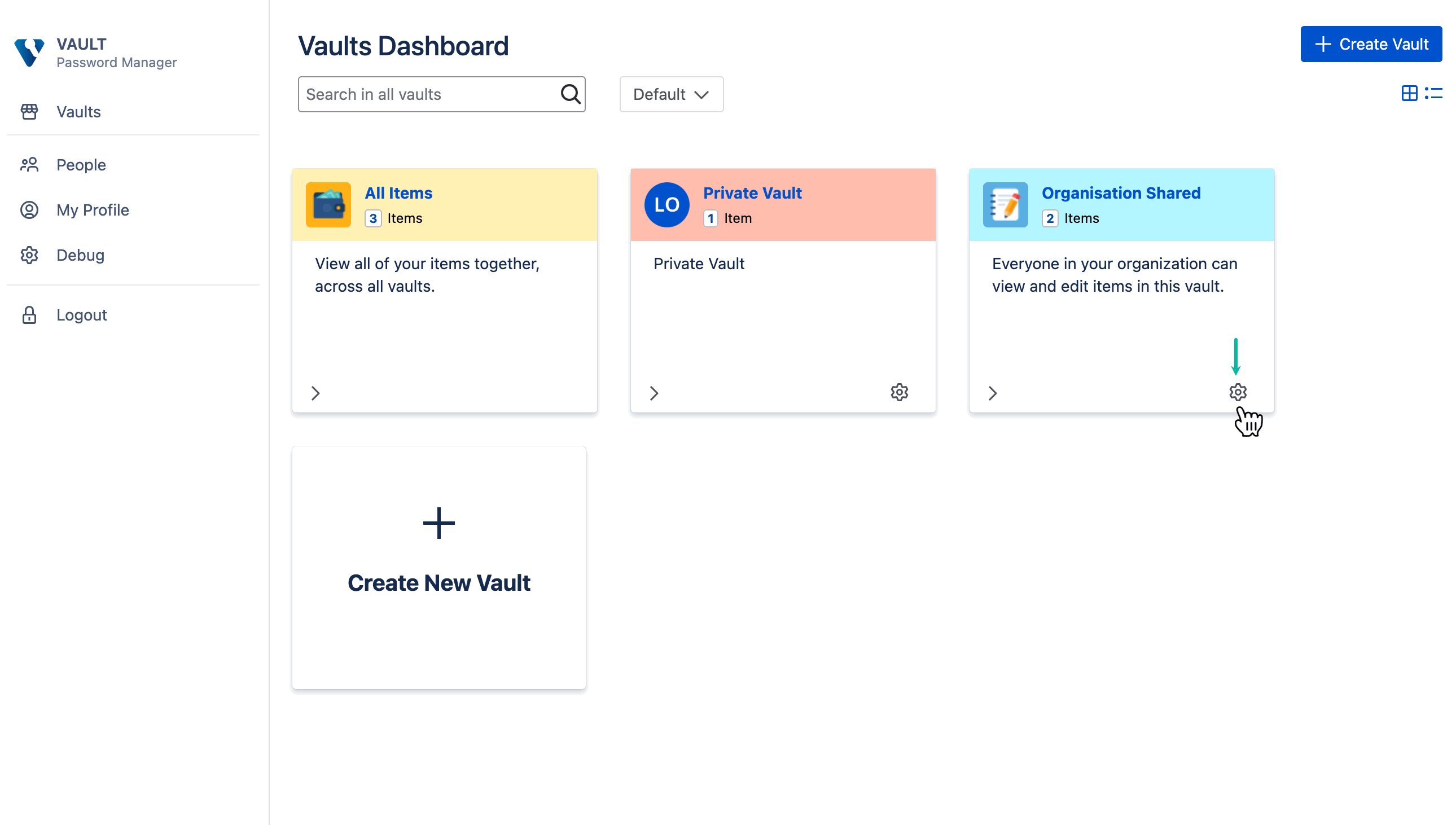
Being signed in to the Vault Password Manager, select Settings.
-
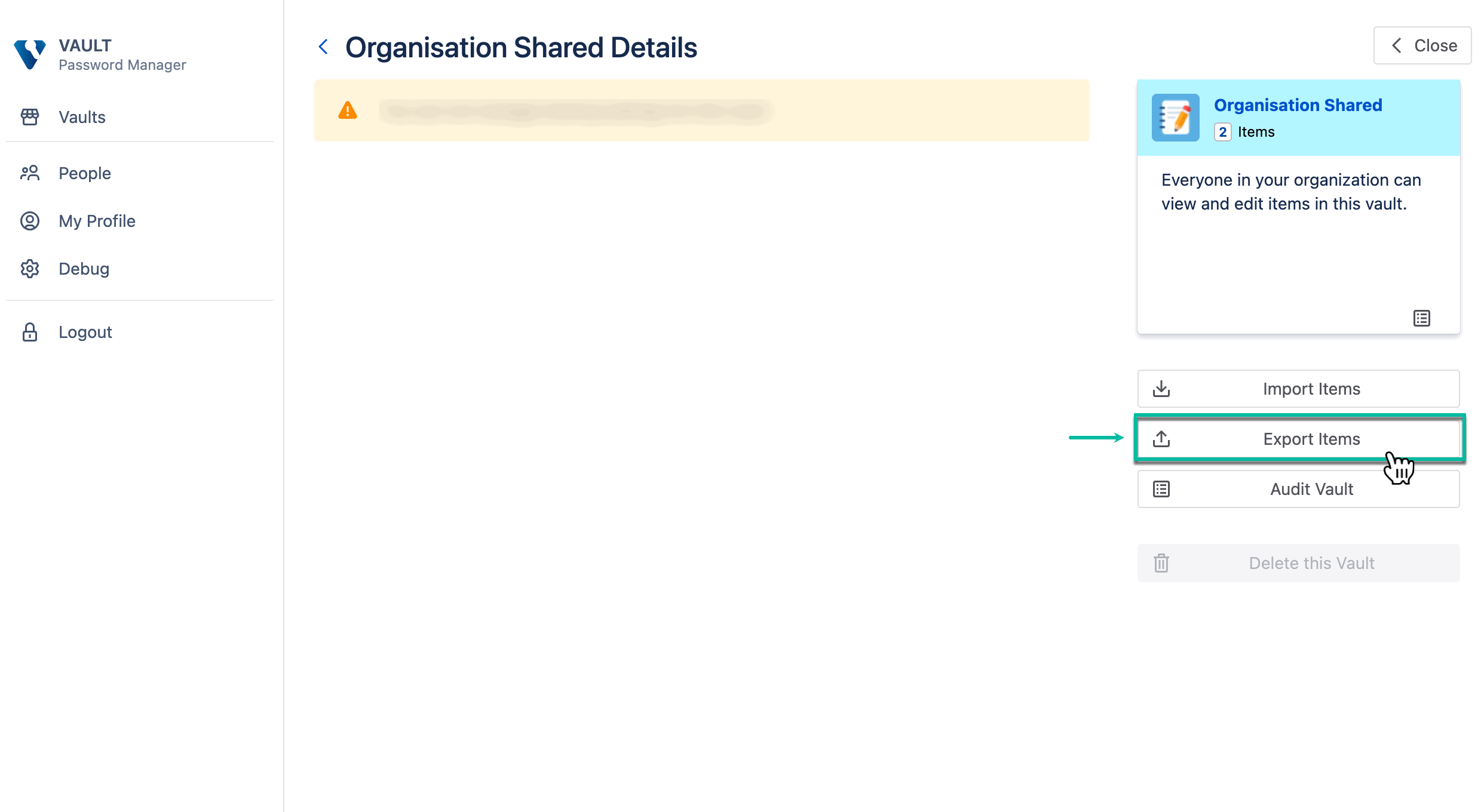
Select Export Items.
-
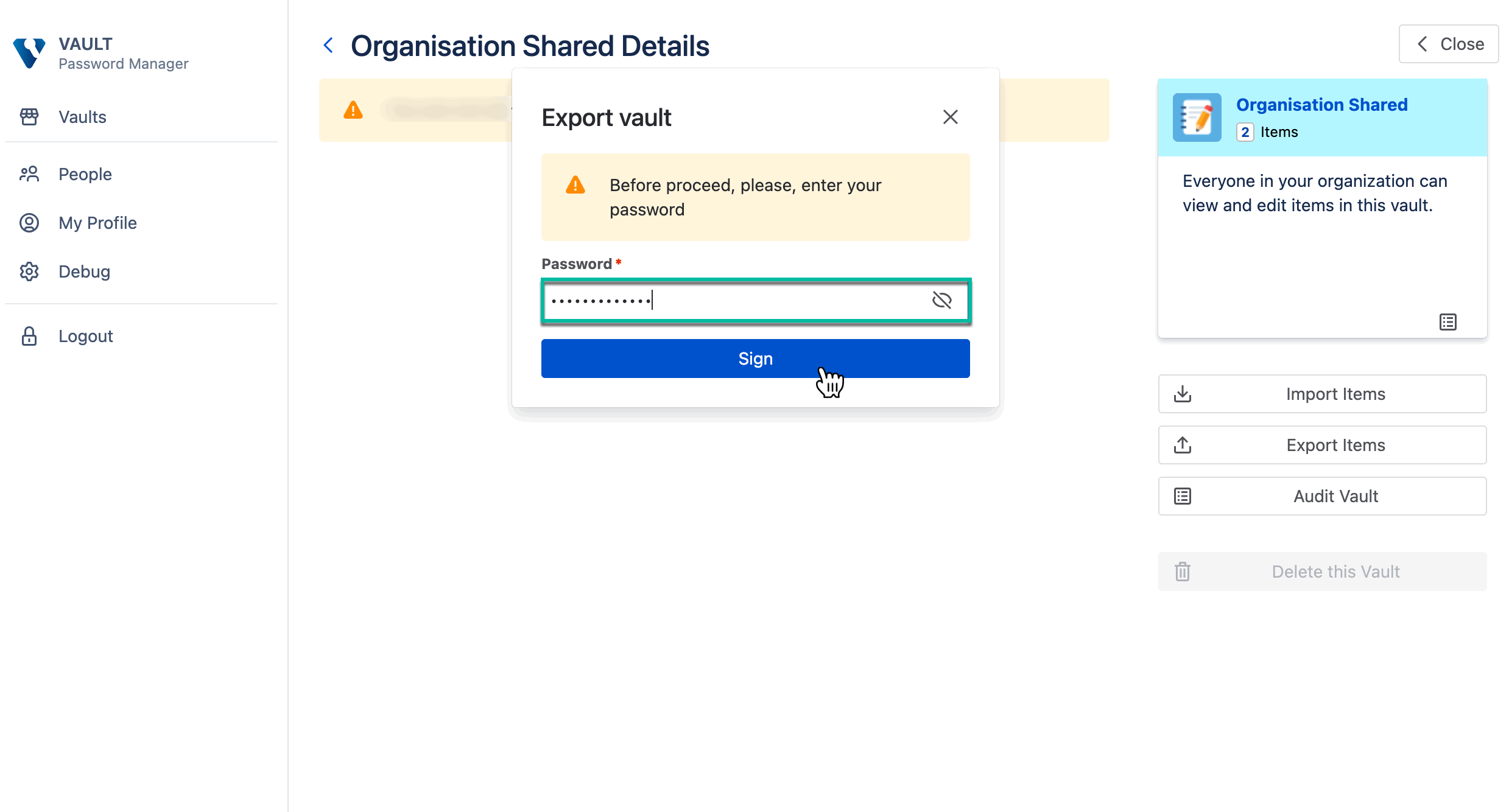
Enter your password, and then select Sign in.
-
Select an export type.
If you selected Export to Vault
-
Create backup password, enter it, and then select Download.
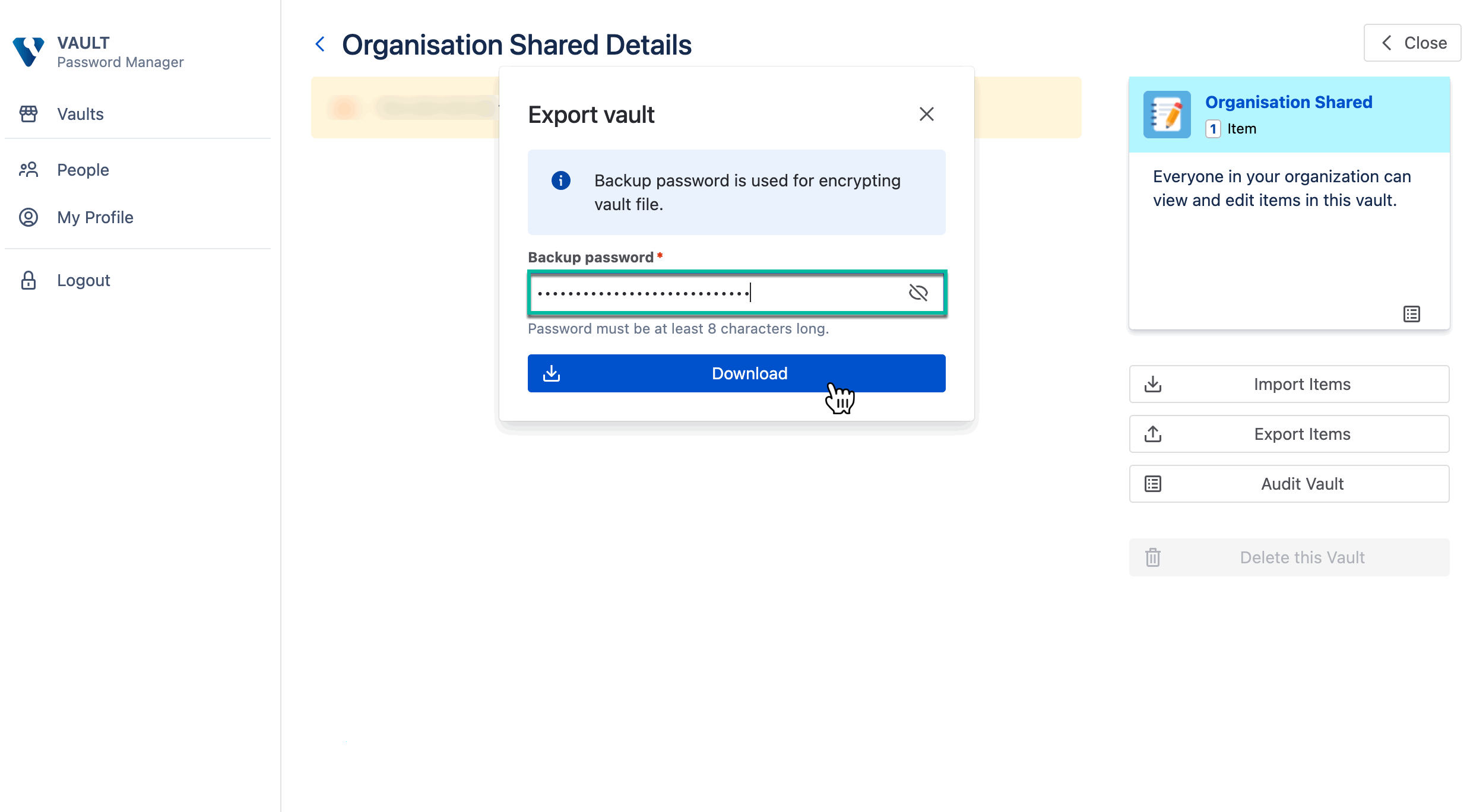
Now you can use this file to migrate your data to another instance.
If you selected Export to CSV
-
Select Download.
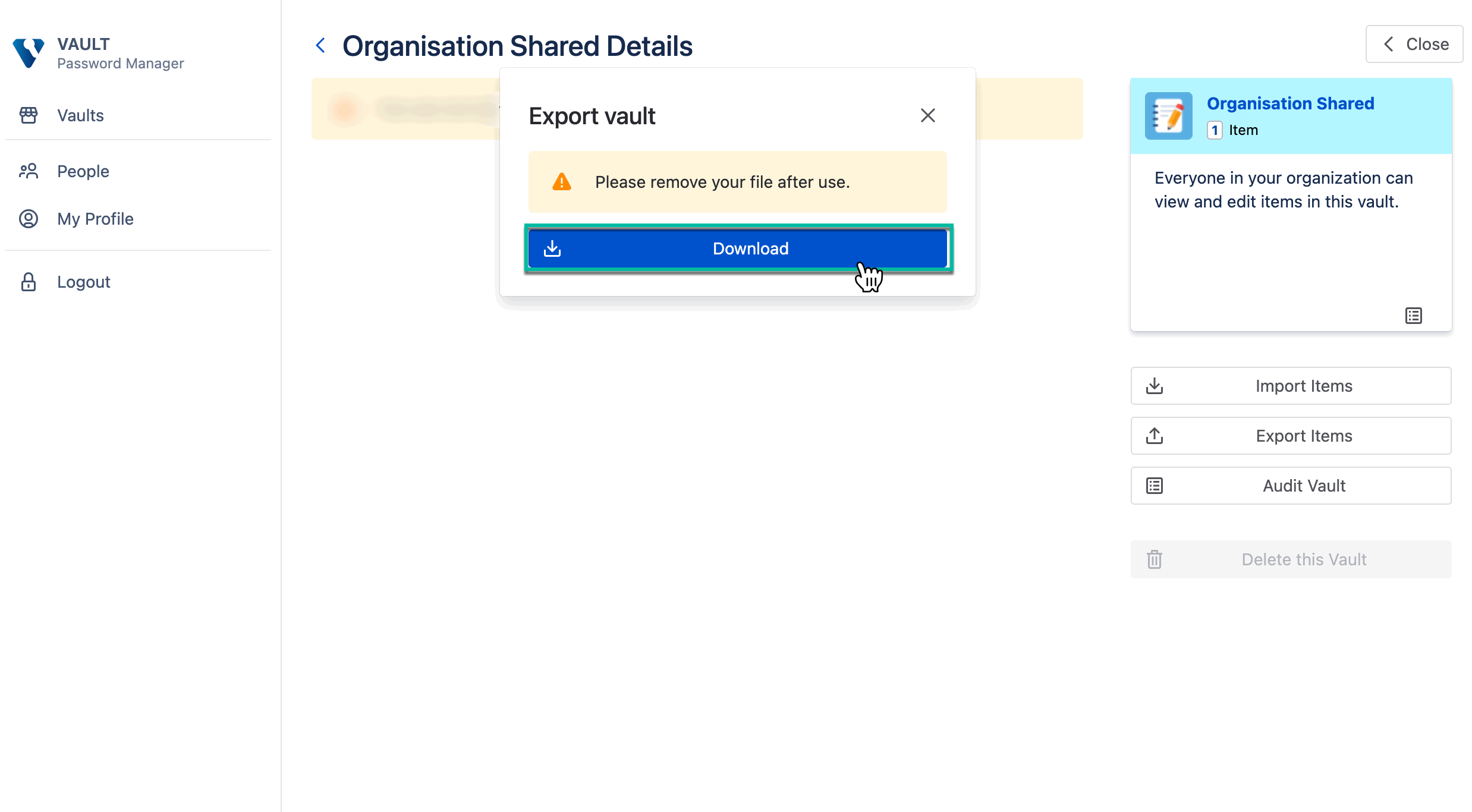
Please delete this file after use, because data is not encrypted for this export type.