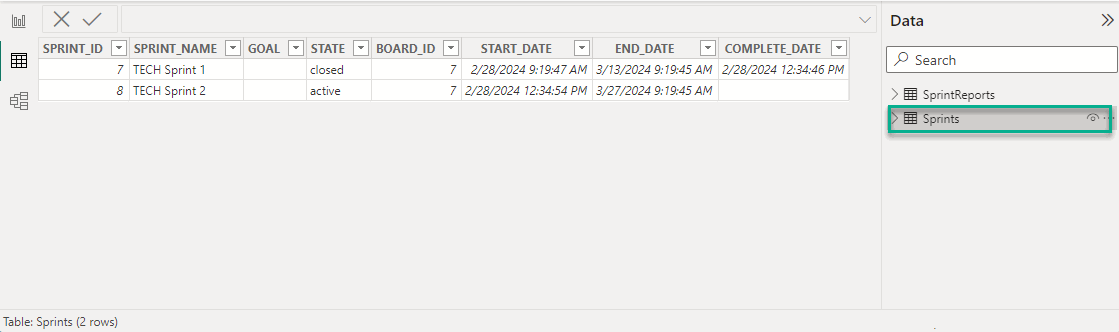
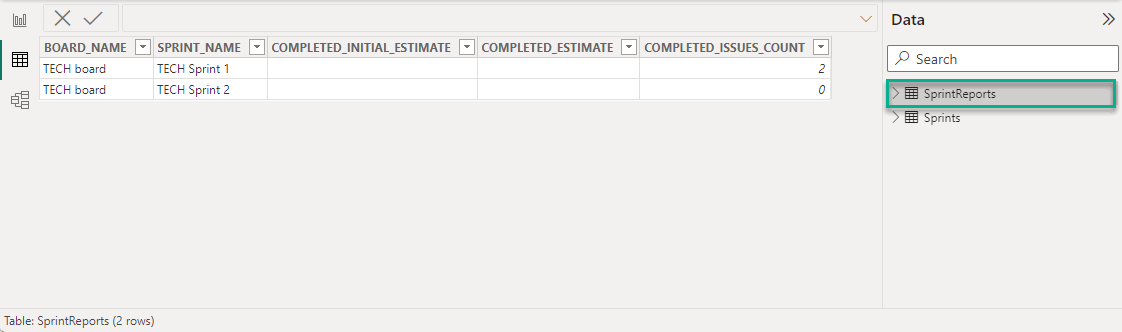
Case 1: Export the Sprint Report Issues table narrowing the resulting data set
Each exported table has its filtering flow, which depends on the activity of various GLOBAL and LOCAL filters. The influence of individual filters on the table export as a whole can be described by the following logical pattern:
Filters for the main entities of the exported table mainly combine the resulting filtered data. Filters for the depended entities mainly filter our data that was collected by the main entities filters.
Consider the Sprint Report Issues table as an example.
In the Sprint Report Issues table, the main entity is the board. The sprint that is associated with this board is a dependent entity. The issue that is associated with this sprint is also a dependent entity.
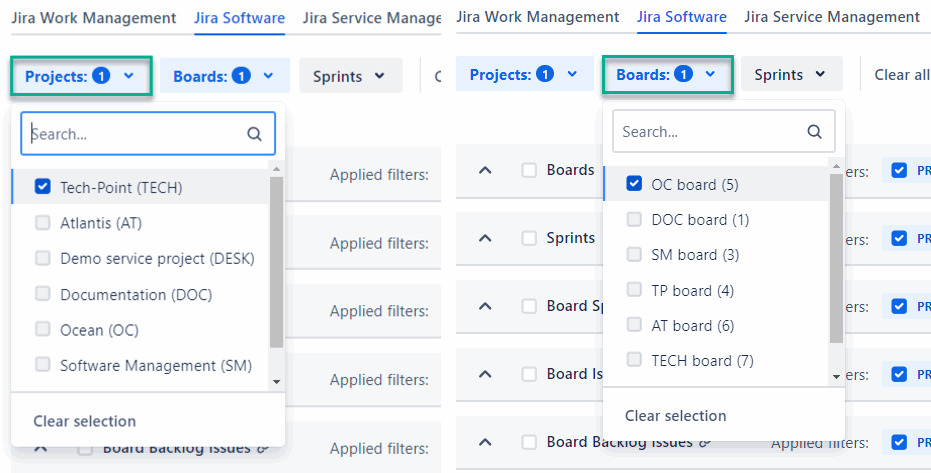
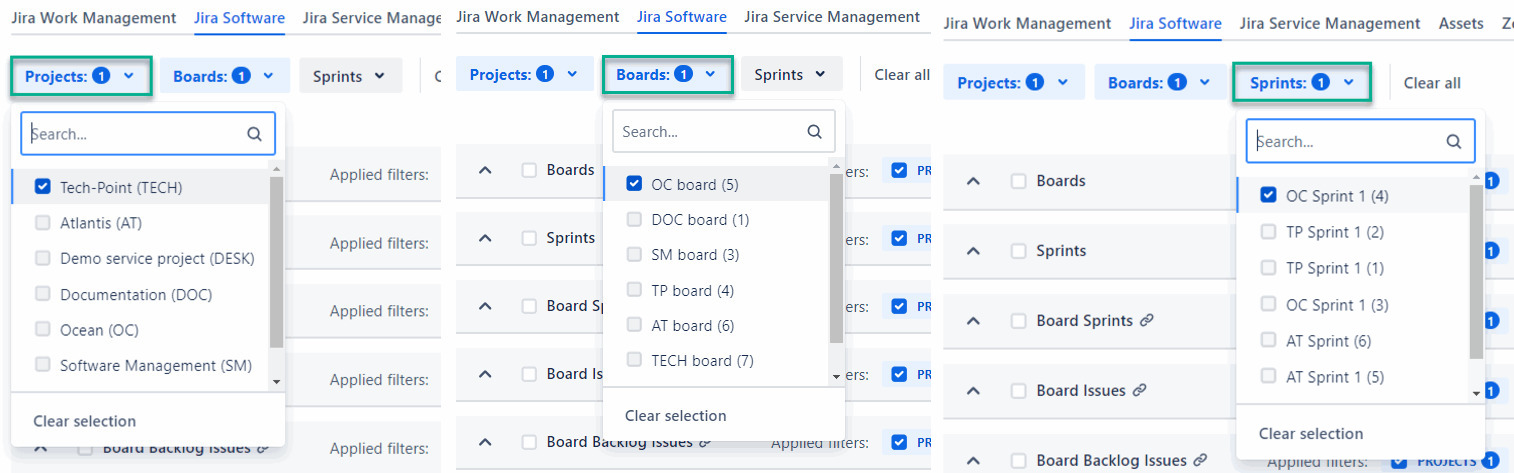
Thus, when you apply filters by Projects and Boards, the resulting filtered data will be combined. You will get all boards linked via JQL to the selected project and the selected board.
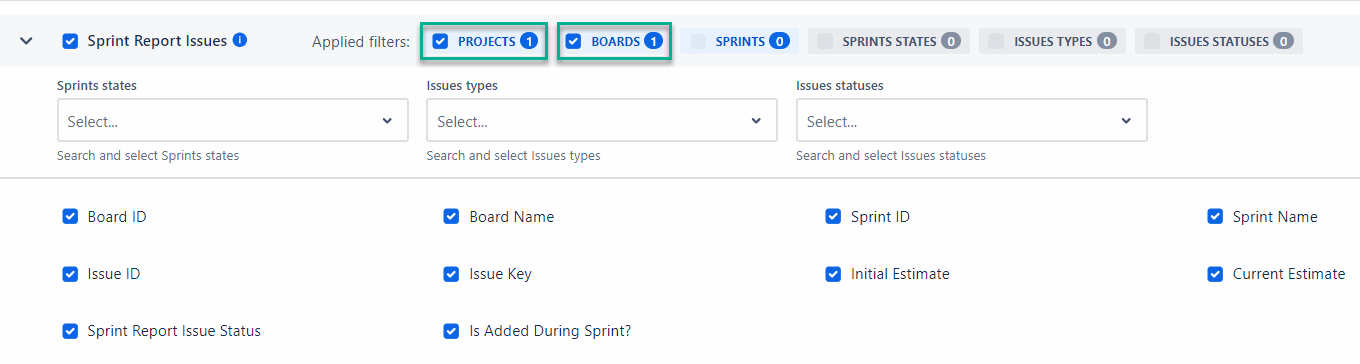
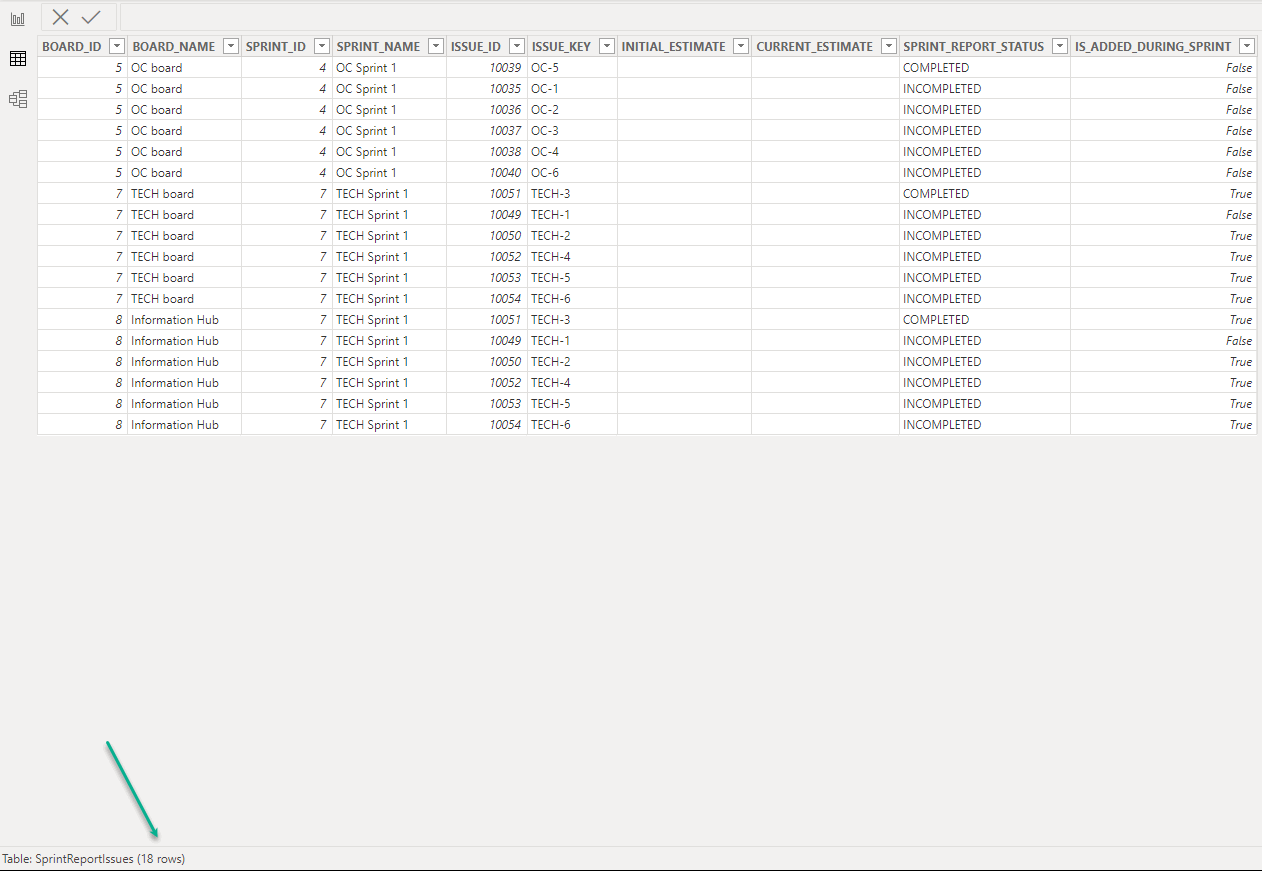
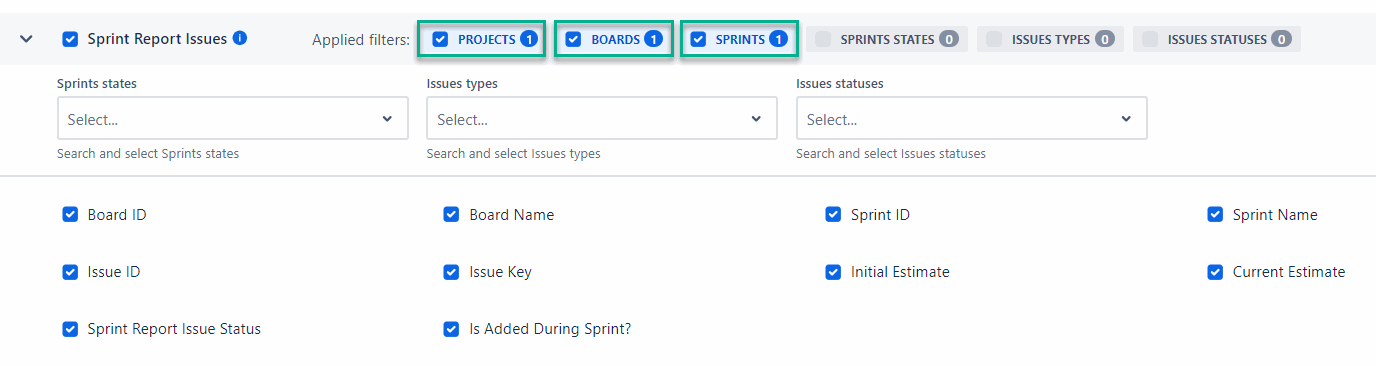
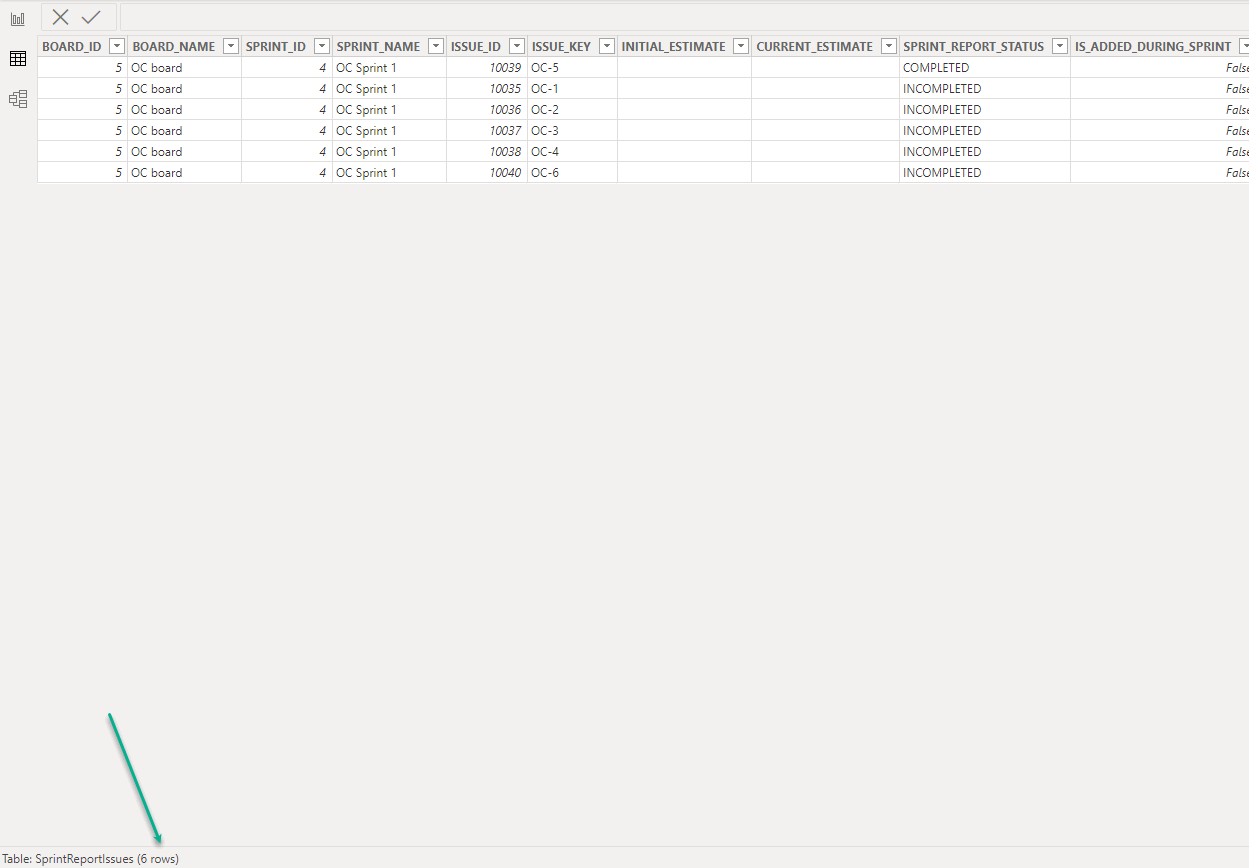
If then, you apply filter by Sprints, the resulting filtered data will be reduced.
Remember that the filters for dependent entities filter out the data collected by the main entity filters. In this scenario, if you select sprint that do not belong to any of the boards selected in the filters by Projects or by Boards, the resulting filtered data will be empty.
Thus, each of the exported tables has its filtering flow, which can be used to achieve maximum filtering flexibility.
Case 2: Export specific sprint data from the Sprint Reports table
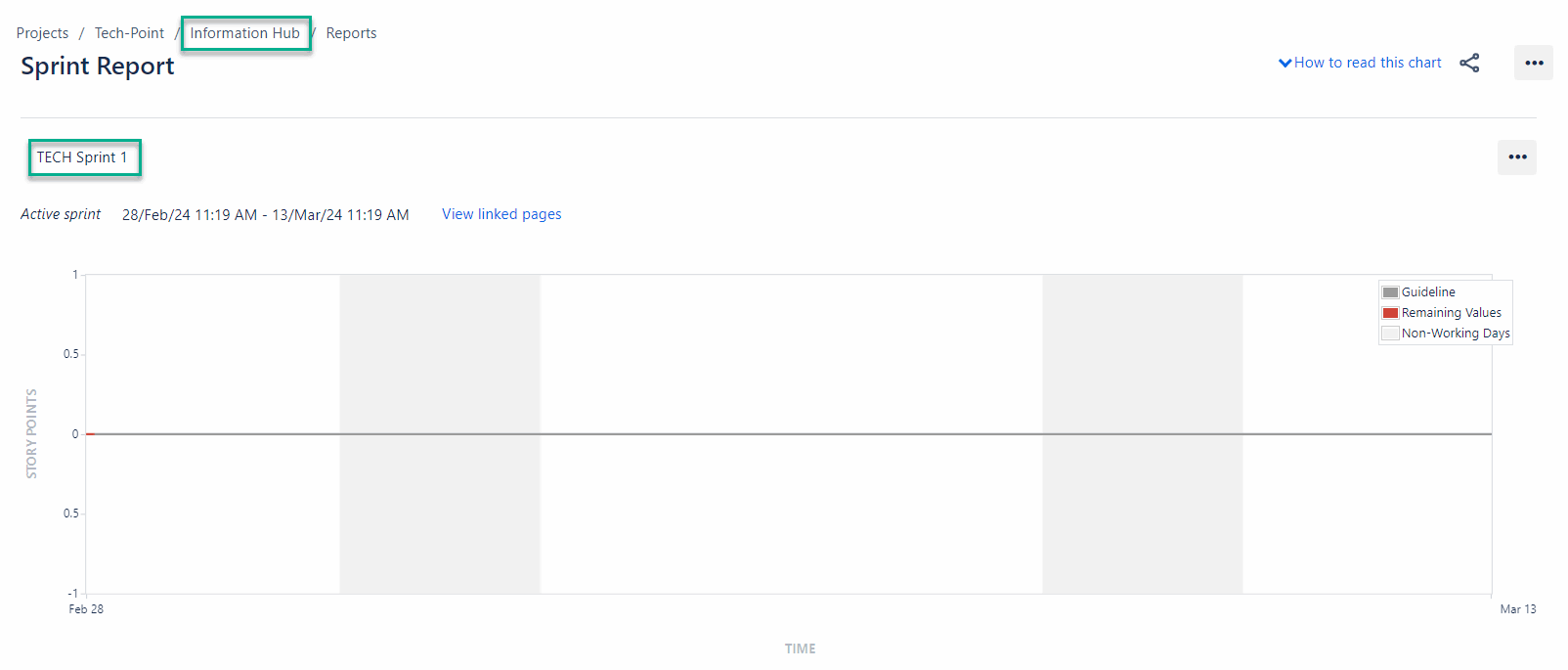
-
Select a specific board and sprint in the Jira Software filters.
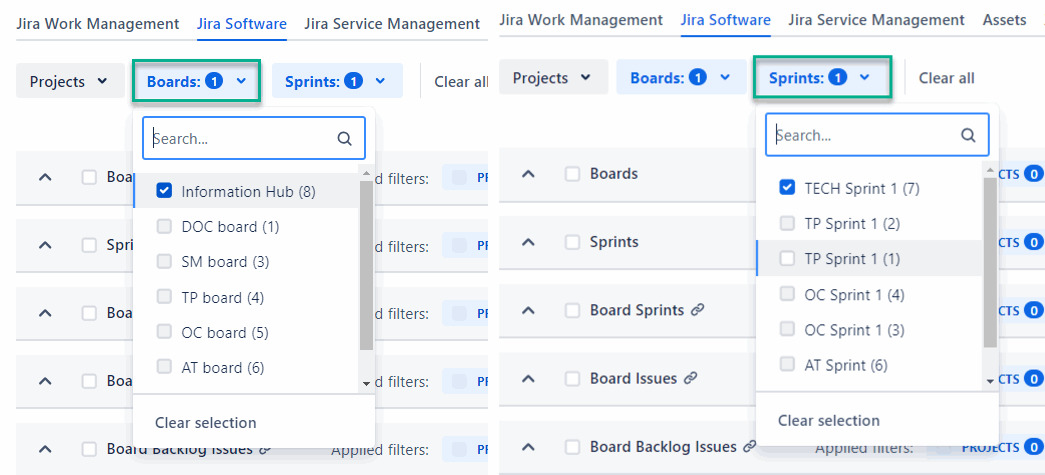
-
Select the required fields.
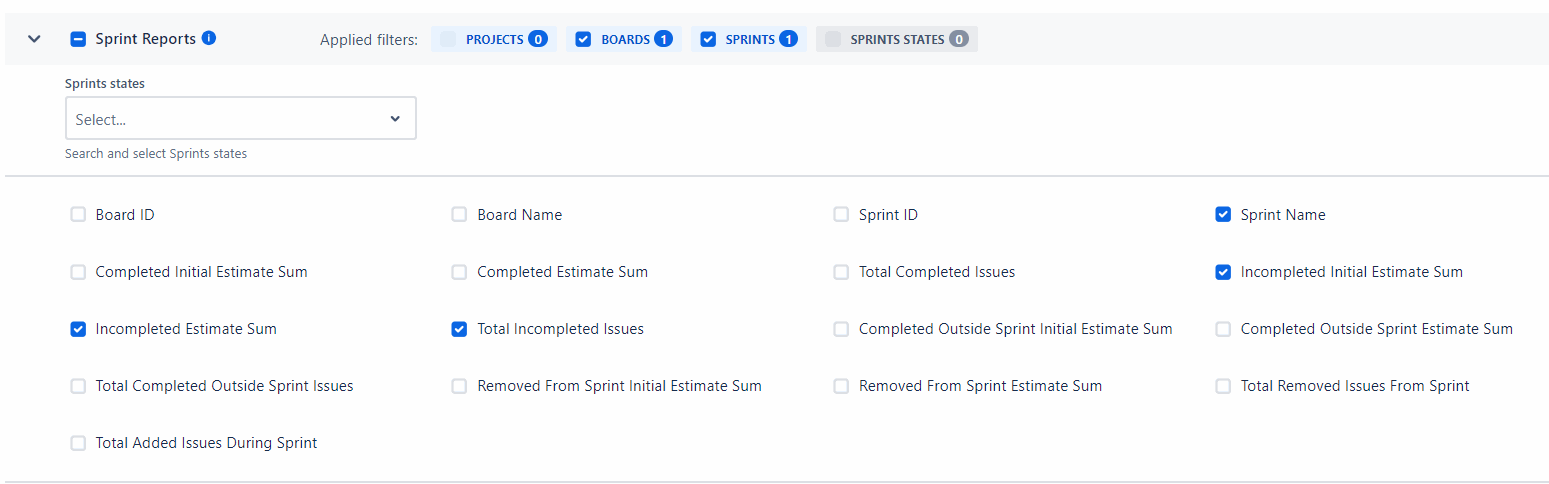
-
Save data source, and then export it.
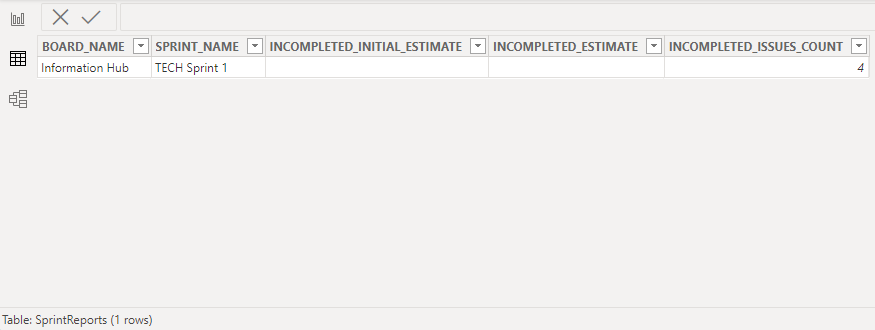
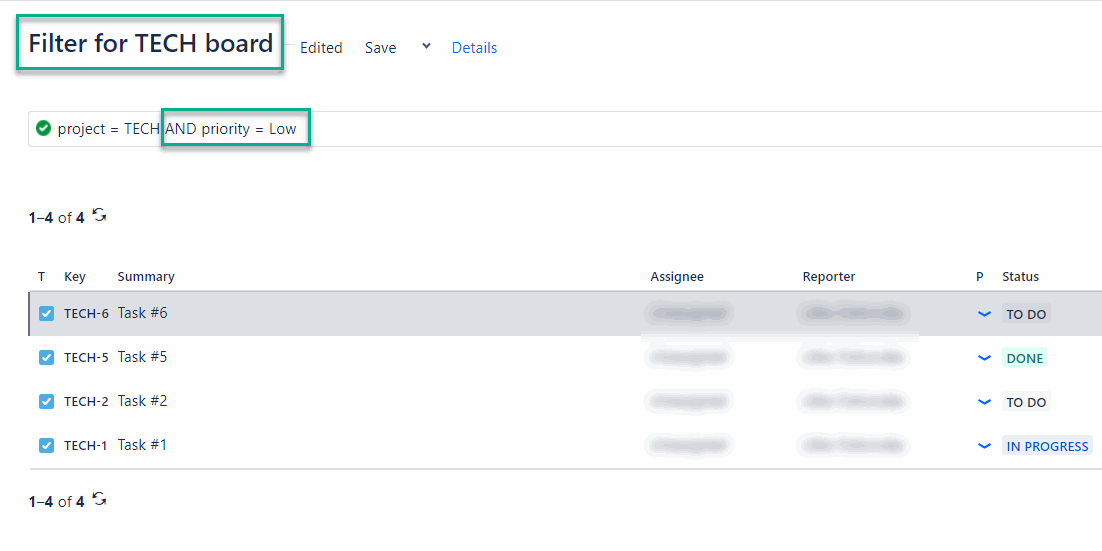
Case 3. Export Board Issues with low priority on a specific board
-
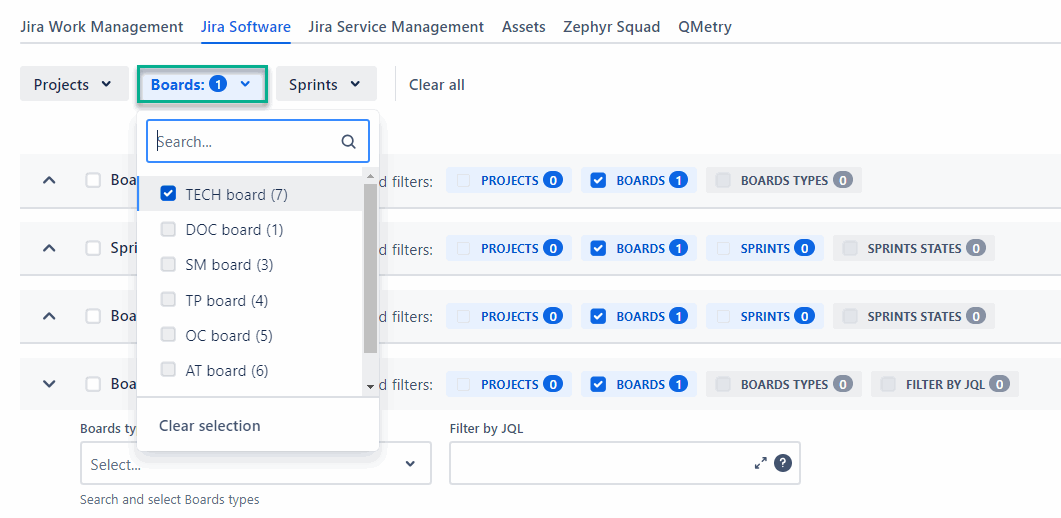
Select a specific board in the Jira Software filters.
-
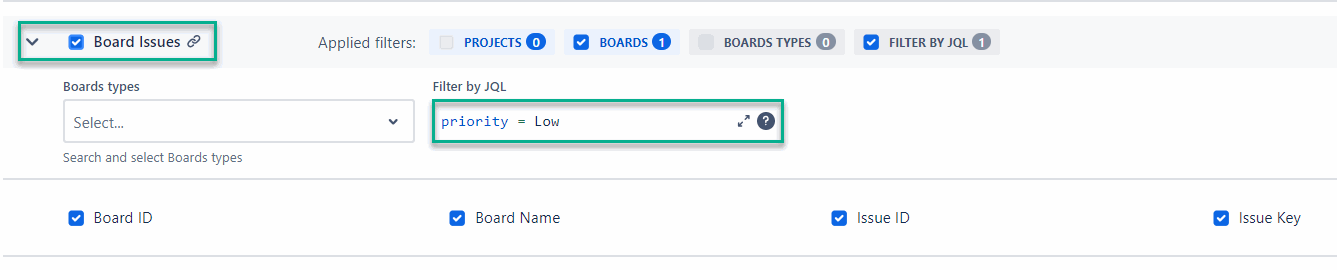
Enter the corresponding JQL in the local filter, and then select the required fields.
-
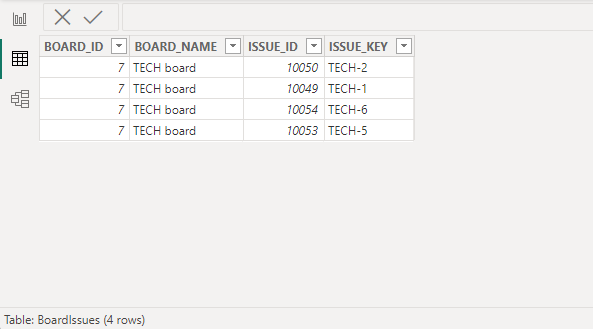
Save data source, and then export it.
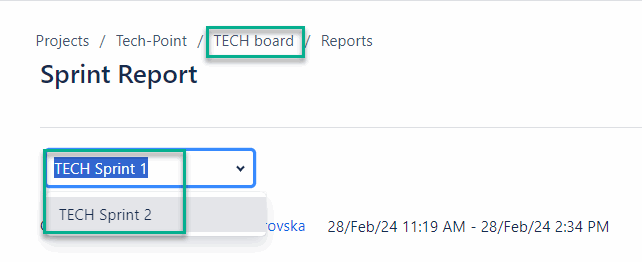
Case 4. Export 2 specific sprints from the Sprint Reports table and all sprints of a specific board from the Sprints table to build a report
-
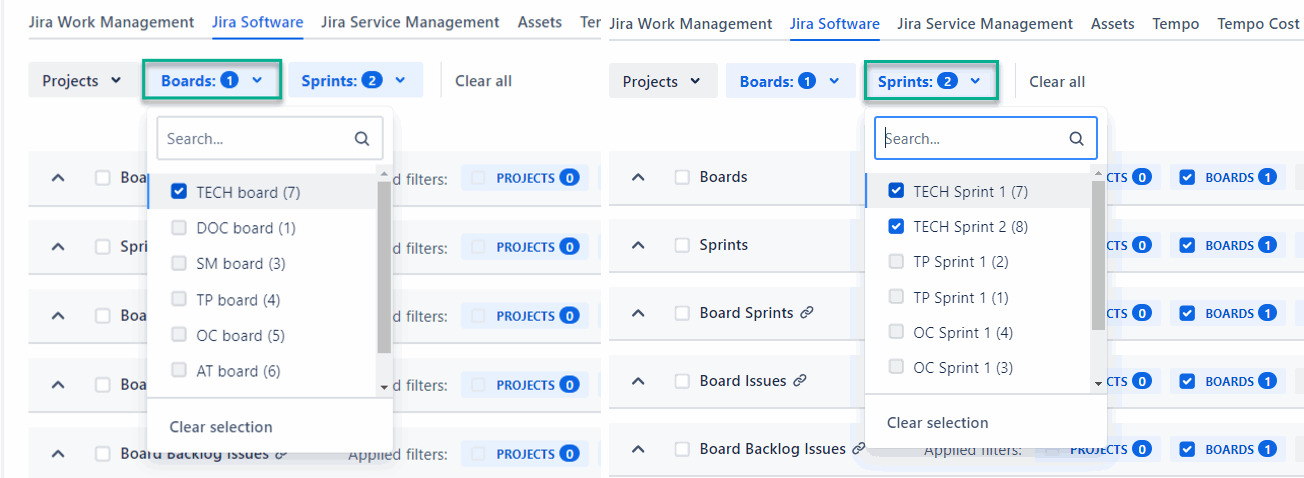
Select a specific board and sprints in the Jira Software filters.
-
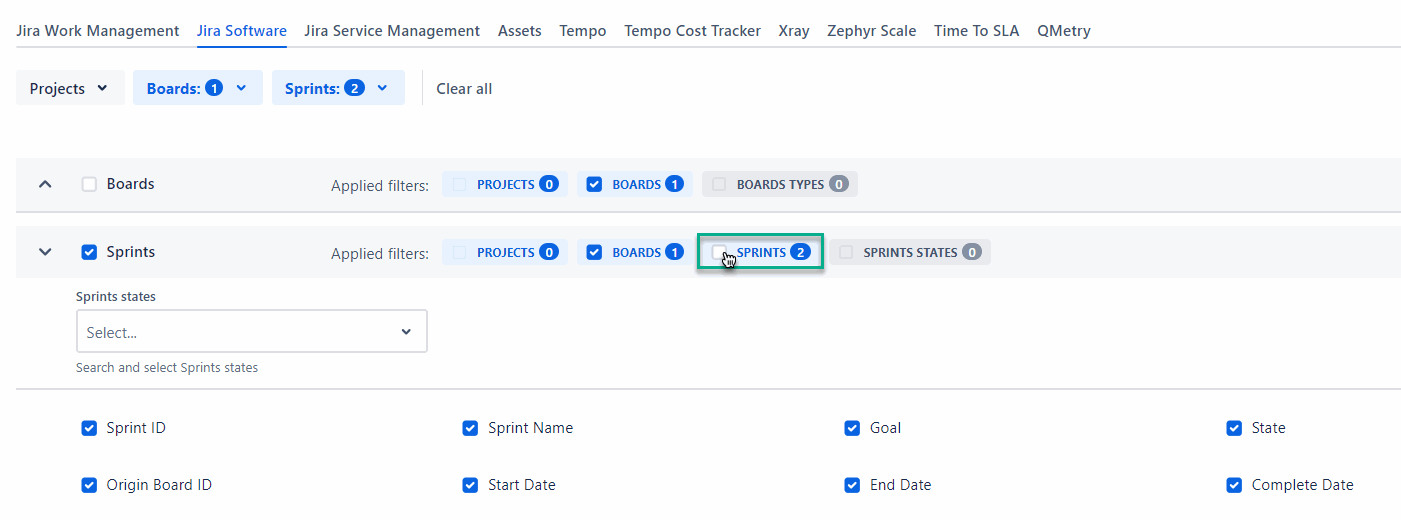
Deactivate the Sprints filter for the Sprints table.
-
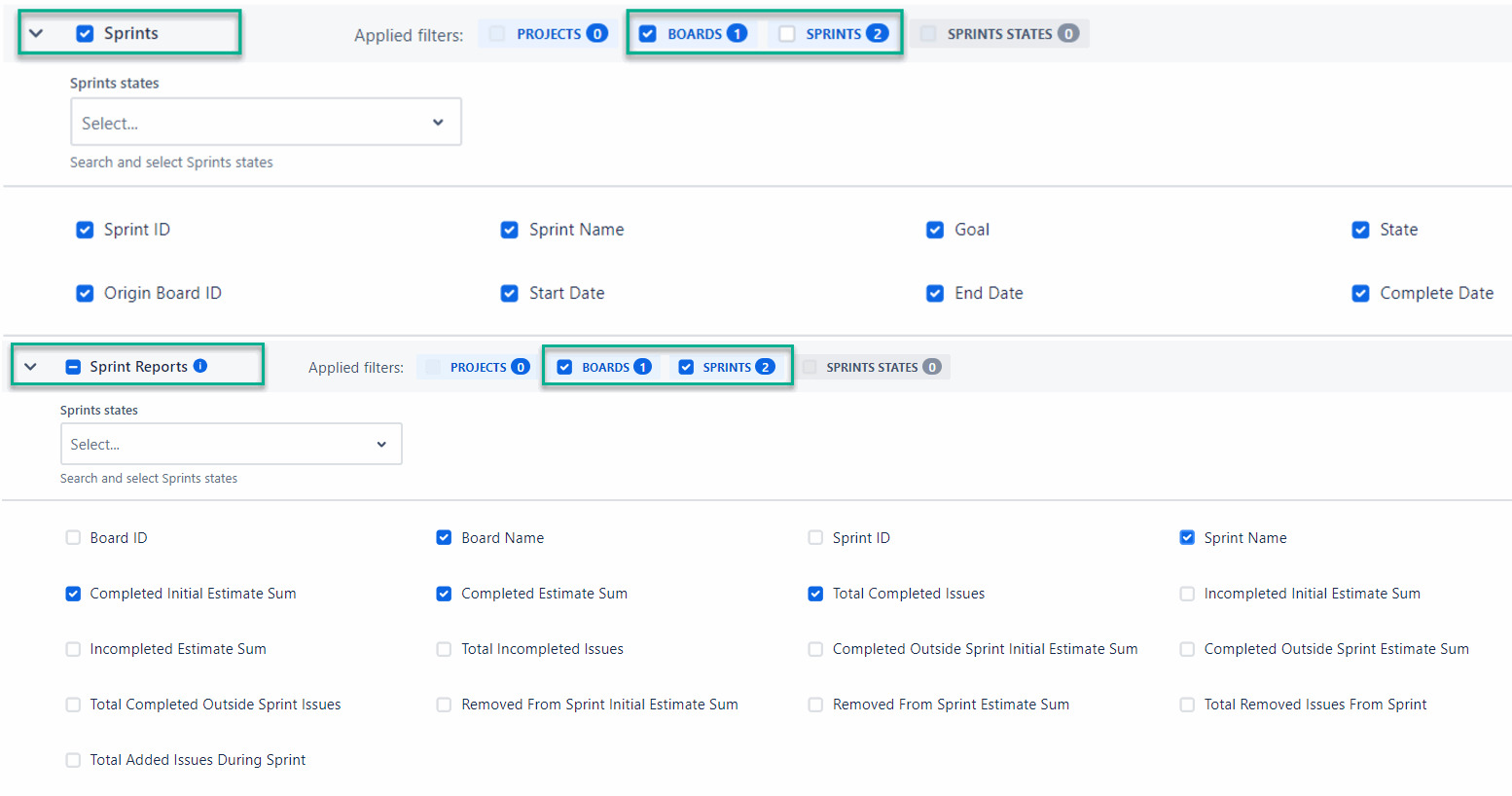
Select the required fields.
-
Save data source, and then export it.