To export Jira Work Management custom field:
-
Go to the Data Sources page, select the required data source, and then select Edit.
-
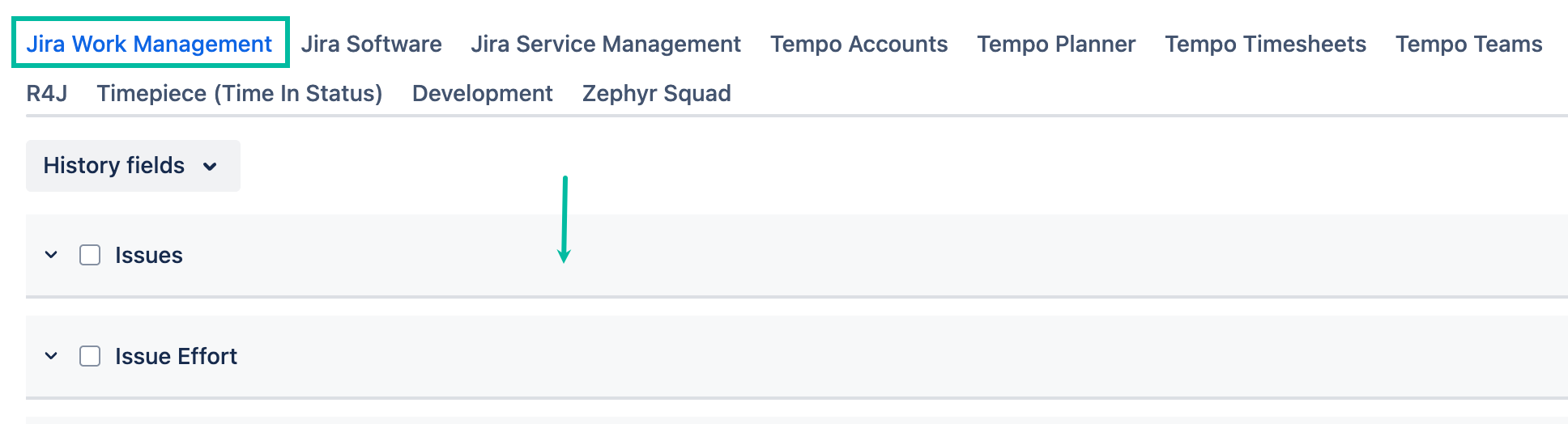
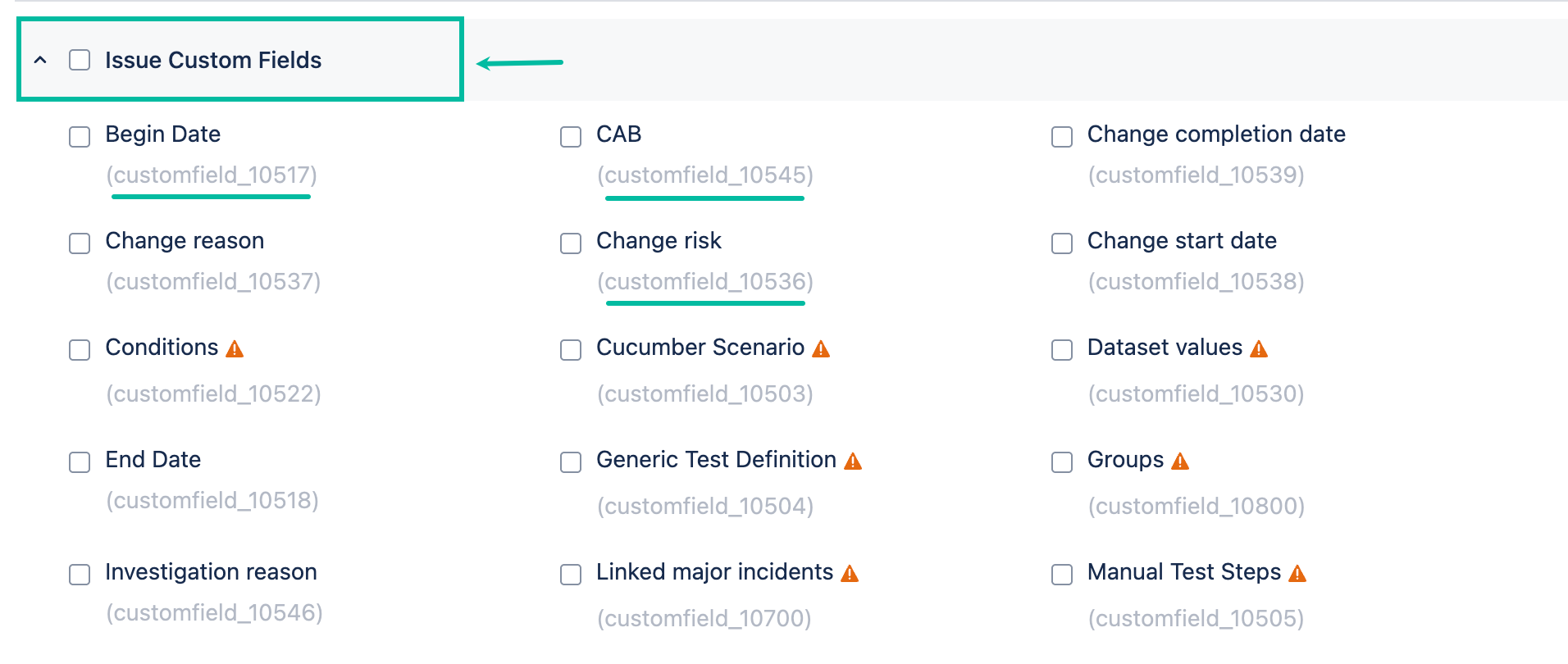
Under the Jira Work Management tab, find Issue Custom Fields, and then select the required field.
To export Jira Software custom field:
-
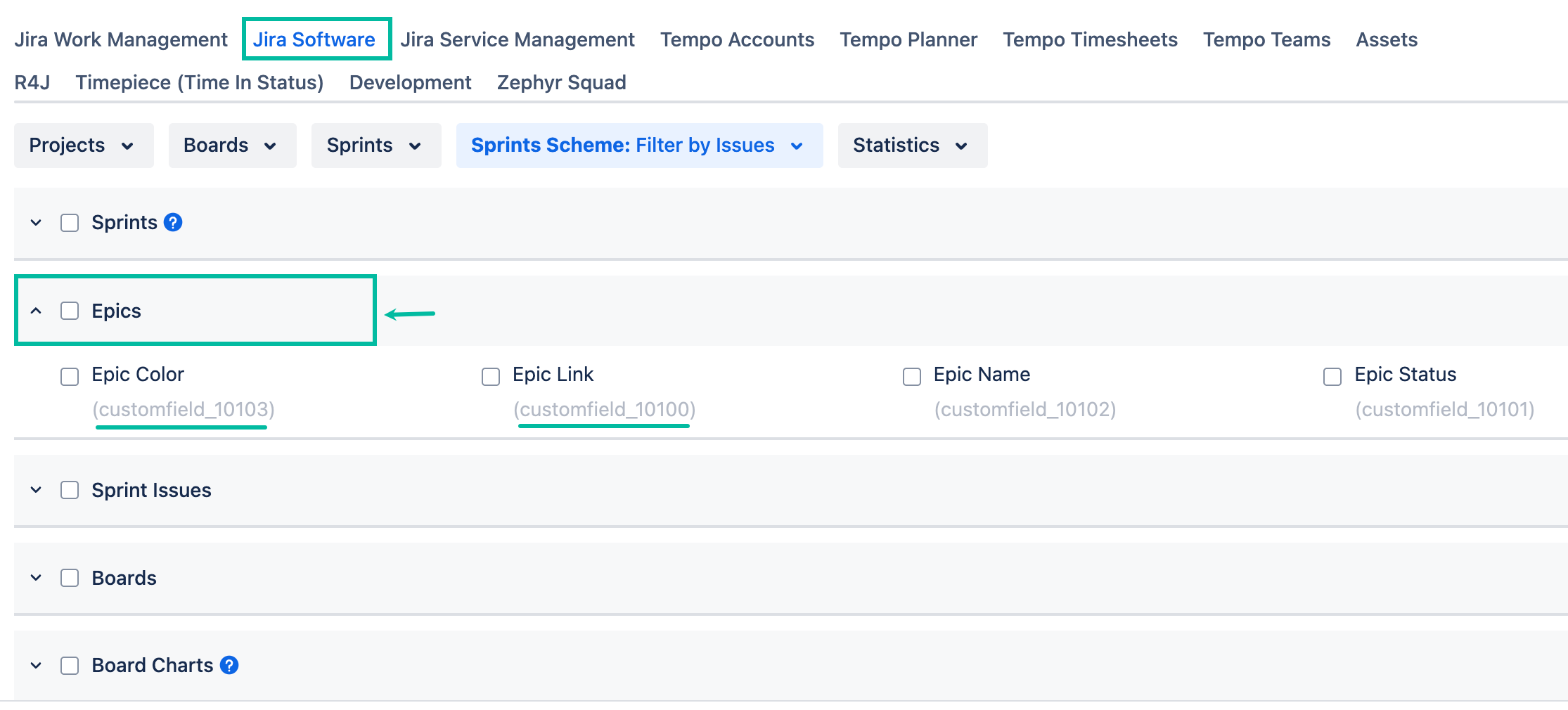
Under the Jira Software tab, find Epics, and then select the required field.
To export Jira Service Management custom field:
-
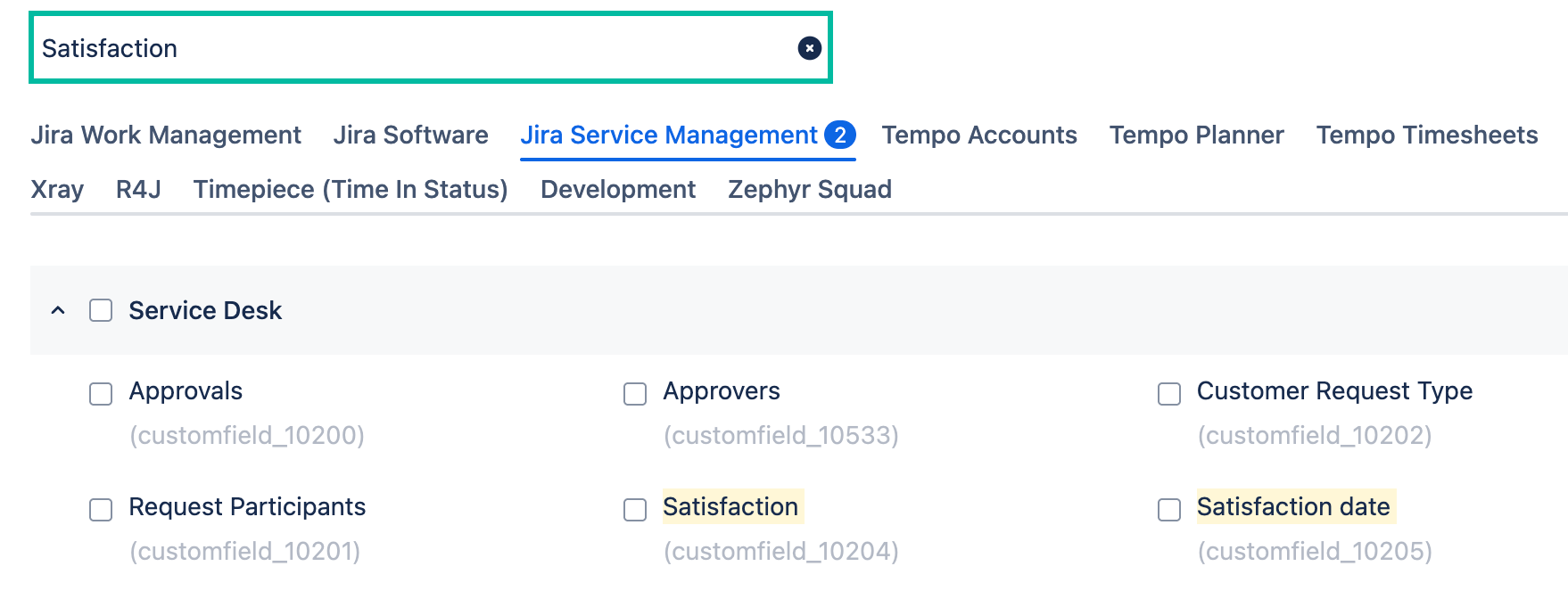
Under the Jira Service Management tab, find Service Desk, and then select the required field.
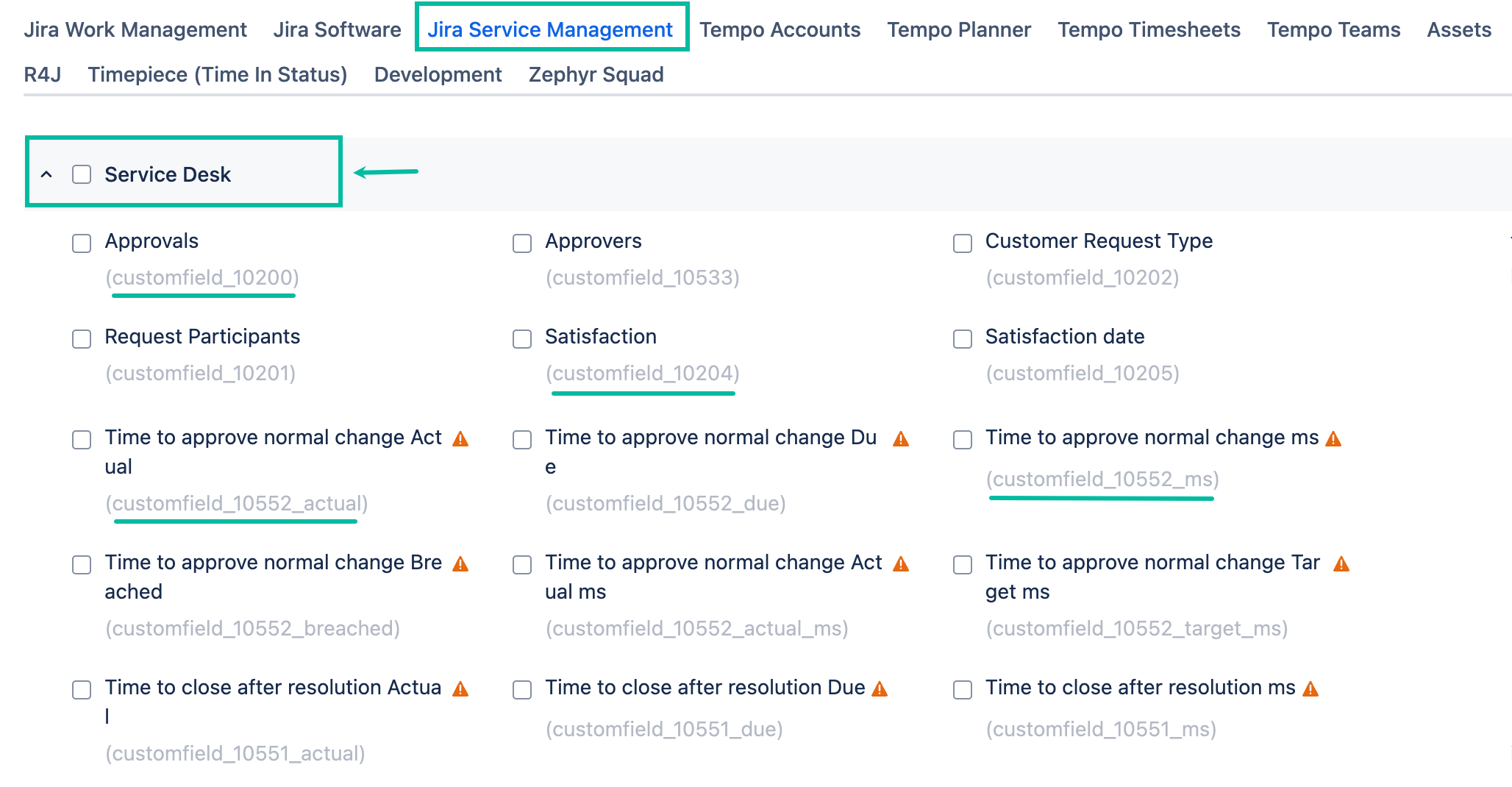
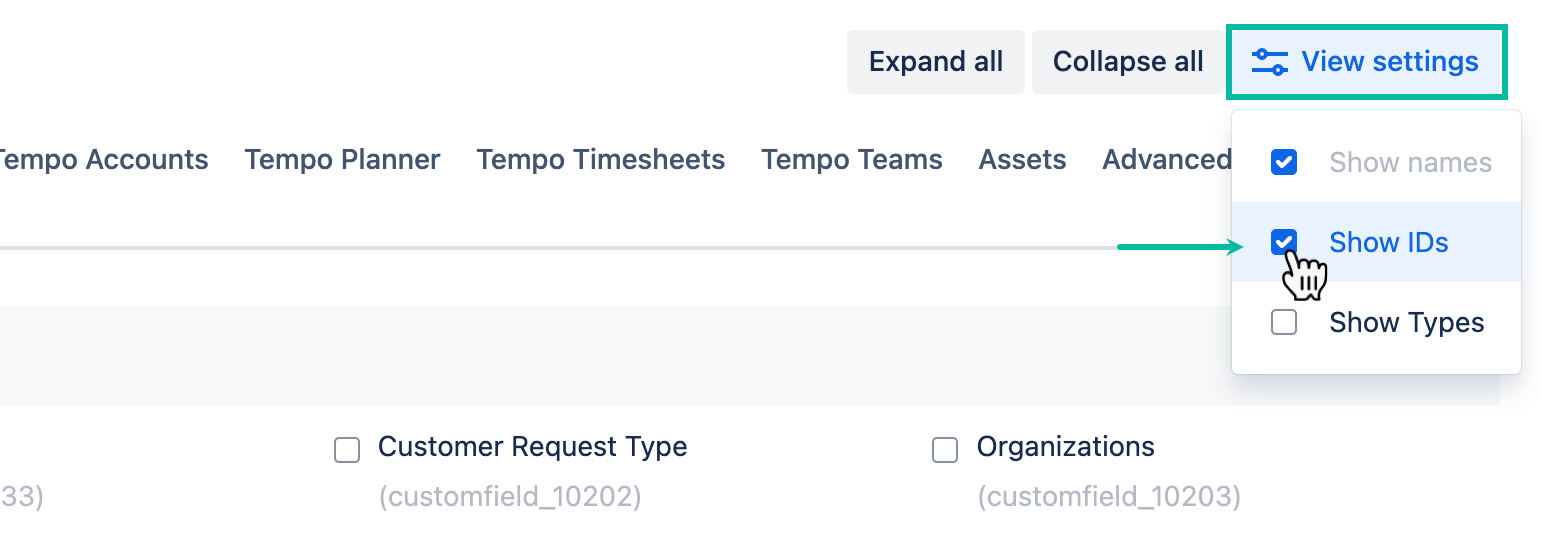
To easily find and select a custom field, enable Show IDs in View settings. Each custom field has the ID of the corresponding field type.
You can also use the search box to find a custom field by name.