
-
Being signed in to your Jira instance, select SQL Connector, and then select Data Source.
-
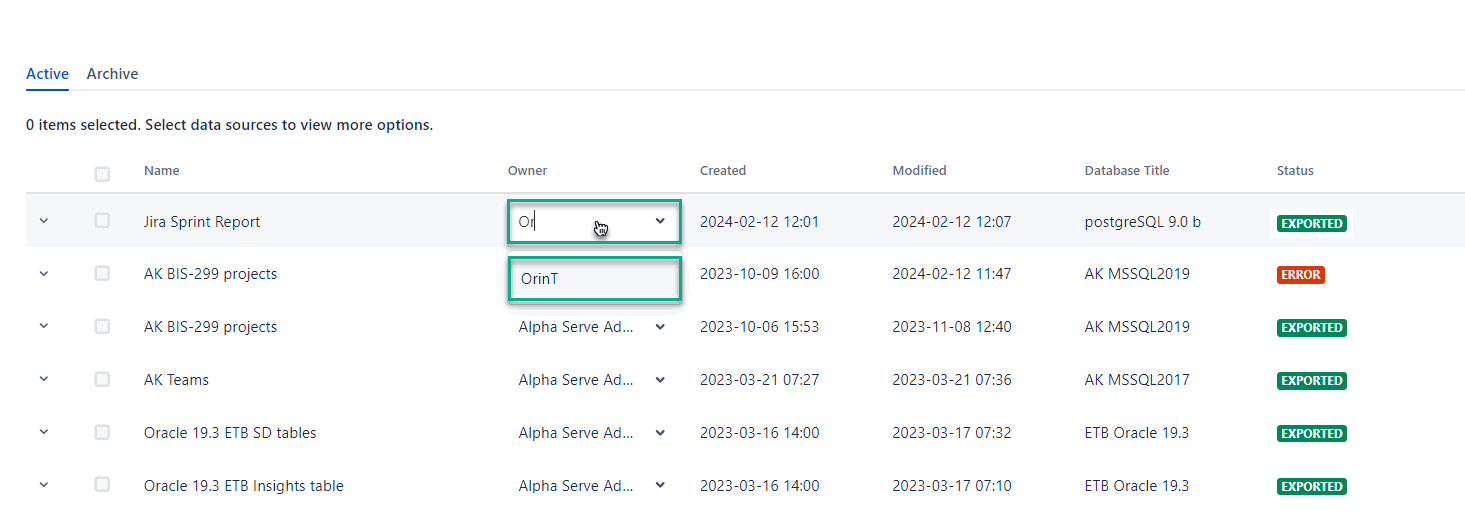
In the Owner column, start typing the name of the user you need, and then select it as an owner.
-
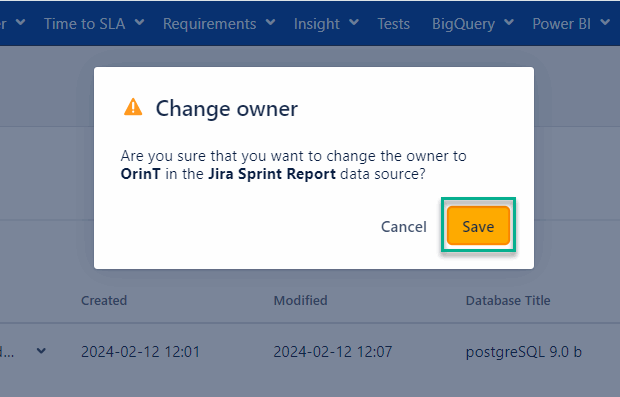
Select Save.
Being signed in to your Jira instance, select SQL Connector, and then select Data Source.
In the Owner column, start typing the name of the user you need, and then select it as an owner.
Select Save.