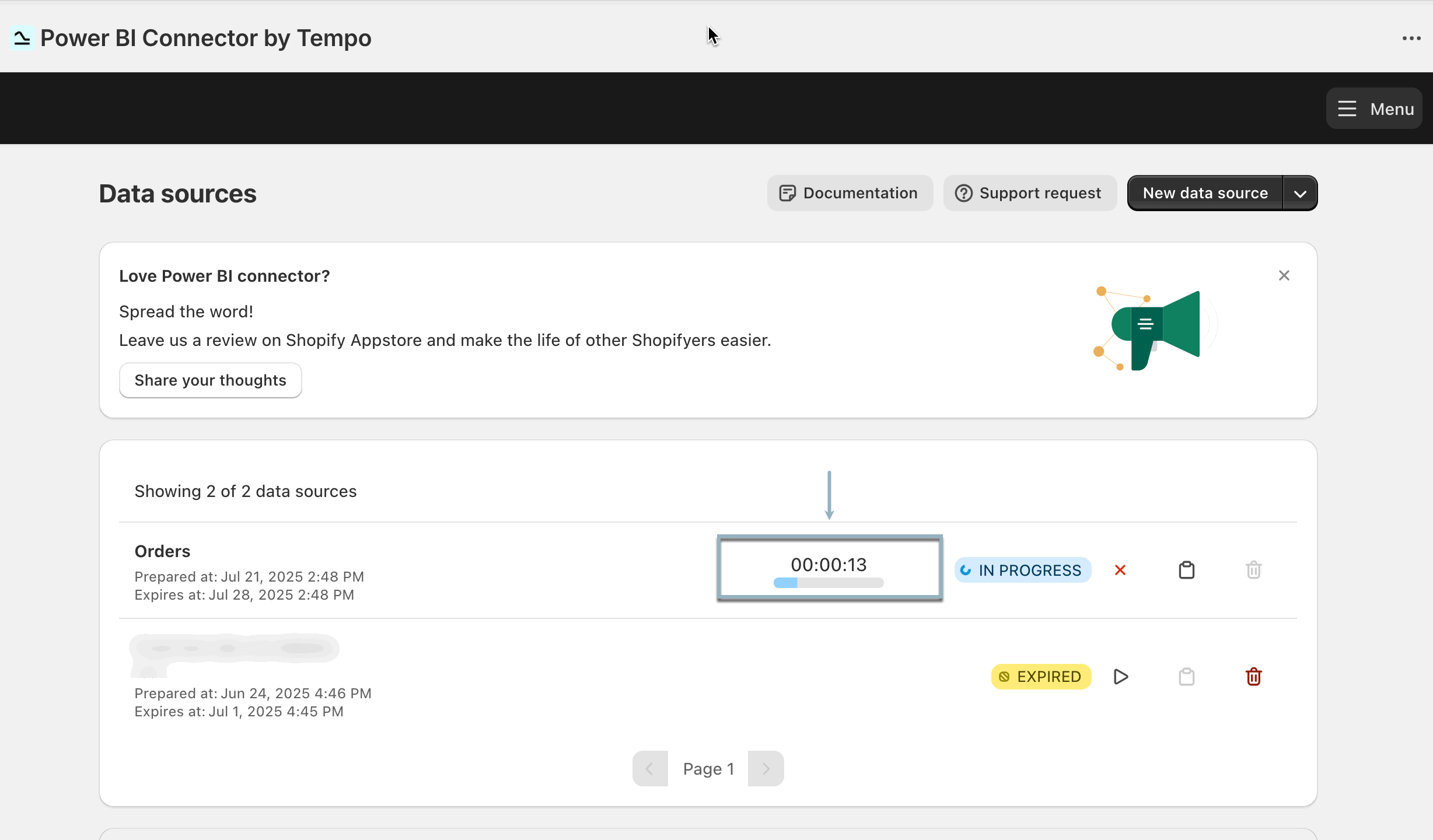
Use the progress bar to track how long it takes to prepare your data before export. The indicator appears when data preparation starts and updates in real time. It helps set expectations and keeps you informed throughout the process.
When the Progress Bar Appears
-
The progress bar is shown only when the data source status is in progress and preparation takes 1 minute or longer.
-
It appears starting with the second data source preparation. This is because the app requires a completed preparation cycle to calculate and display the expected time.
-
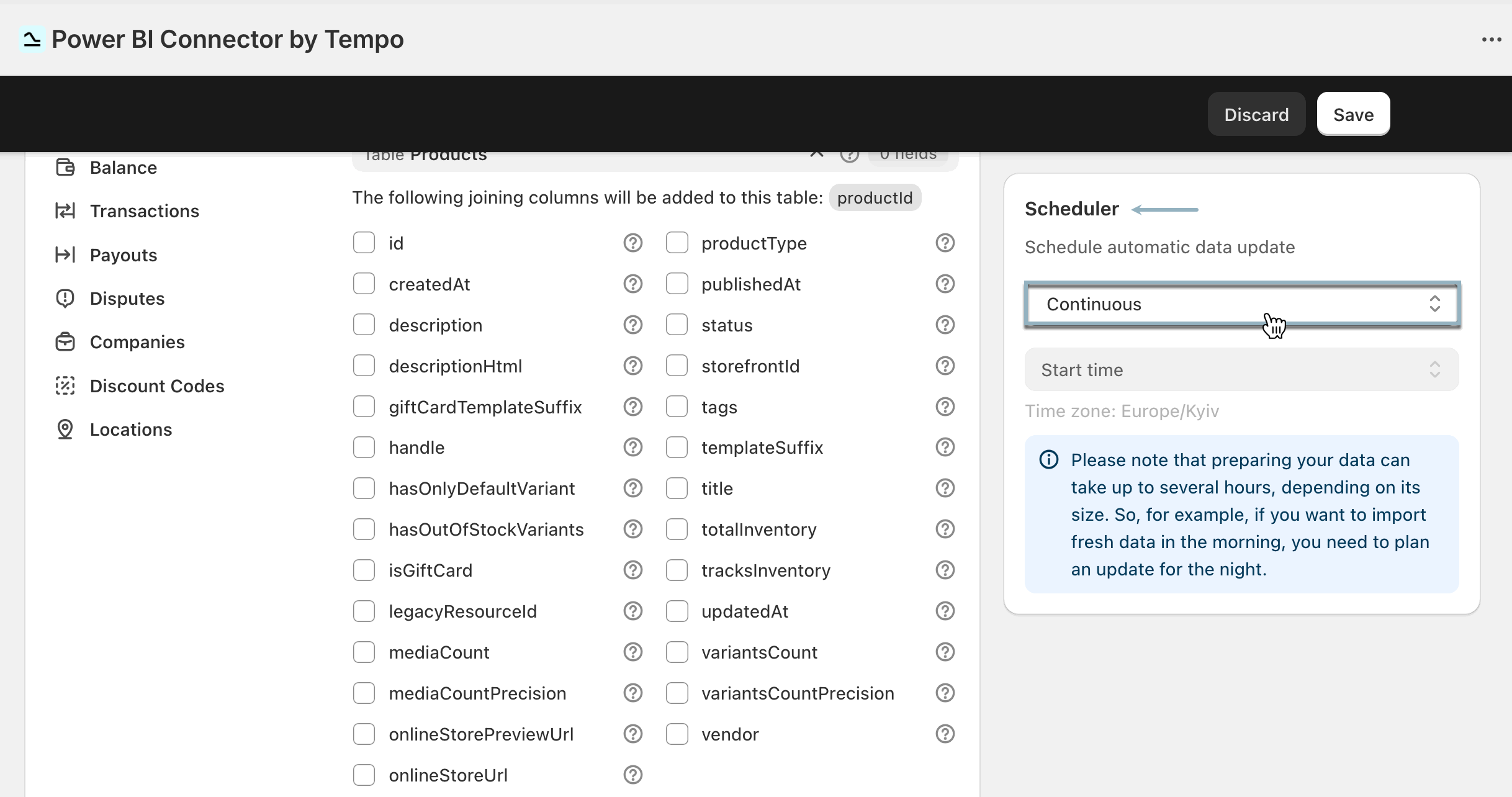
If the data source uses Continuous automatic data updates:
-
The progress bar won’t be shown if it’s the only data source in the list.
-
If there are two or more such data sources, the progress bar will appear for any where preparation takes 1 minute or longer.
-
-
If data source preparation takes just a few seconds, a simple loading spinner may appear instead of the progress bar.