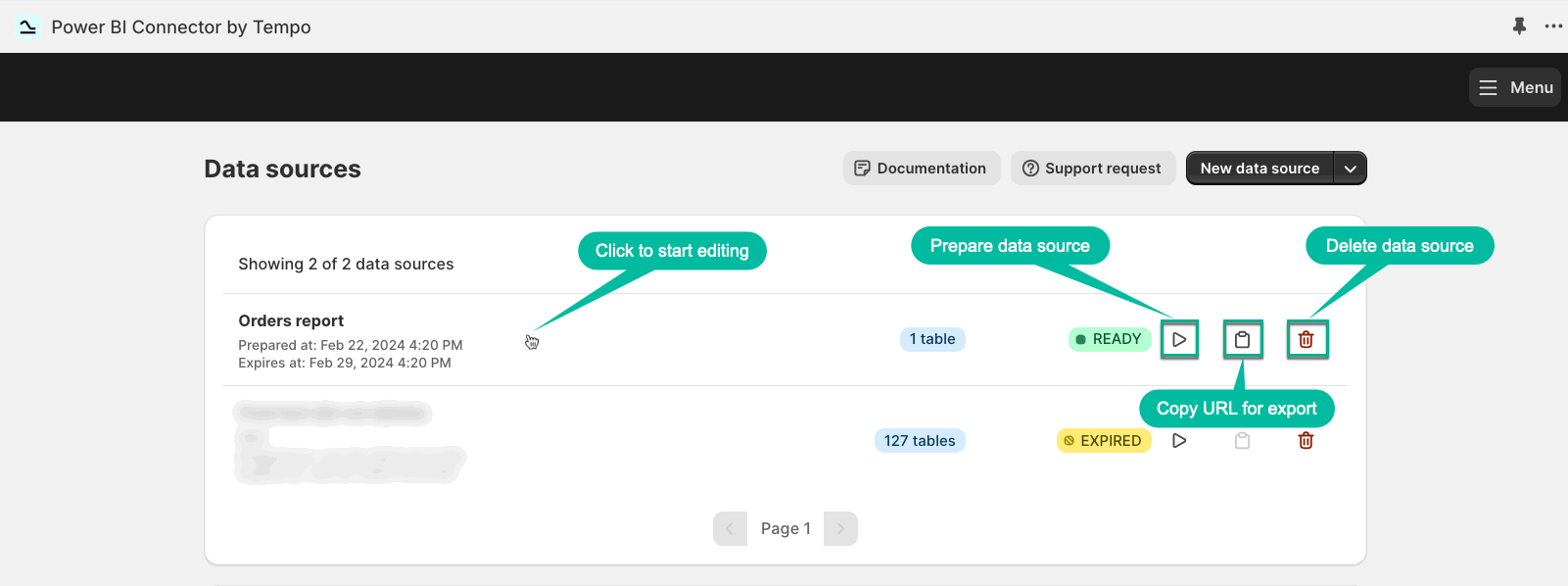
Data Sources Page
-
Data sources - this is a start page. Here you can create, edit, or delete your data source. You can also prepare your data source for export and copy the URL for export.
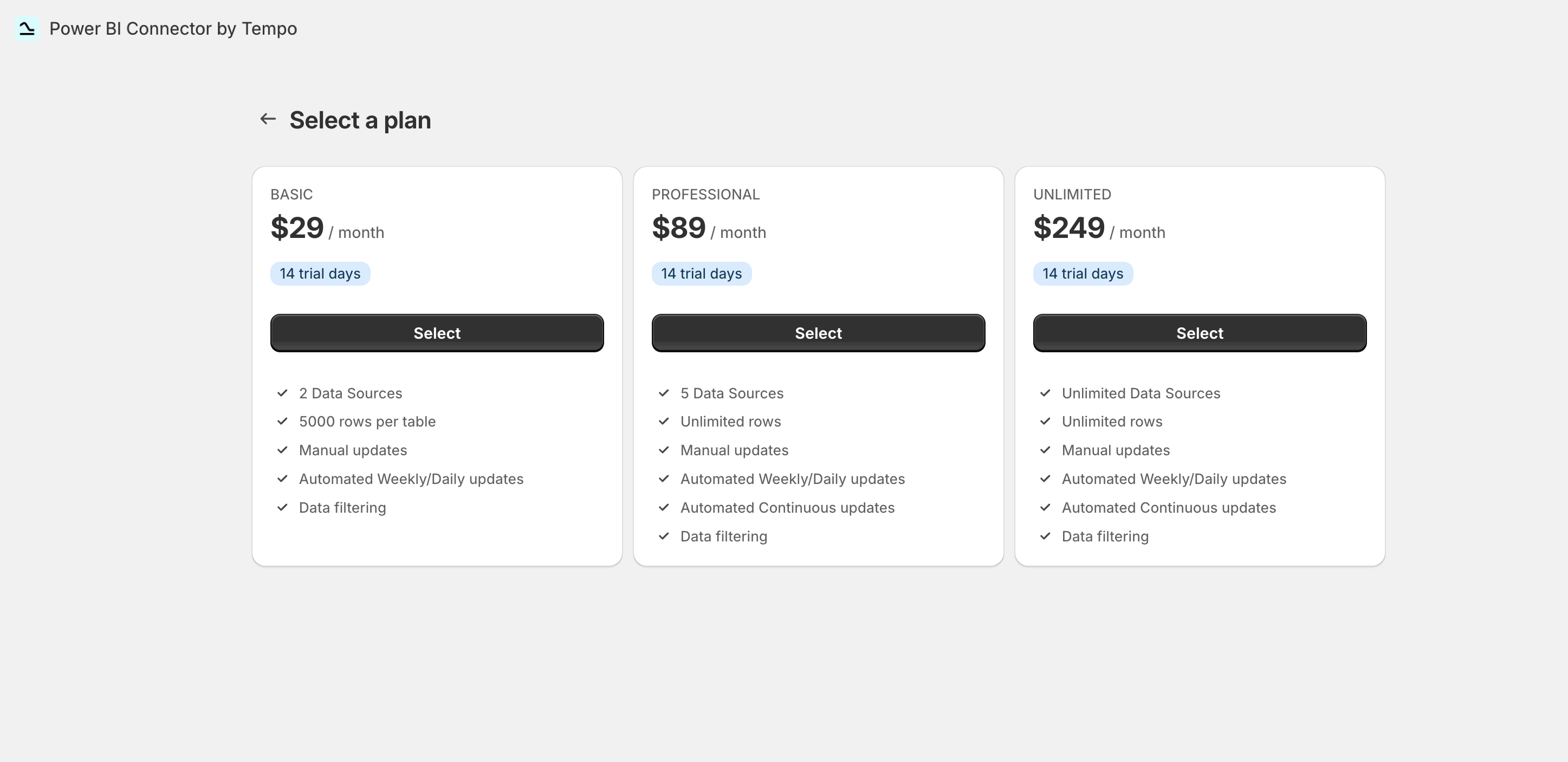
Subscription Page
-
Subscription - this page contains an overview of all available plans, and it also indicates the plan you have. The Discount code field allows you to apply a discount if you have one.
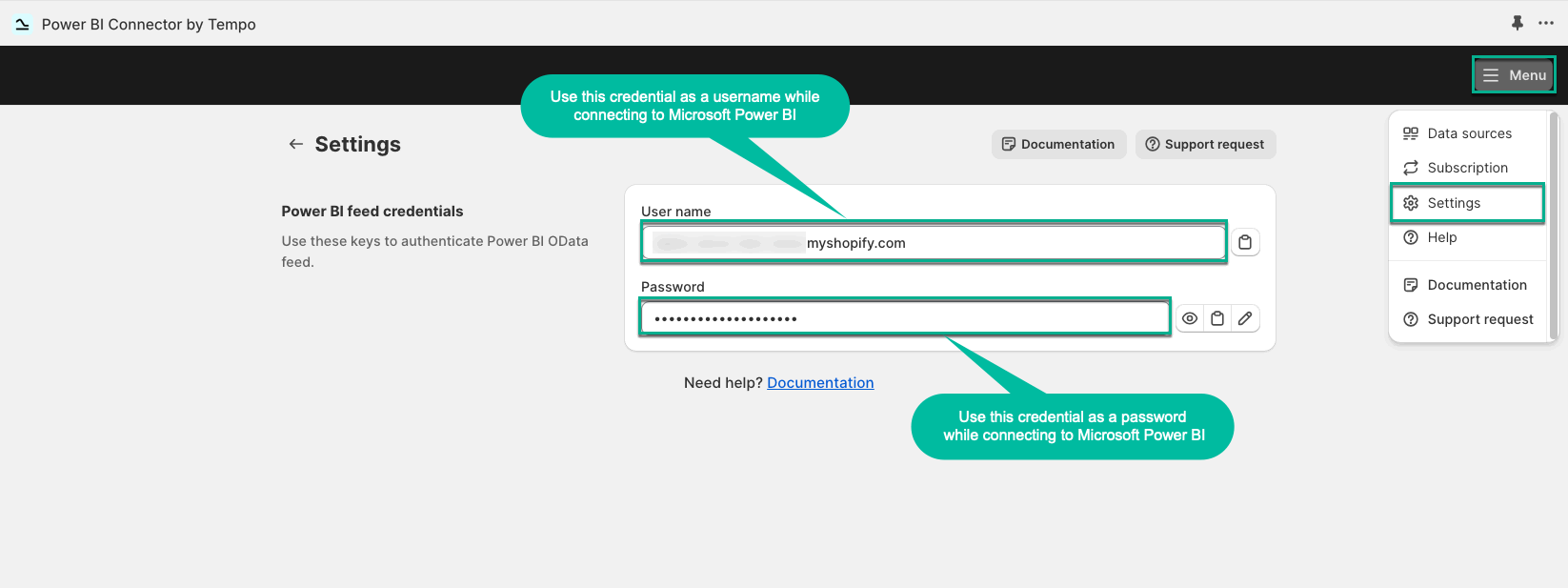
Settings Page
-
Settings - this page contains the credentials for connecting to Microsoft Power BI for Shopify data export.
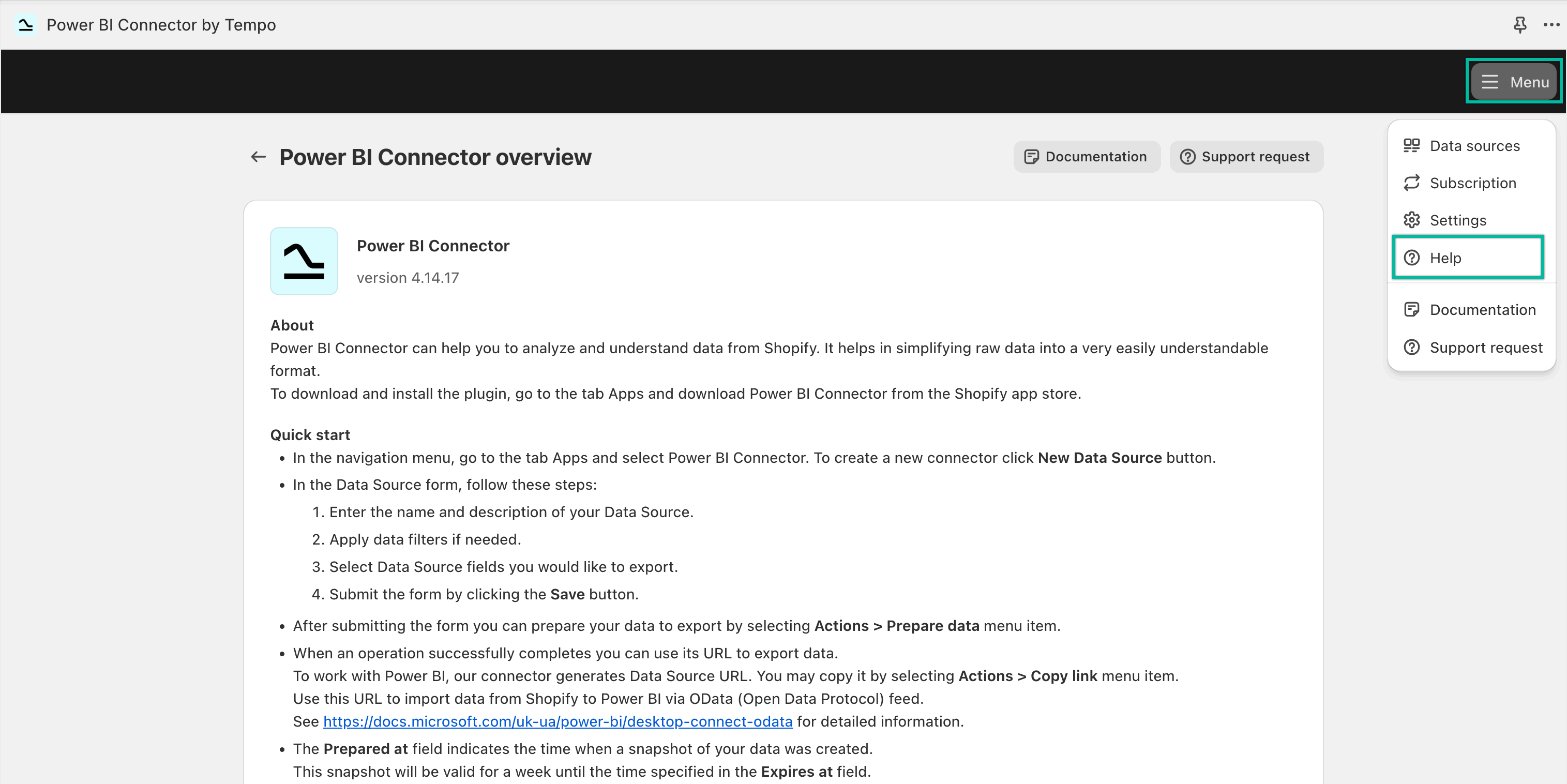
Help Page
-
Help - this page contains a quick guide on using Power BI Connector.
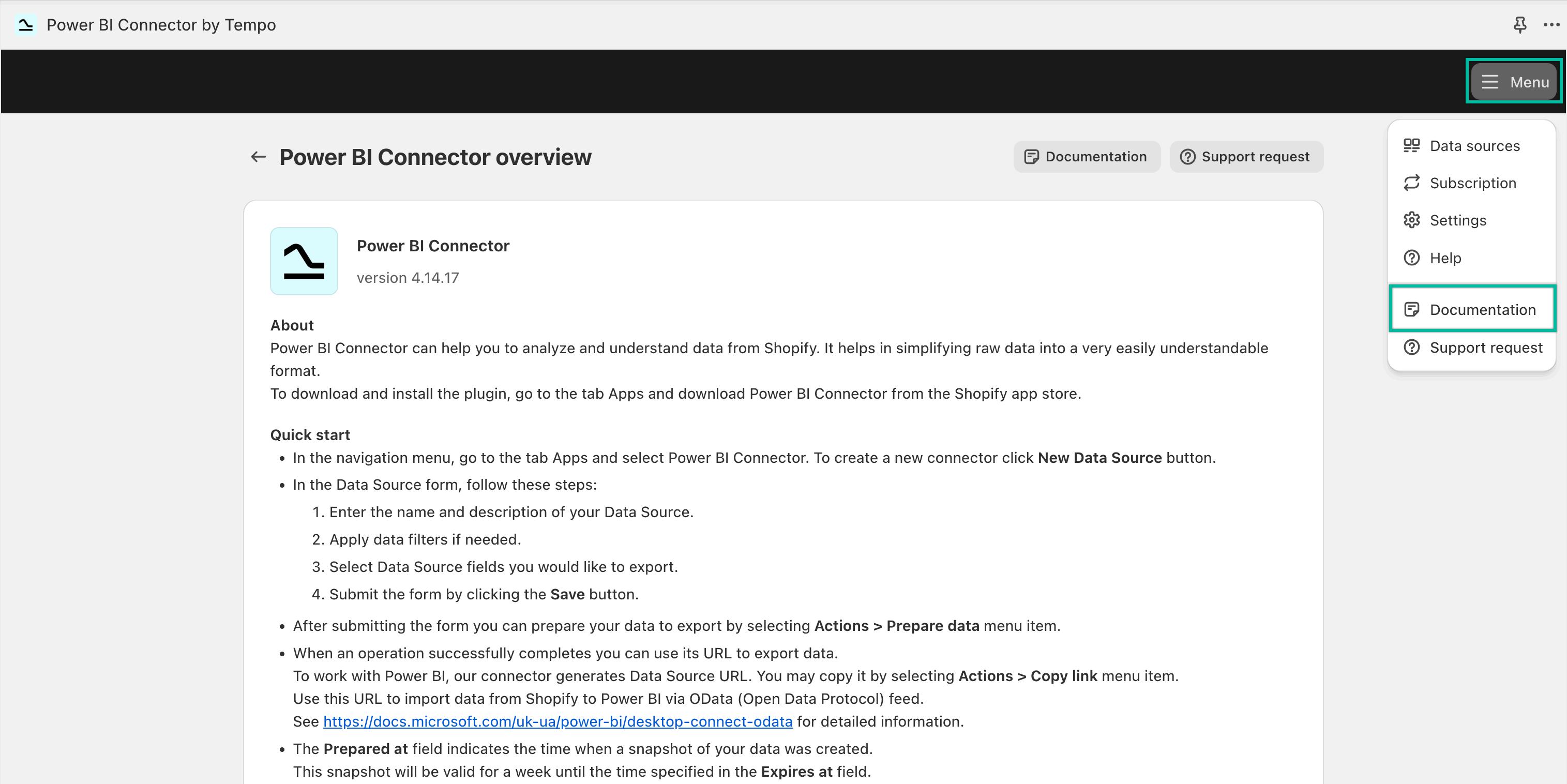
Documentation Section
-
Documentation - this section will redirect you to the Power BI Connector user documentation.
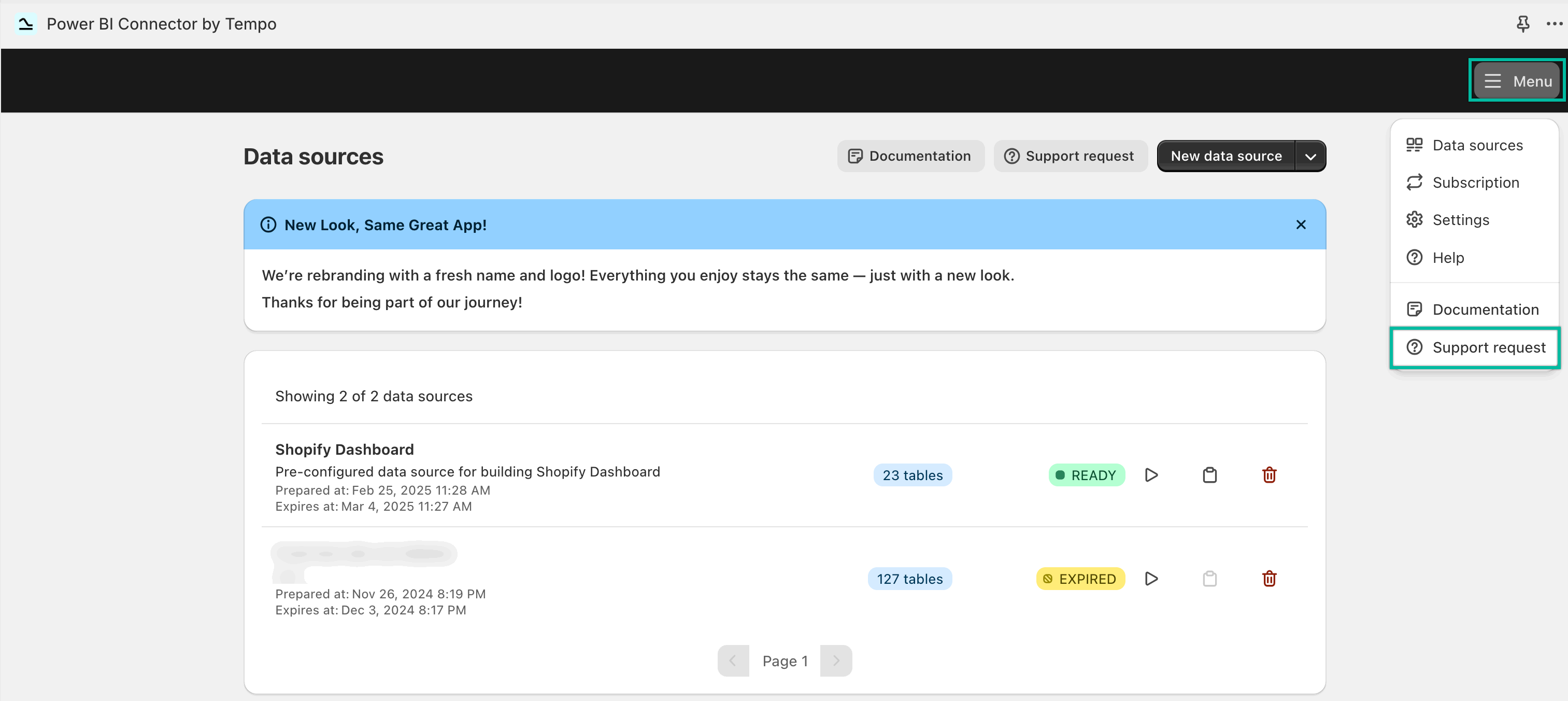
Support Section
-
Support - this section will redirect you to our Help Center.
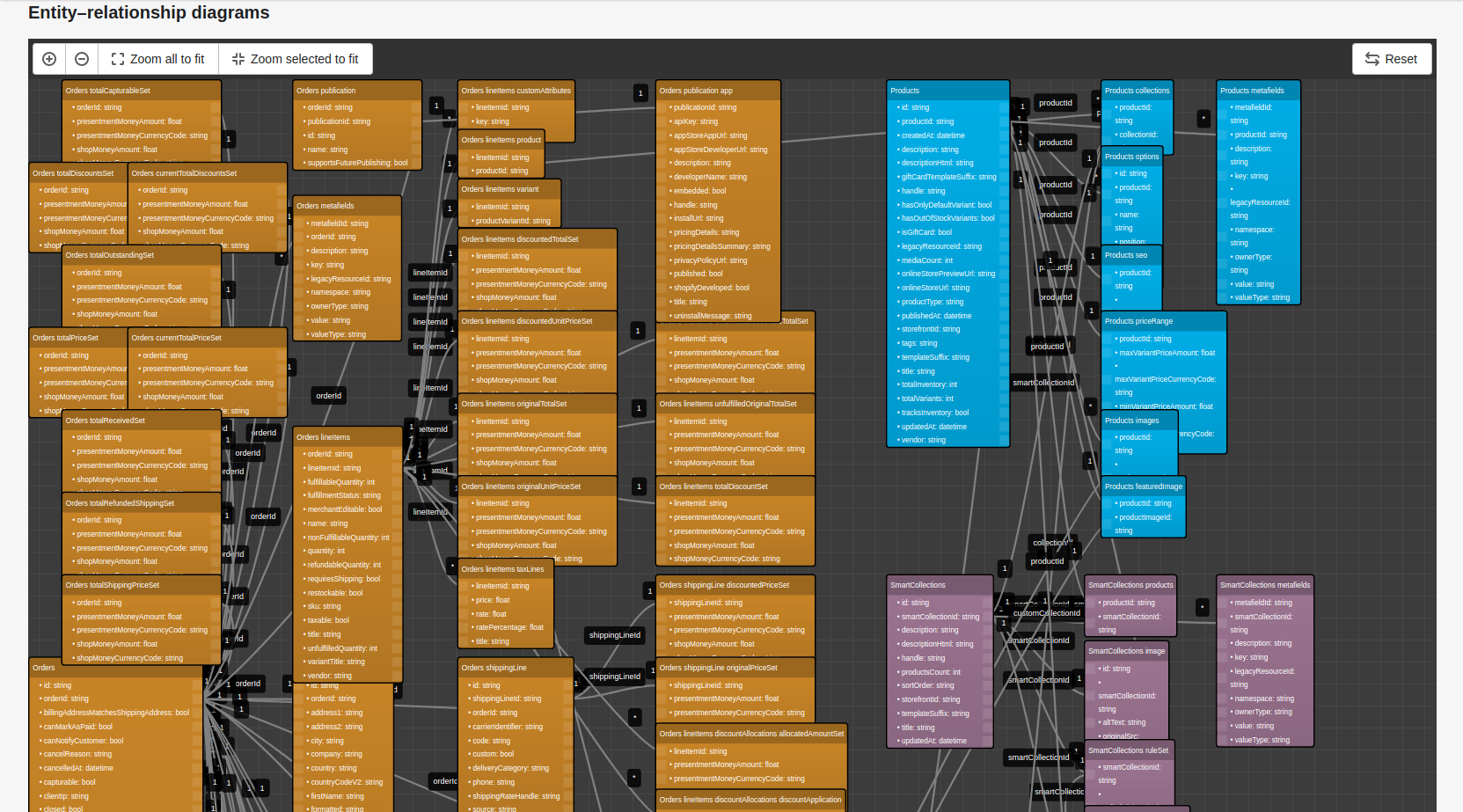
Please take a moment to view the ERD (Entity Relationship Diagram) of the tables. It will help you to understand all the connections and correlations correctly.