
You must have the relevant Shopify account permissions to follow the instructions on this page. Check Shopify Help Center for more information.
How to Install Power BI Connector for Shopify
-
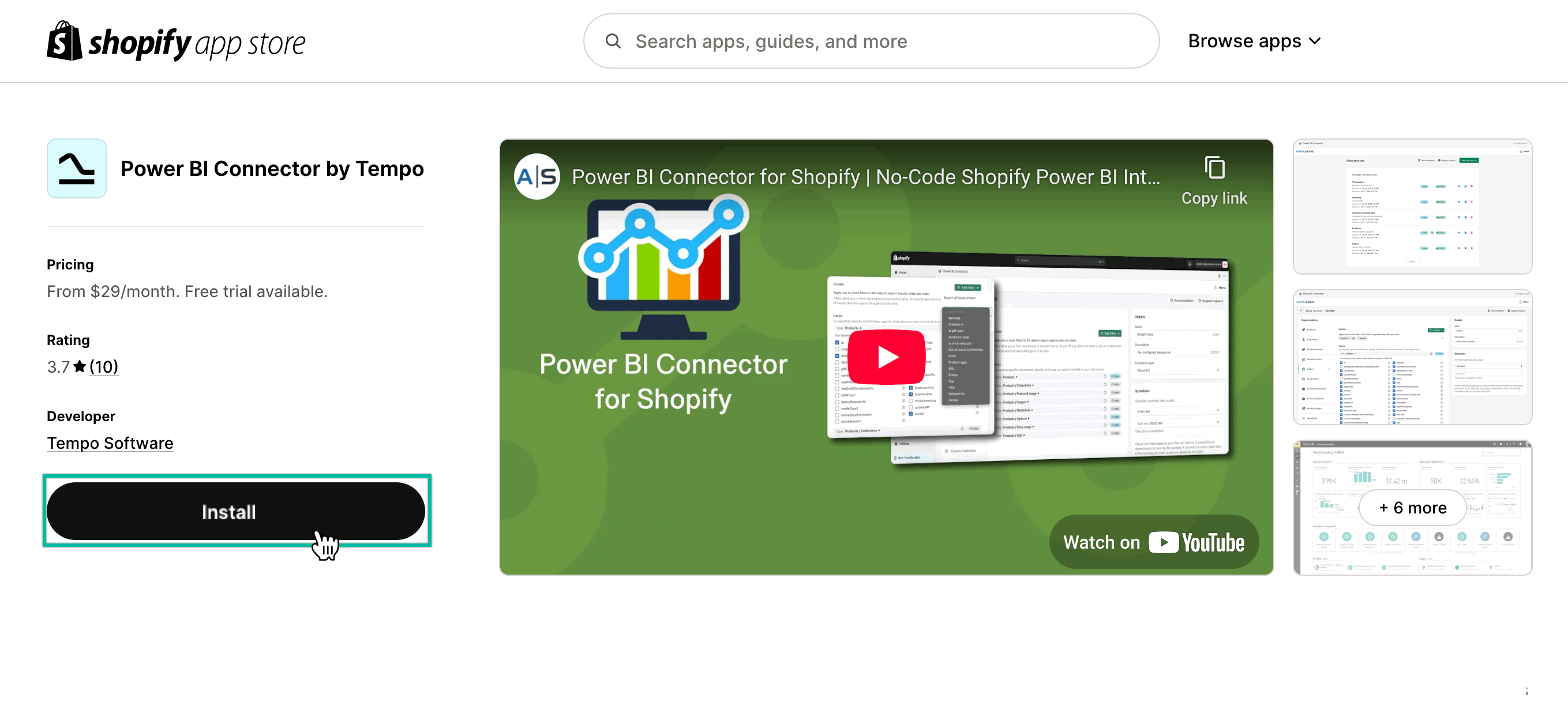
Go to the Power BI Connector product page on the Shopify app store, and then select Install.
-
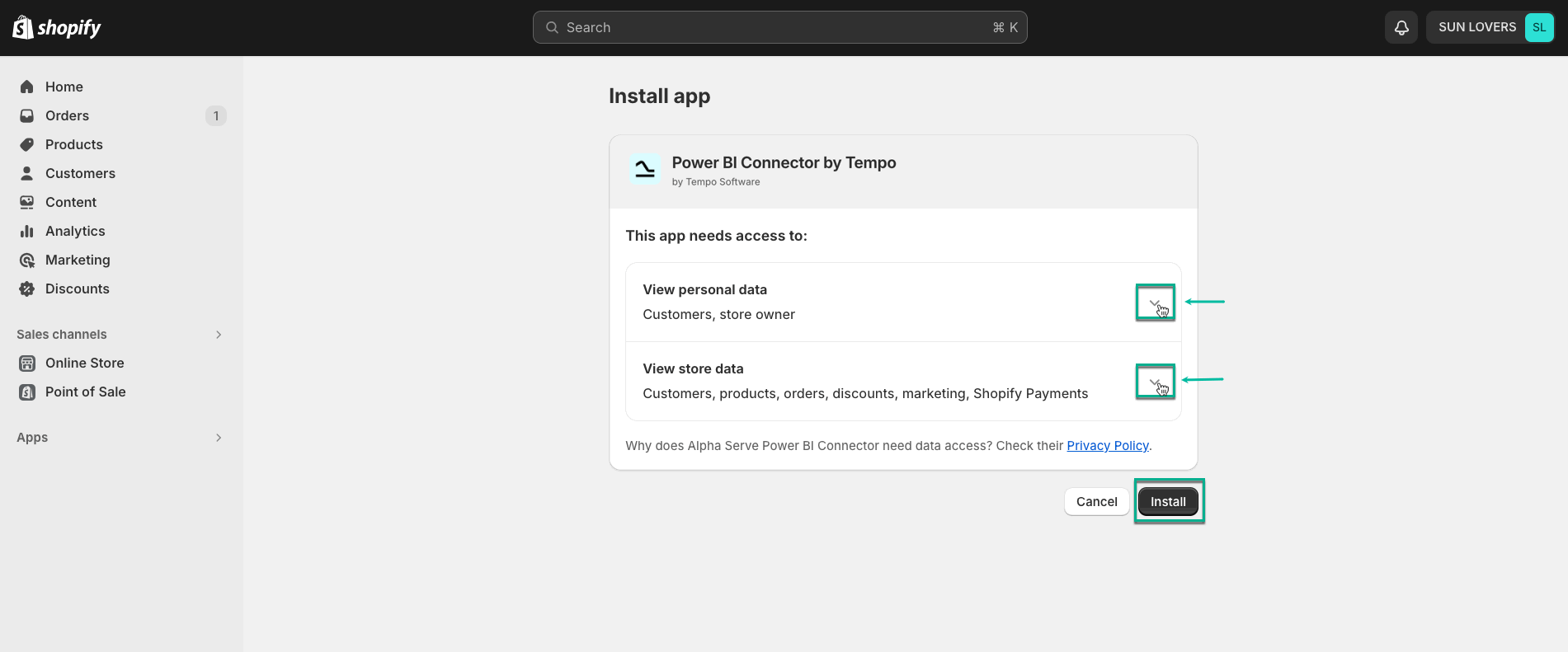
Expand the View personal data and View store data sections, read all details, and then select Install.
-
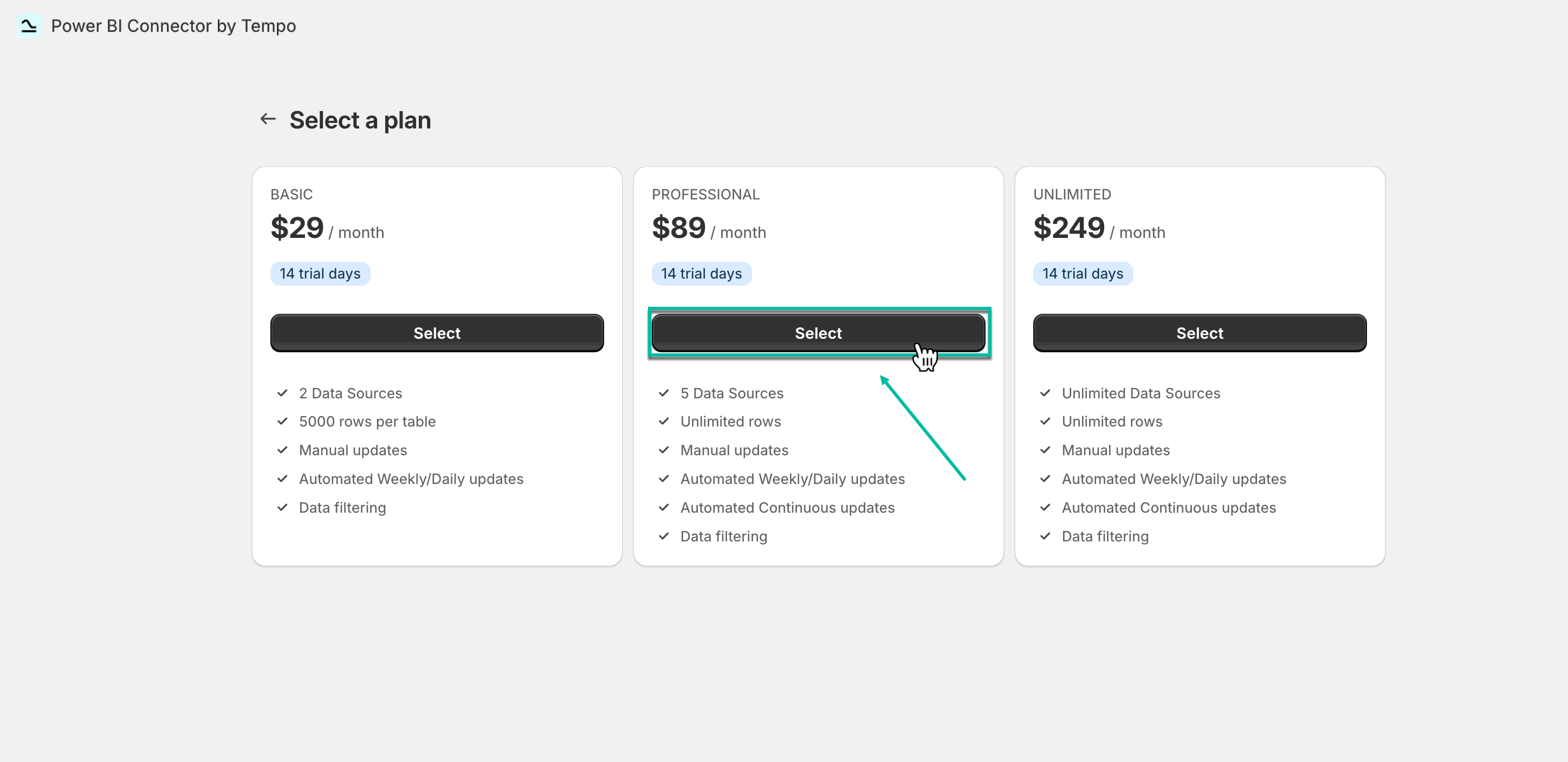
Select a preferable subscription plan, and then select Subscribe.
The payment will be charged after a 14-day free trial period.
-
Select payment method, and then select Approve.
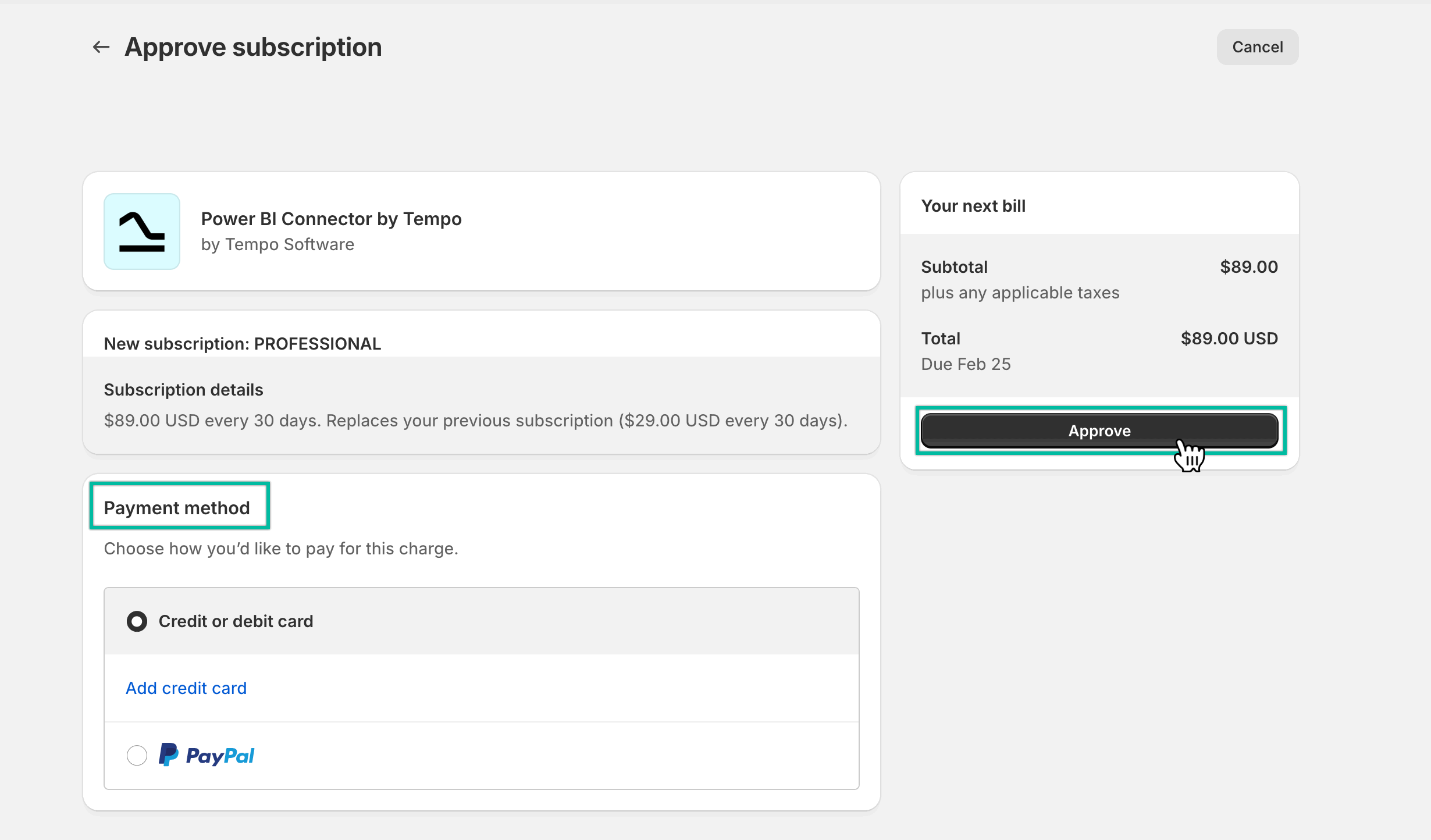
Now you can start using Power BI Connector for Shopify.
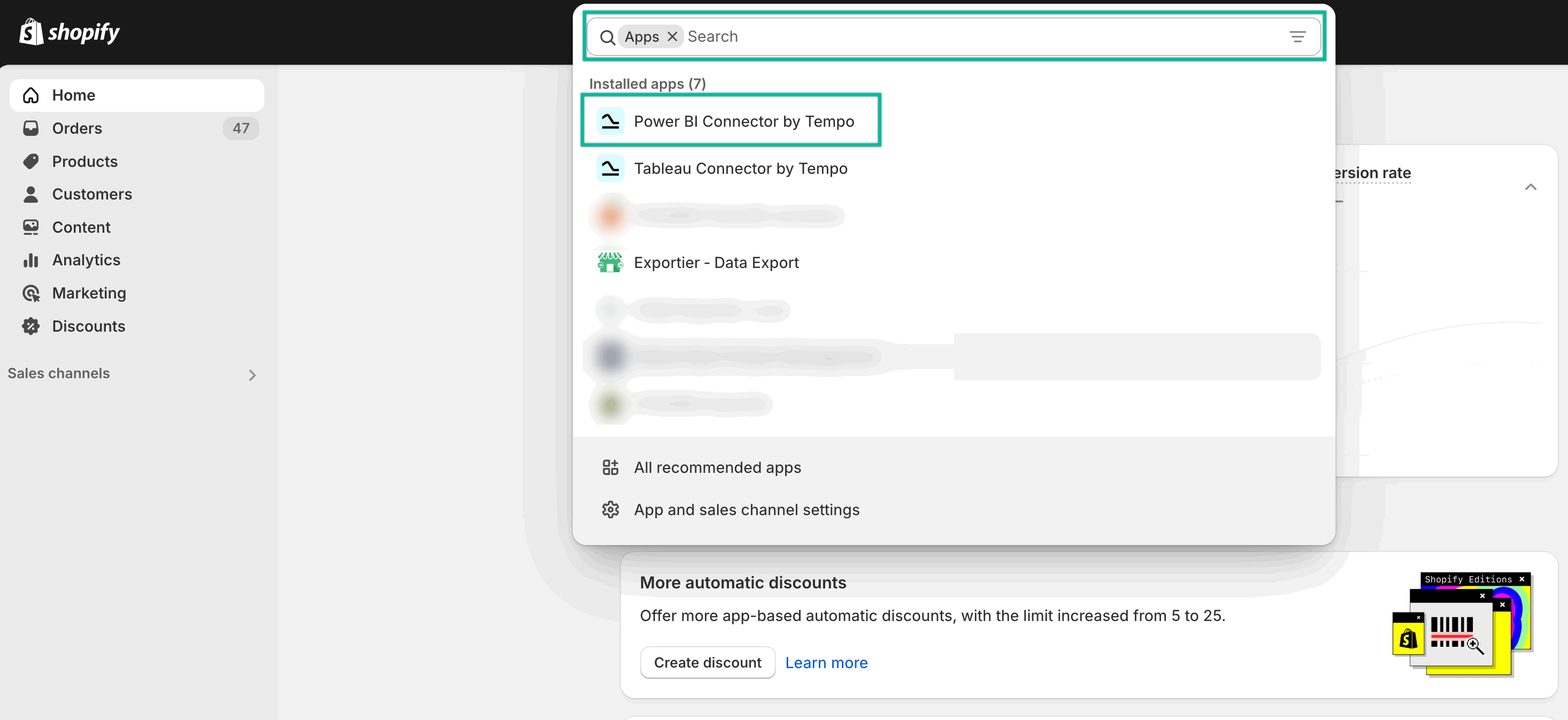
How to Uninstall Power BI Connector for Shopify
-
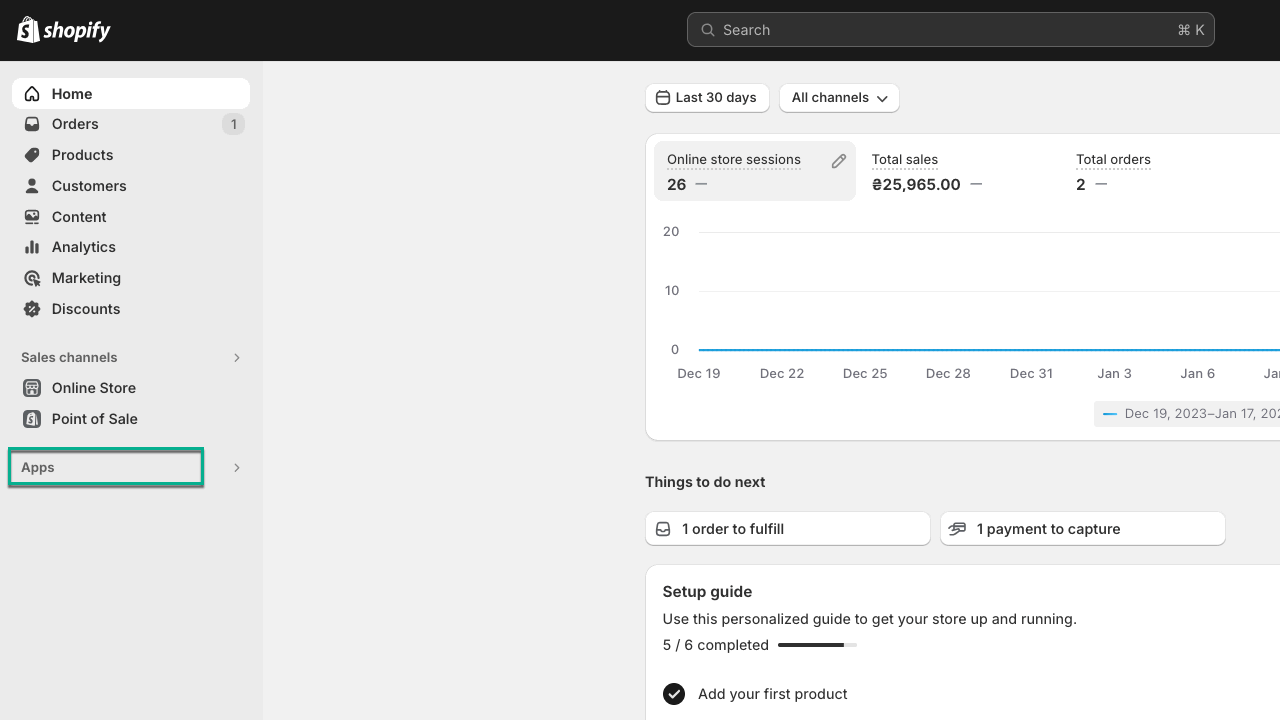
Being on the home page of your Shopify store, select Apps.
-
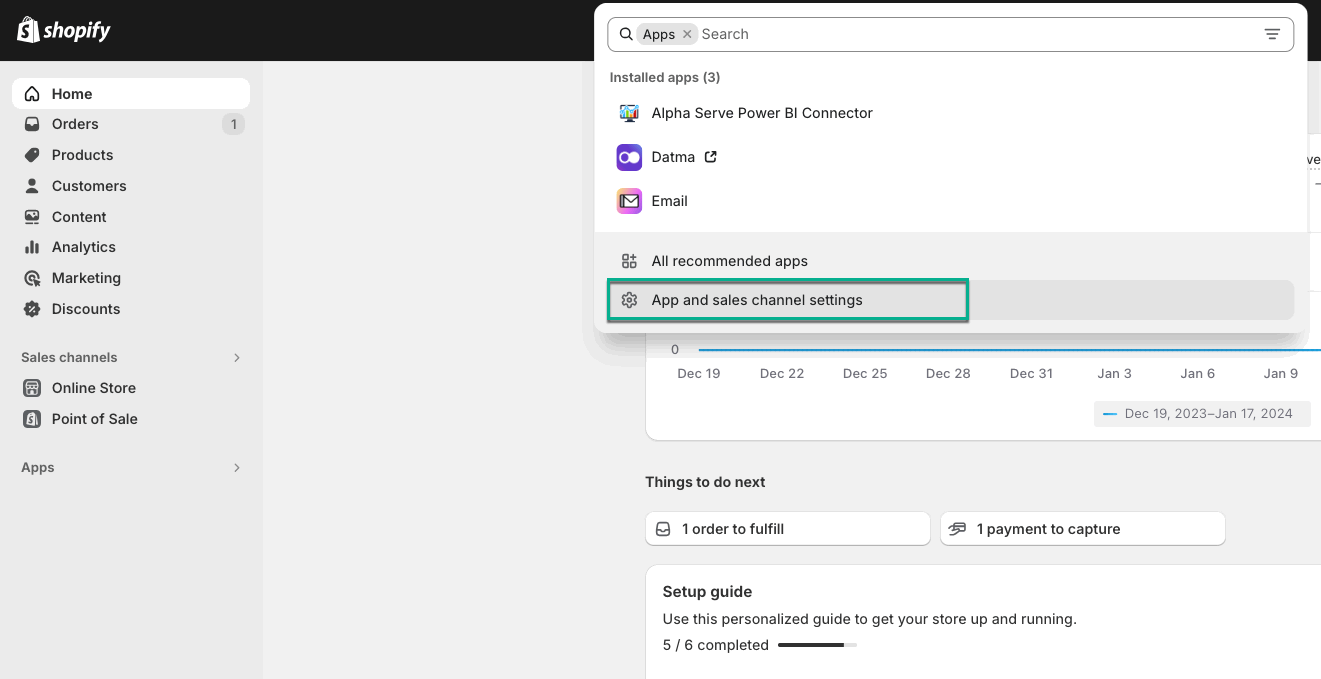
Select ⚙️ Apps and sales channel settings.
-
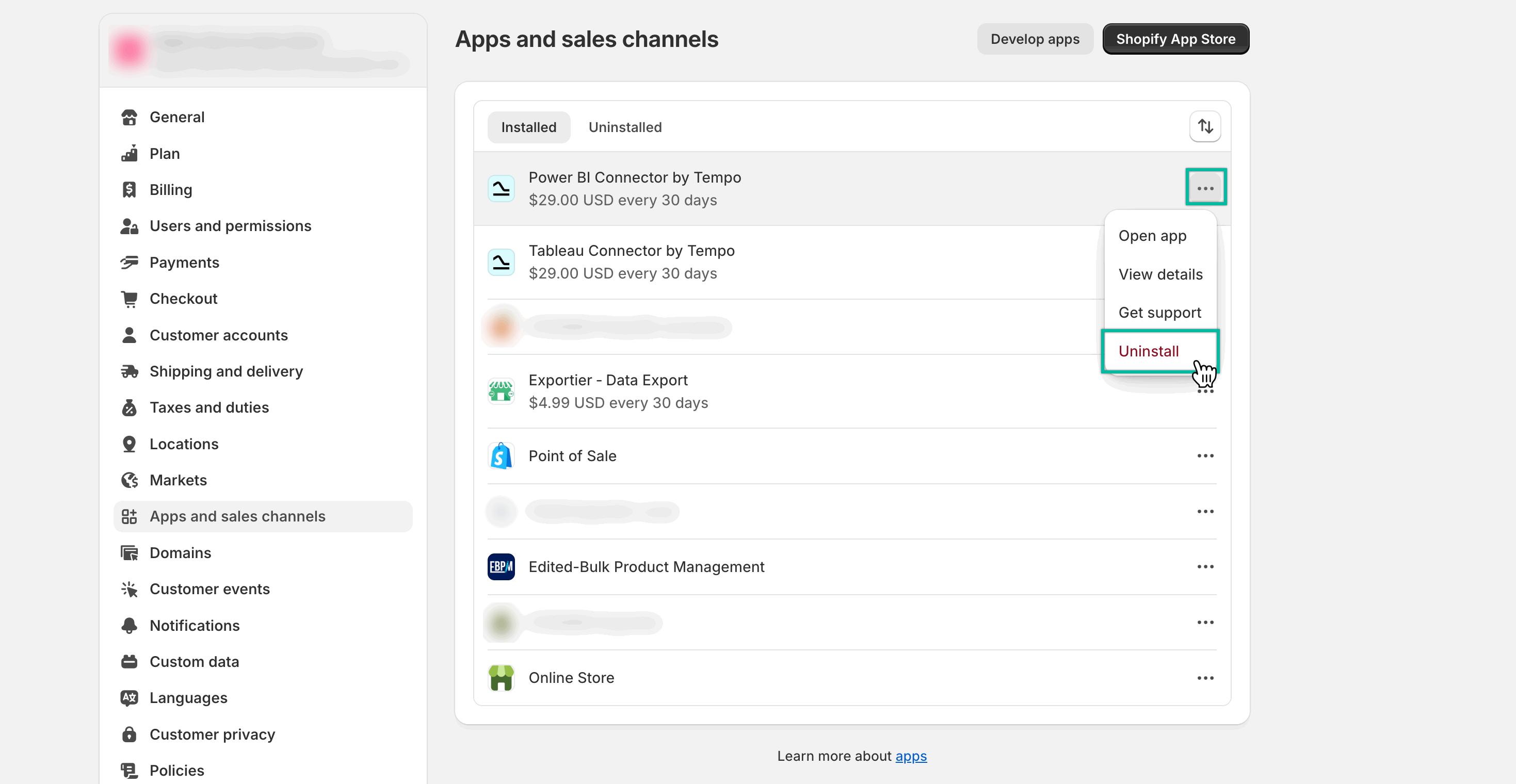
Select the Action panel (…), and then select Uninstall.
-
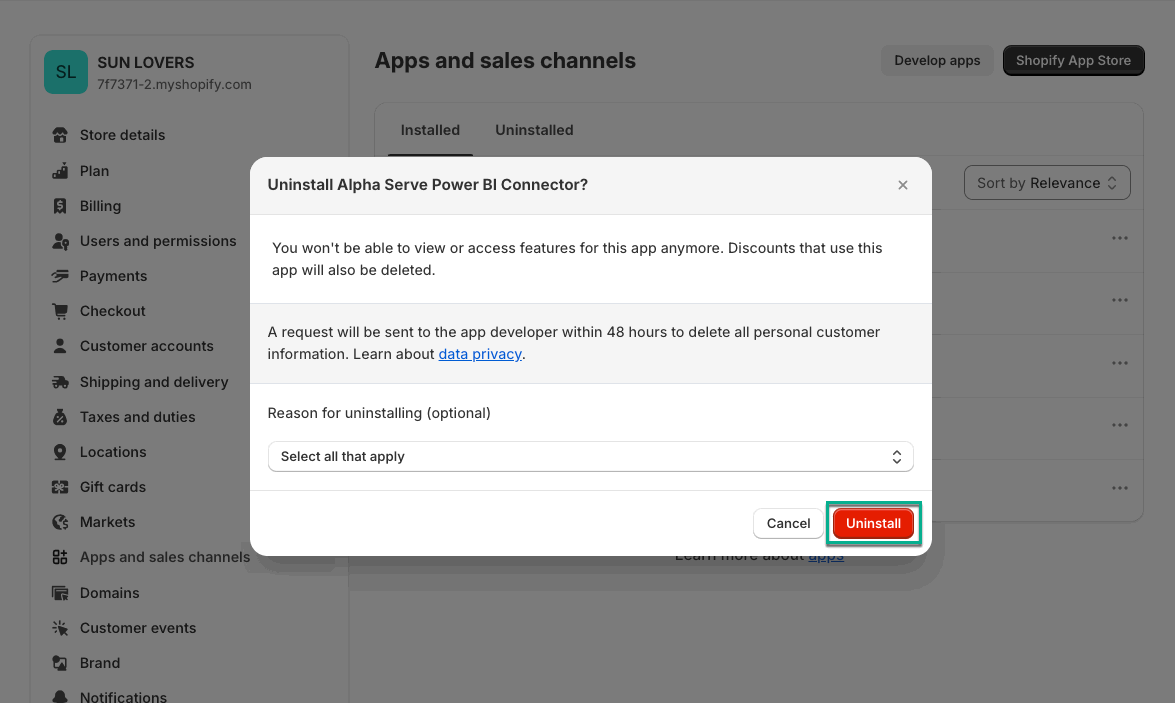
Select Uninstall.
.png?cb=d15ebb788593cbc5452ca6e75bcf75d9)