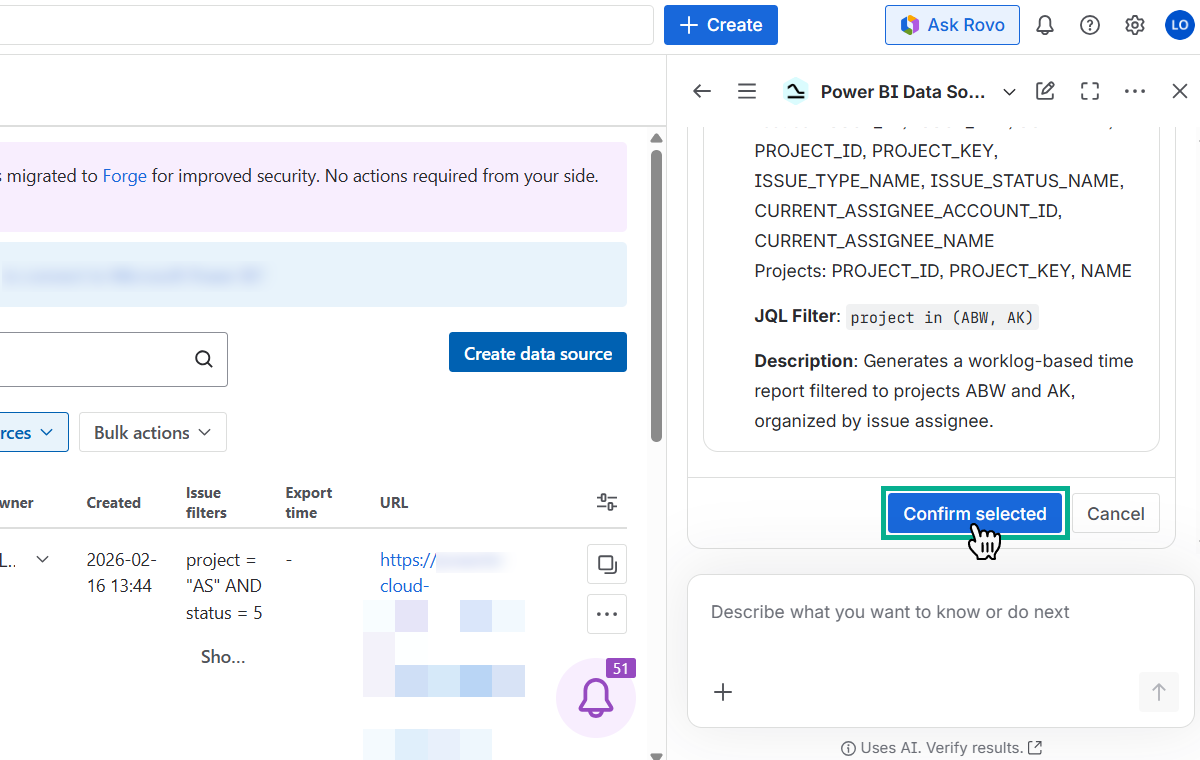
The Data Studio DataSource Creator is based on Rovo Agent framework and helps you create data sources, as well as suggest fields and filters for your future reports.
-
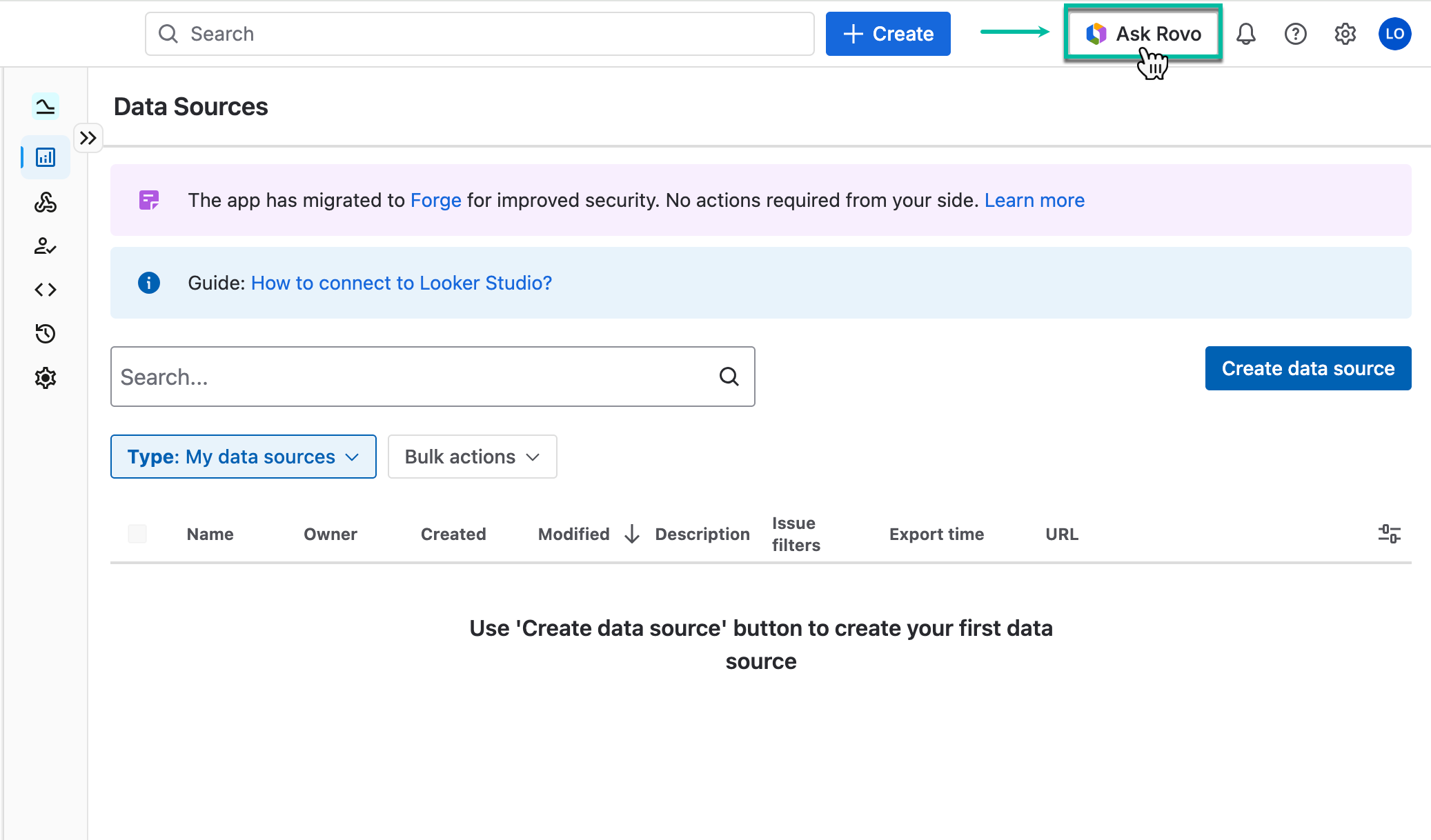
Open Looker Studio Connector, and then select Ask Rovo.
-
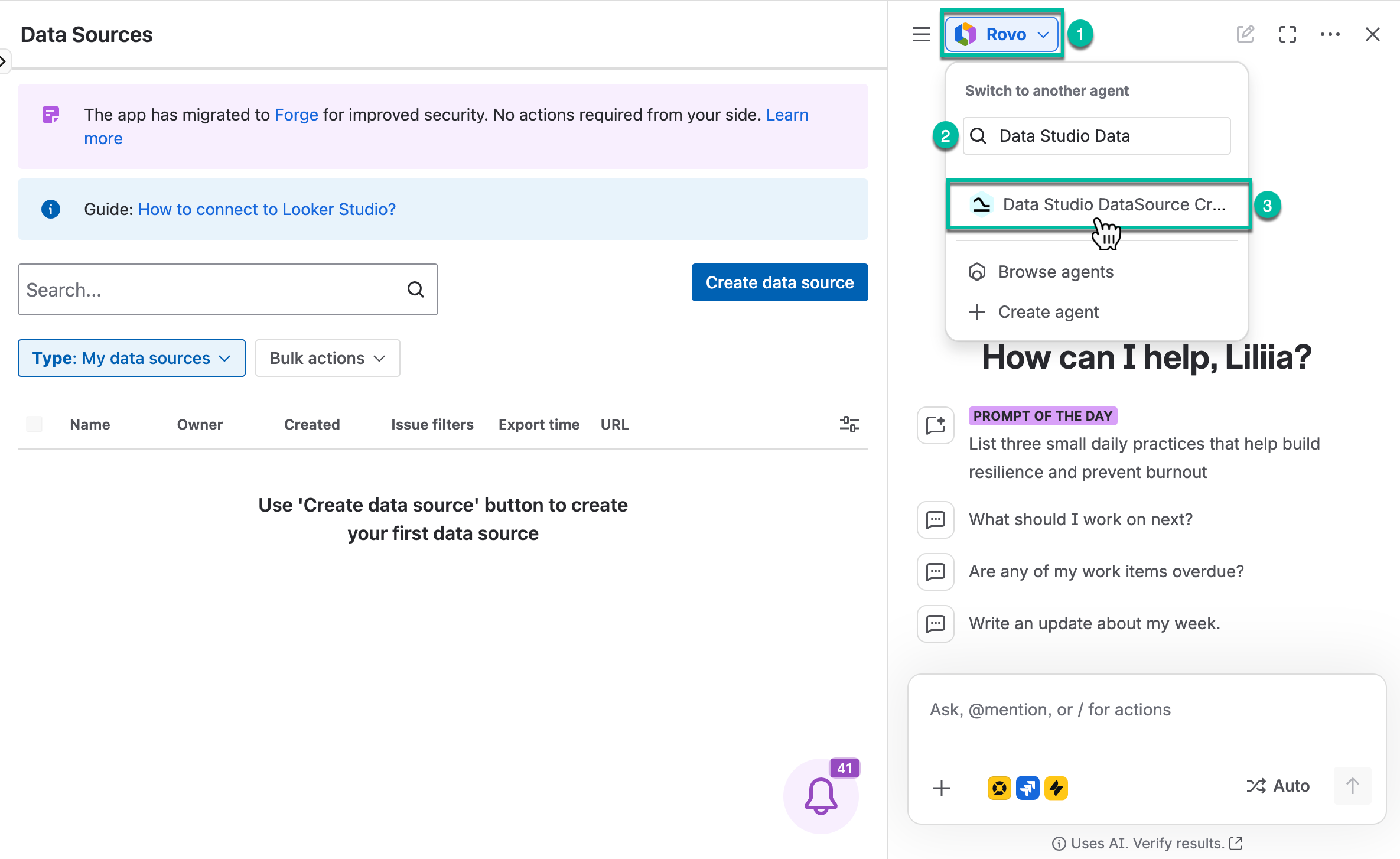
Select Rovo (to switch to another agent), find, and then select Data Studio DataSource Creator.
-
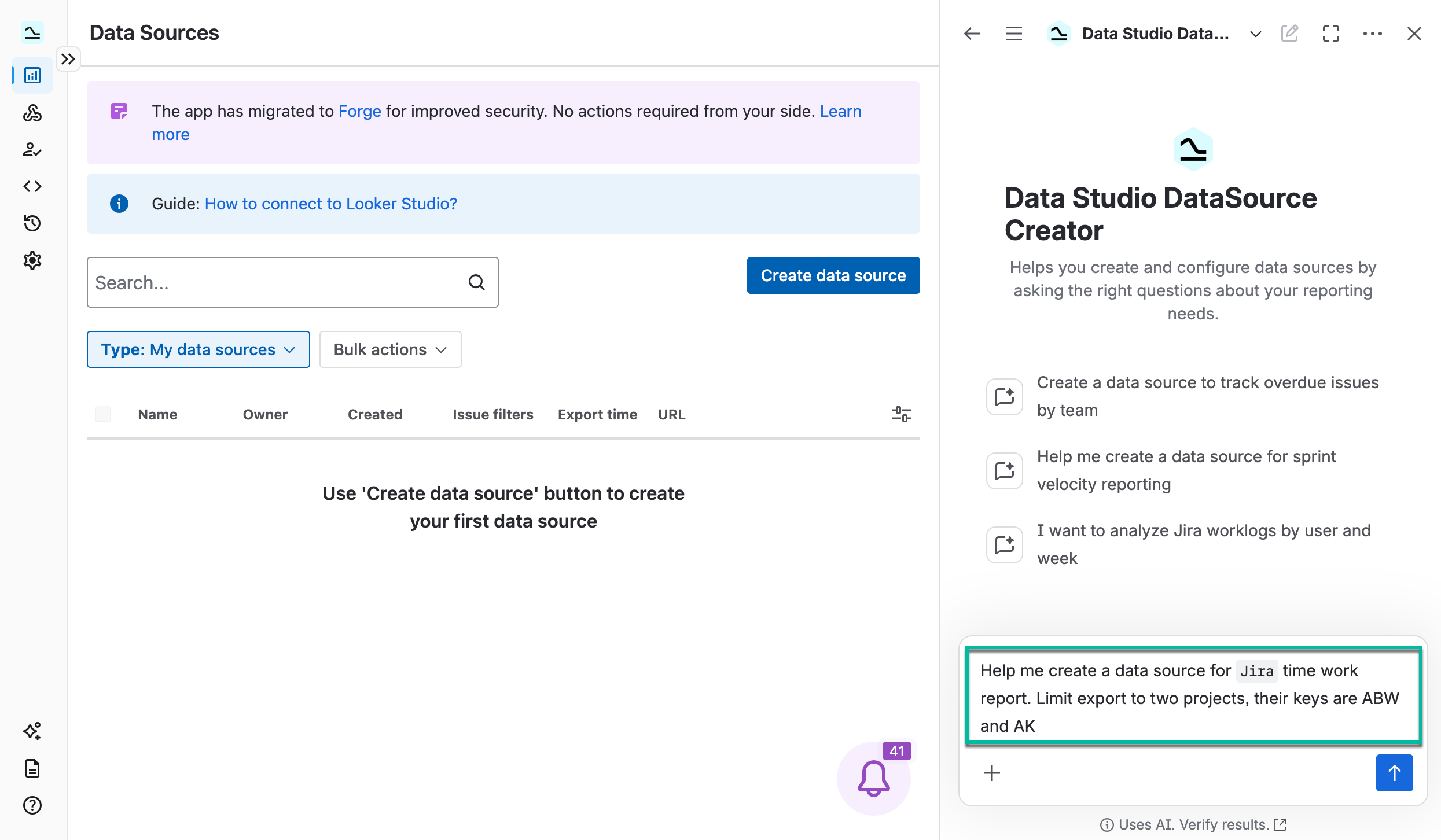
Create a request for the Data Studio DataSource Creator based on your needs.
-
Review the response, then provide any additional information requested by the agent.
-
The Data Studio DataSource Creator may ask follow-up questions to gather all required details for creating the data source.
-
.png?cb=3c30ca0d306be6876a7988d834b60b78)
-
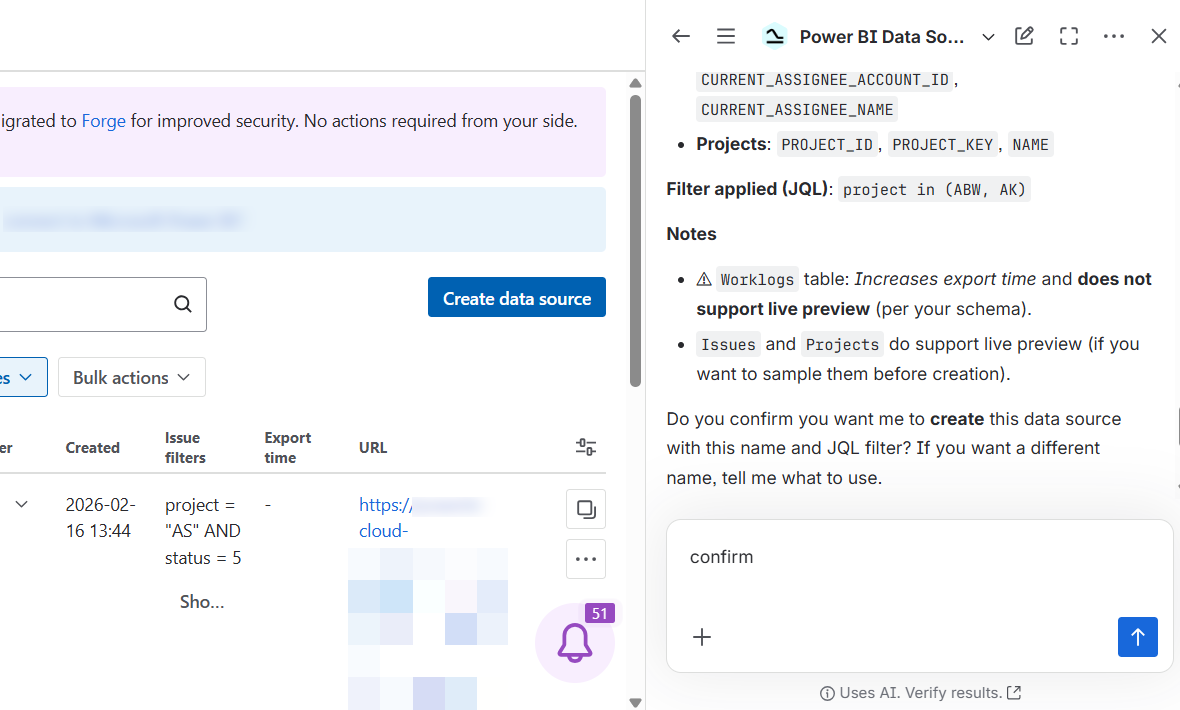
Review the response, and then confirm data source creation.
-
After all follow-up questions are complete, the agent provides a summary of the collected information for your confirmation.
-
-
Select Confirm selected.