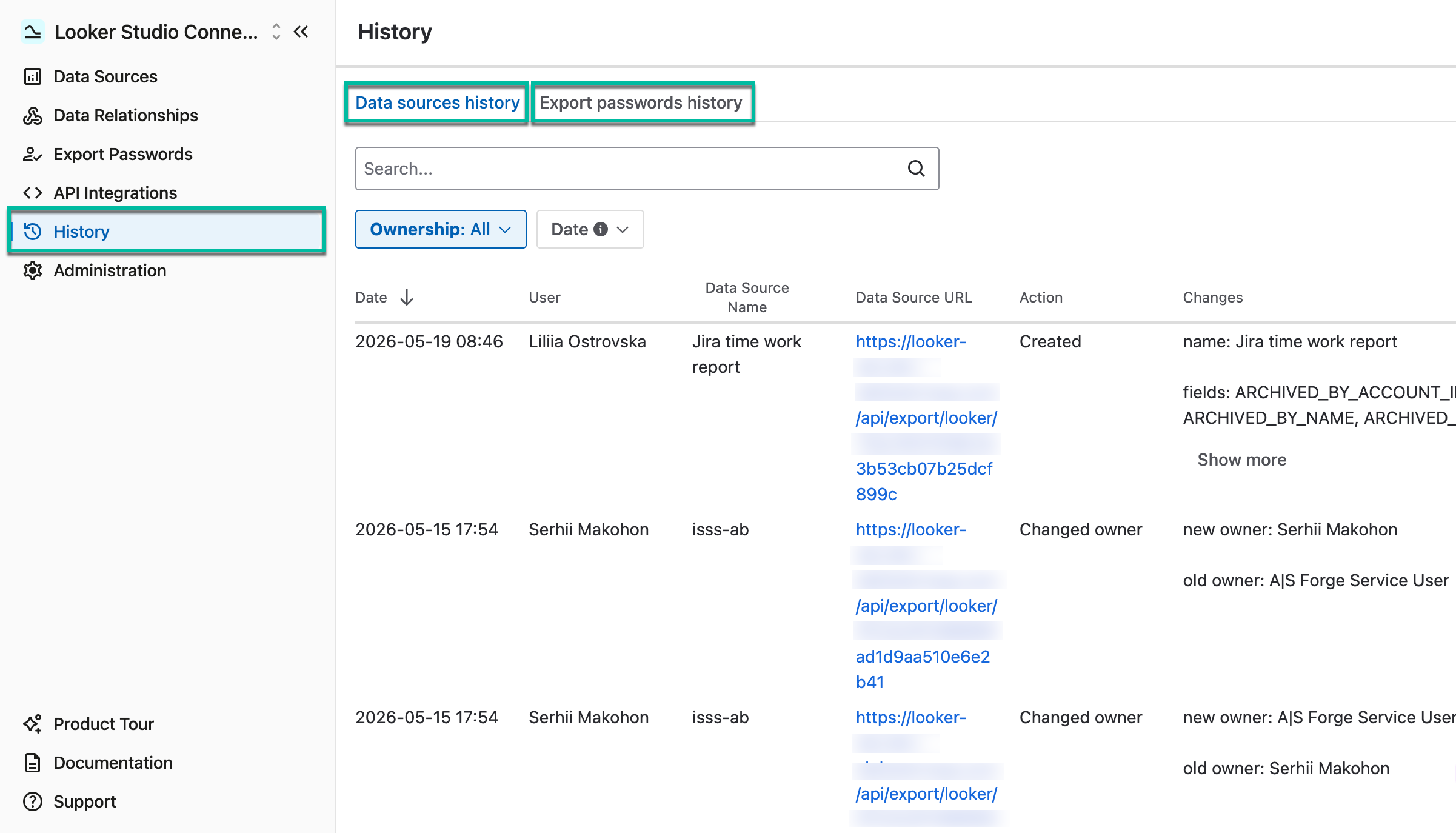
The History module has been implemented as a separate tab of the Looker Studio Connector. The module includes the following submodules:
-
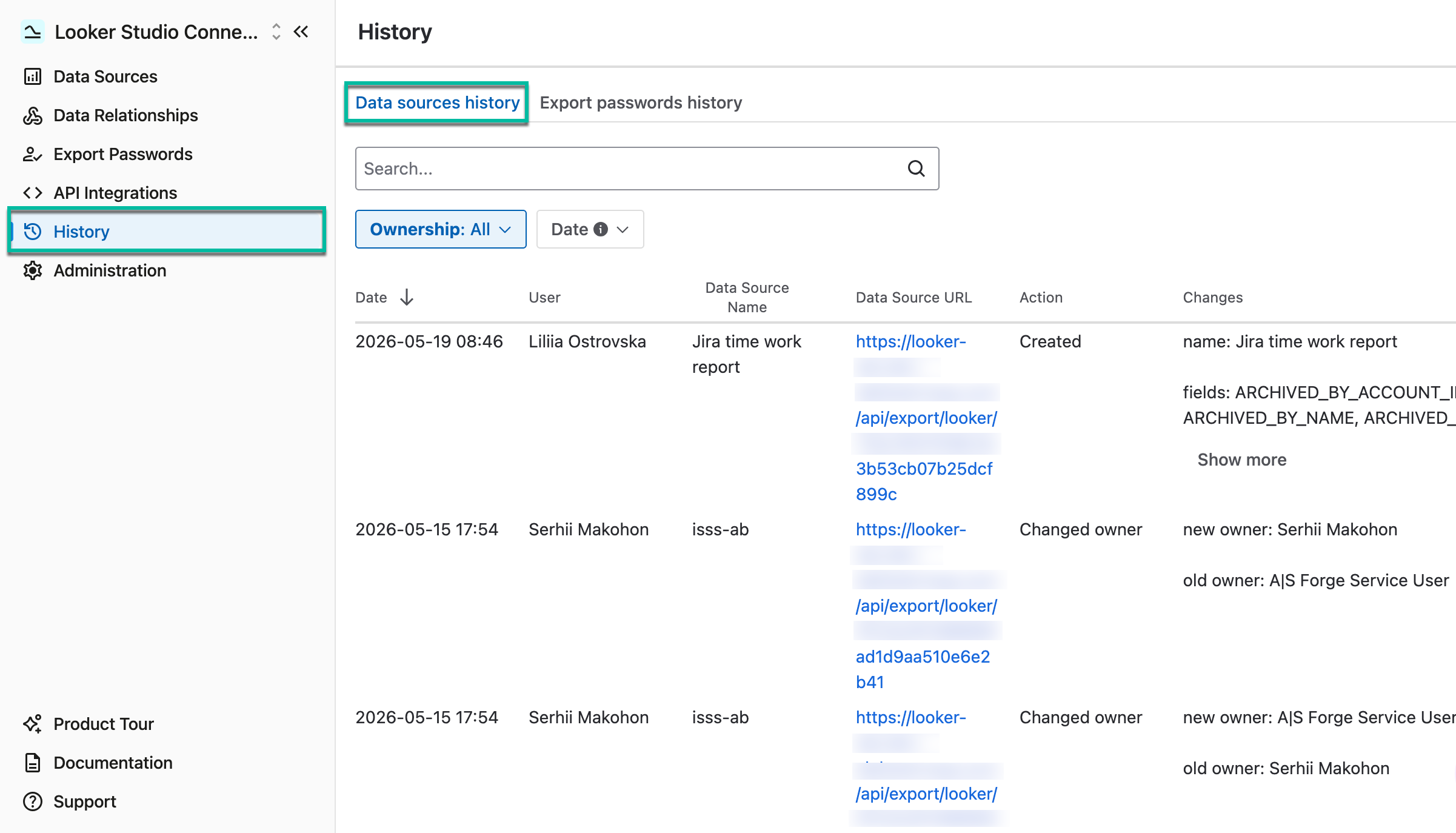
Data sources history
-
Export passwords history
The History module is accessible for both Administrators and Regular users.
Data Sources History
The tab displays all changes made to data sources, including creation, field or filter edits, sharing, ownership changes, and more.
Administrators can view all changes made by all users, while regular users can only view changes they have made to their own data sources or to those shared with them.
-
Being signed in to your Jira Cloud instance, select Apps, and then select Looker Studio Connector for Jira.

-
On the left-side menu, select History, and then select Data sources history.
-
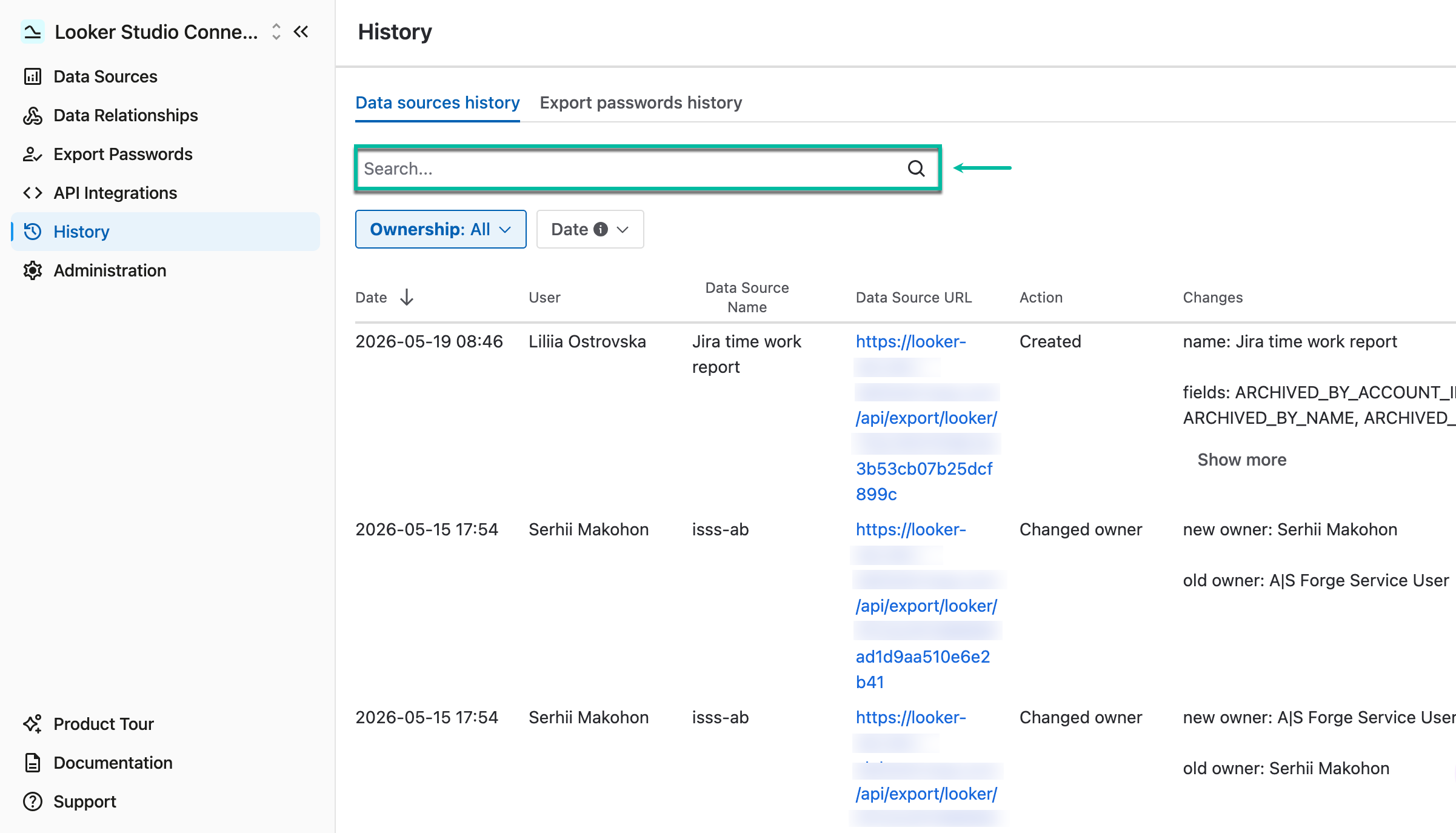
By using the Search bar, you can perform search by user or by data source name.
-
By applying the Ownership filter, you can view changed made only to your data sources or those shared with you.
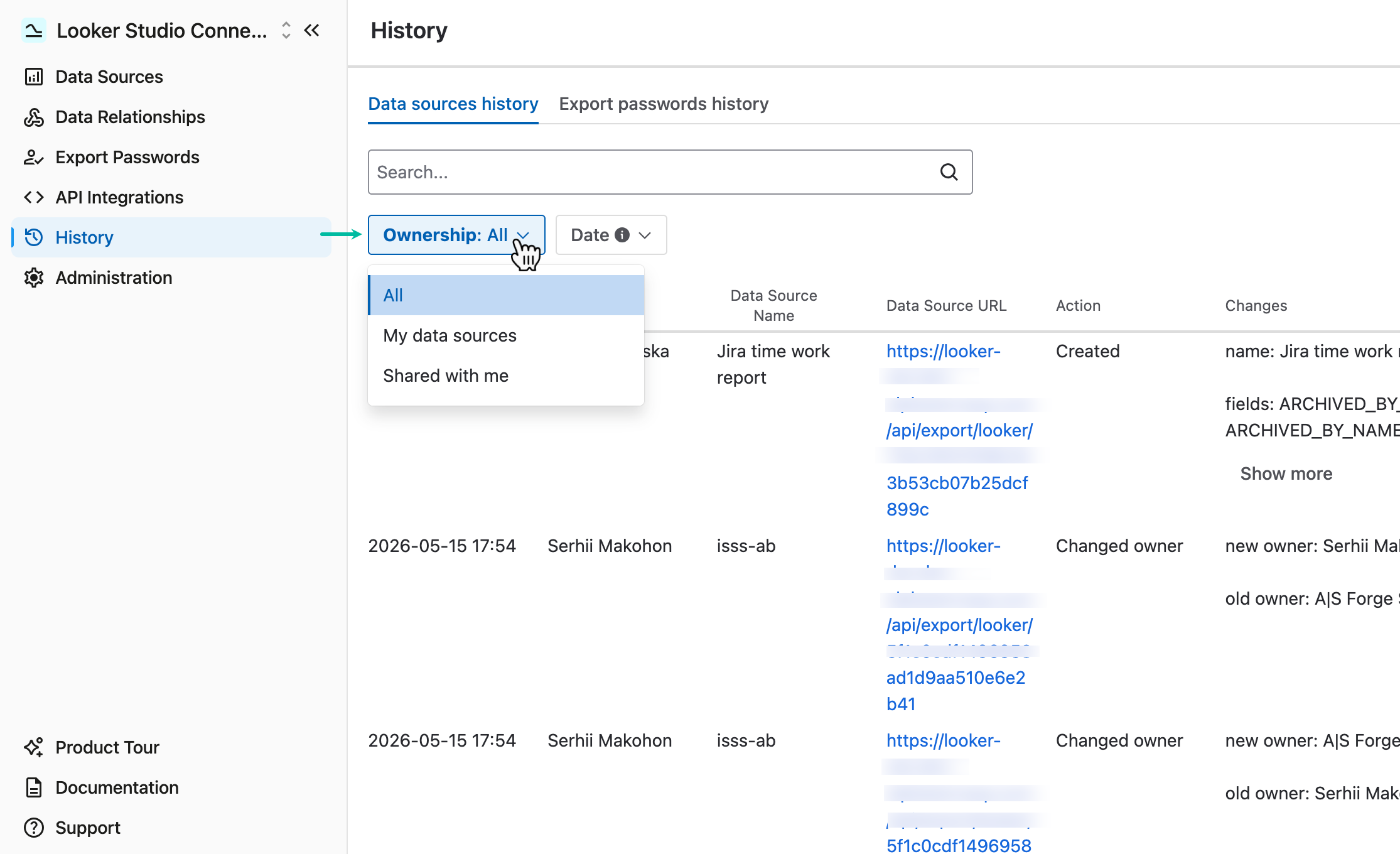
-
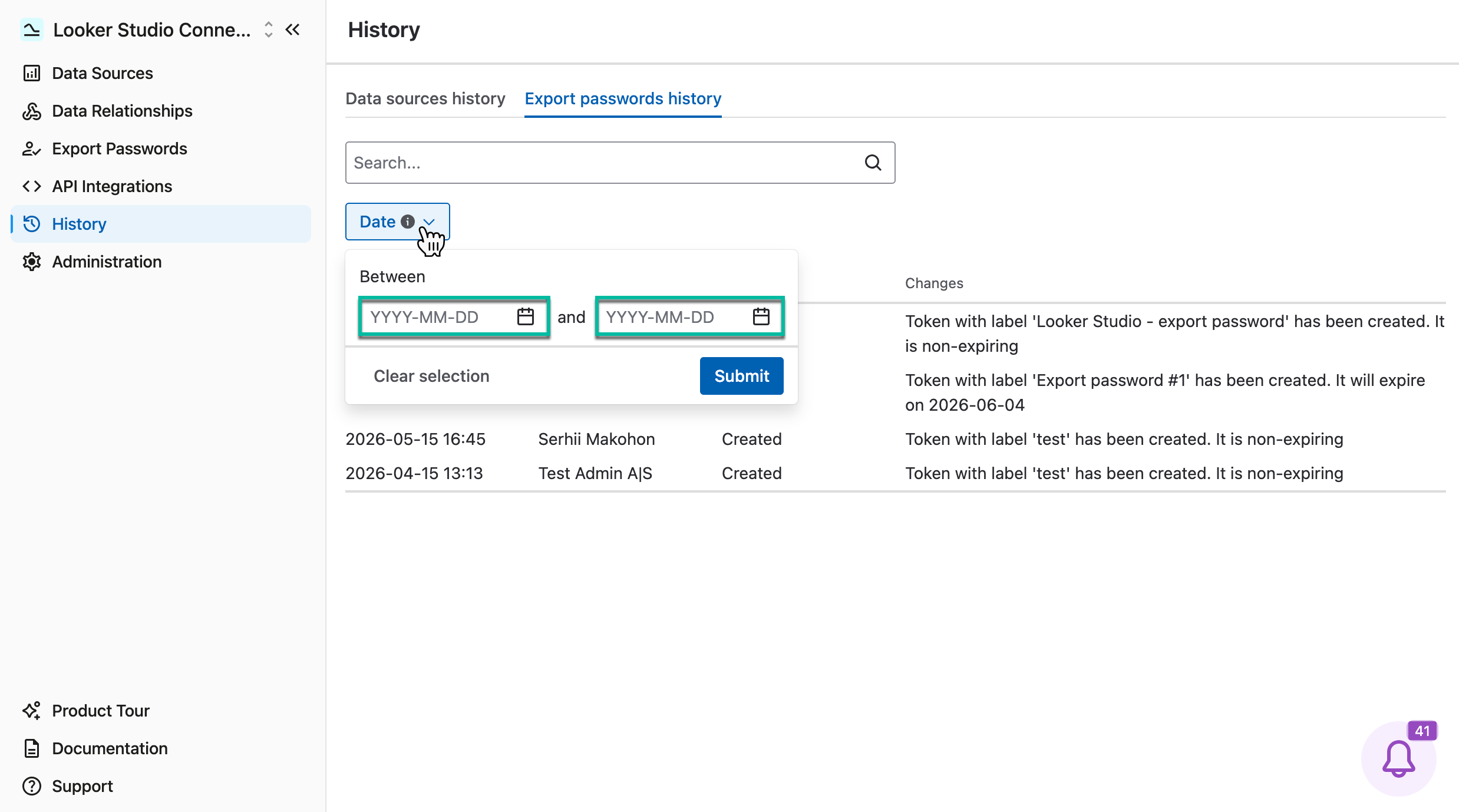
You can also apply search by date.
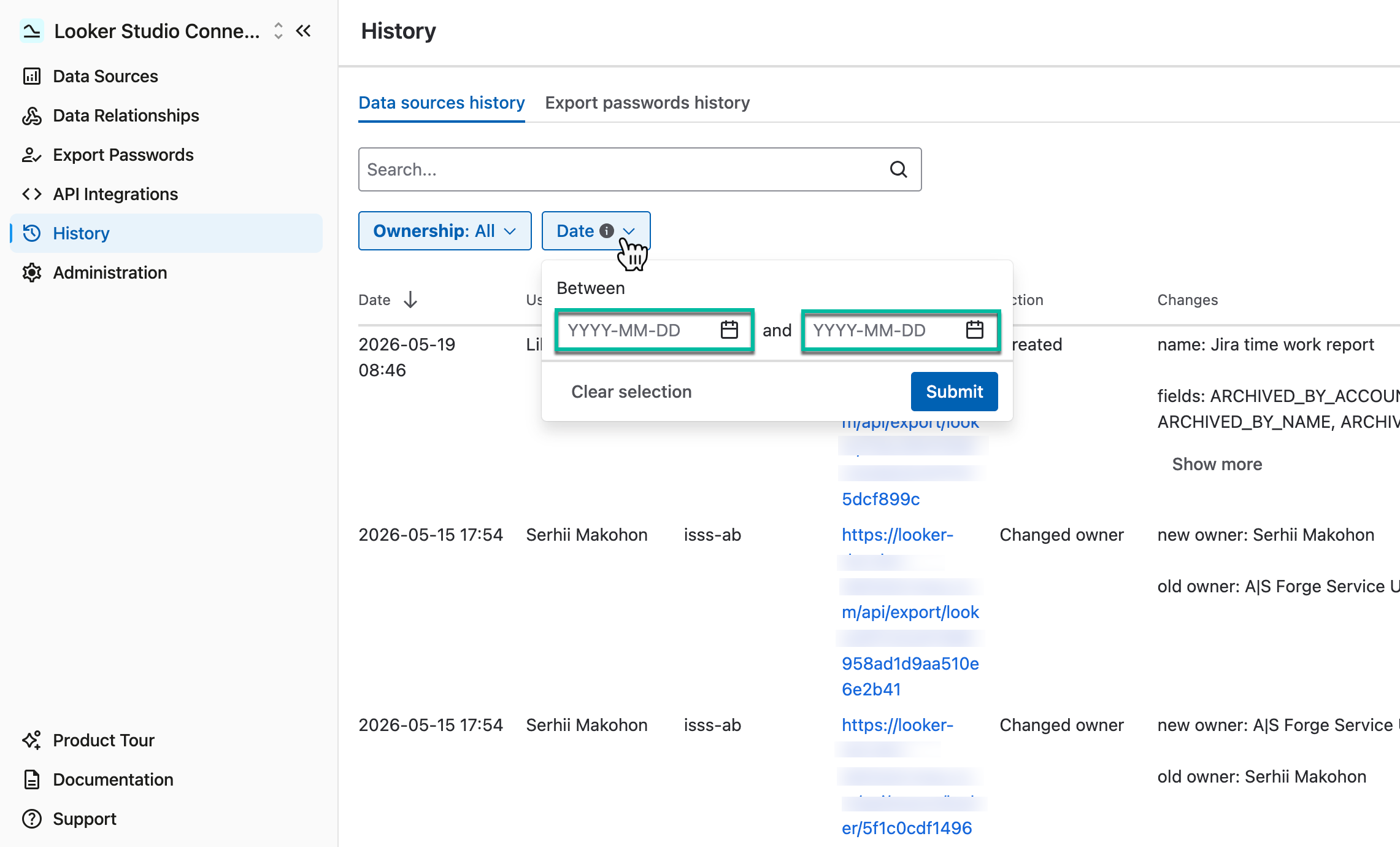
💬 Like using Looker Studio Connector for Jira? Leave us a quick review on the Marketplace!
Export Passwords History
The tab displays all data related to the export password: the date, user, action, and a brief description of changes.
Administrators can view the export passwords history of all users, while regular users can only view the history of their own export passwords.
-
Being signed in to your Jira Cloud instance, select Apps, and then select Looker Studio Connector for Jira.
-
On the left-side menu, select History, and then select Export passwords history.
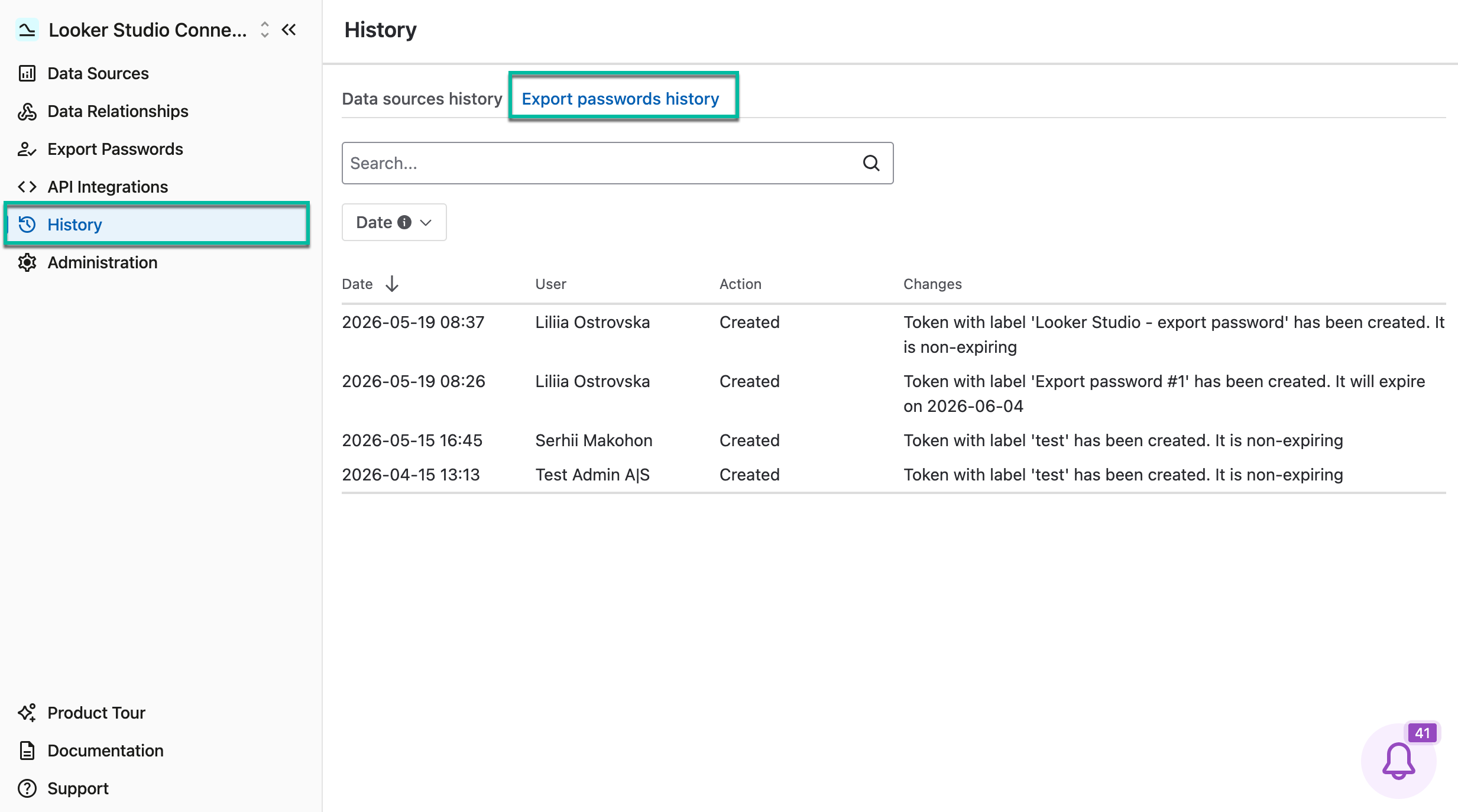
-
By using the Search bar, you can perform search by user, action (Created, Revoked, etc.), and token name.
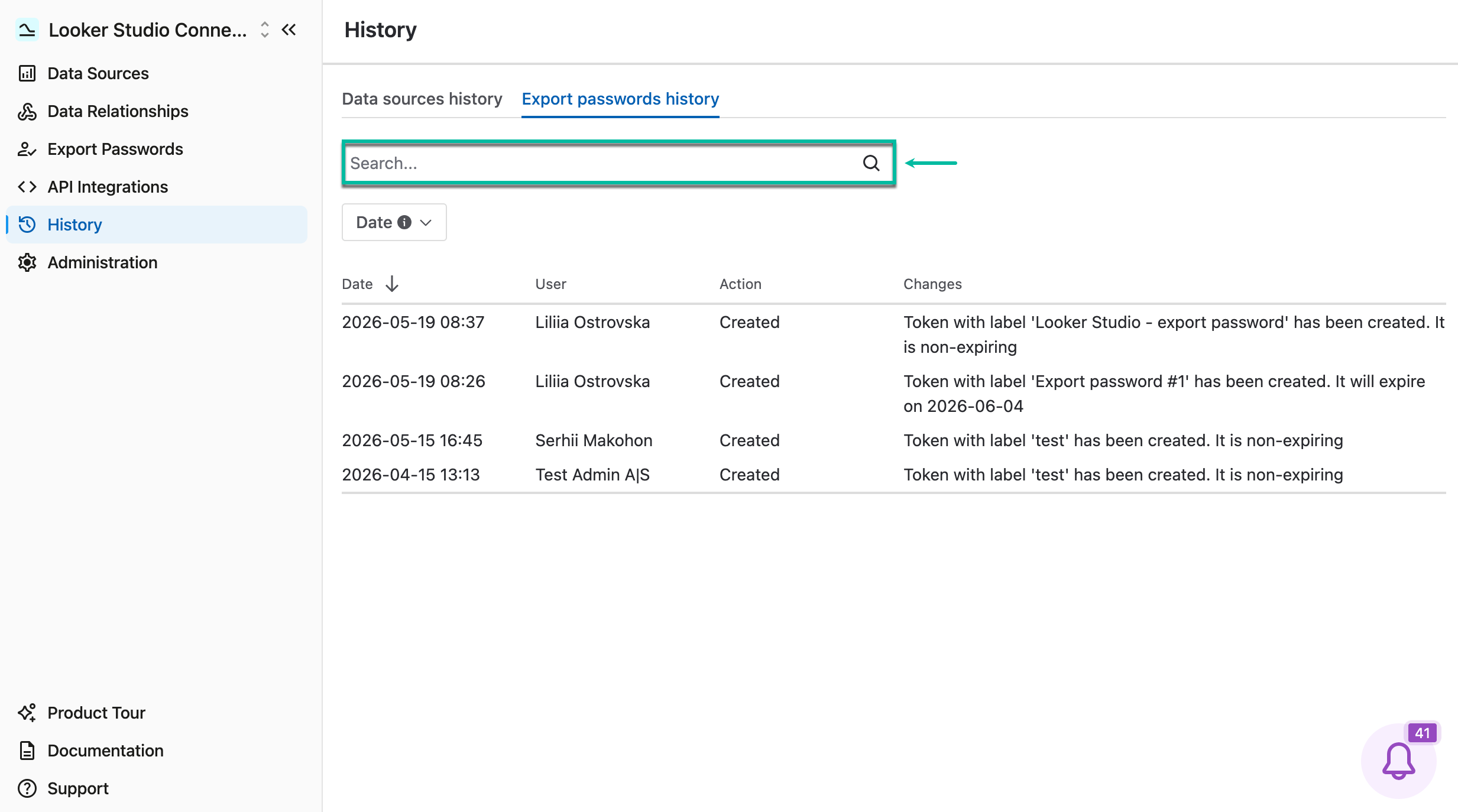
-
You can also apply search by date.