
Should you ever lose your phone, U2F device or access to your one-time password secret, we provide two solutions to reset an administrator account:
1 Solution. Another administrator may log in and reset the 2FA settings for the colleague using instructions here.
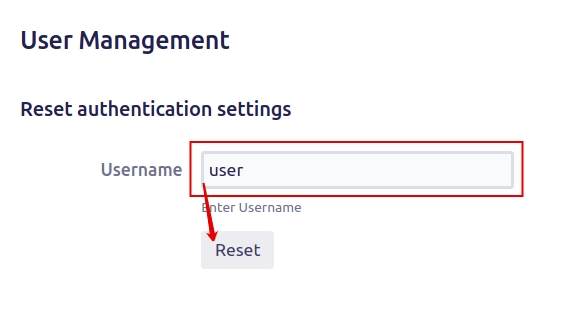
2 Solution. Reset 2FA settings directly by accessing the database:
Step 1. Connect to your database using a database management tool with the fields, as described in the Database connection fields.
Step 2. Identify the AUTH2_FA table in your database. This table is named AO_<hash>_AUTH2_FA where <hash> is a 6 digit hash value. (e.g. AO_E6ED87_AUTH2_FA).
Step 3. Execute SQL script where the user is your username in Confluence:
DELETE FROM AO_E6ED87_AUTH2_FA WHERE USERID IN (SELECT ID FROM APP_USER WHERE USER_KEY = 'user');