
After you added an account in your authenticator application you don't need to scan QR code again. All you have to do is:
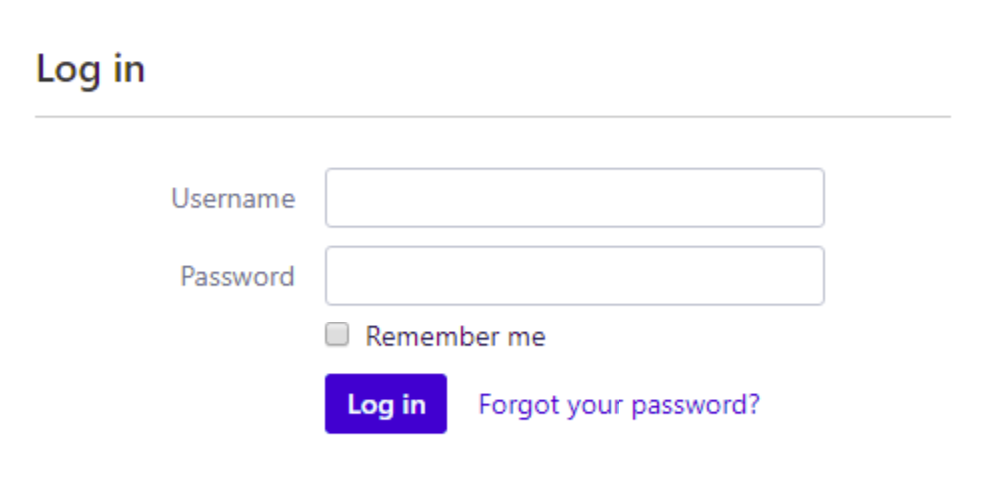
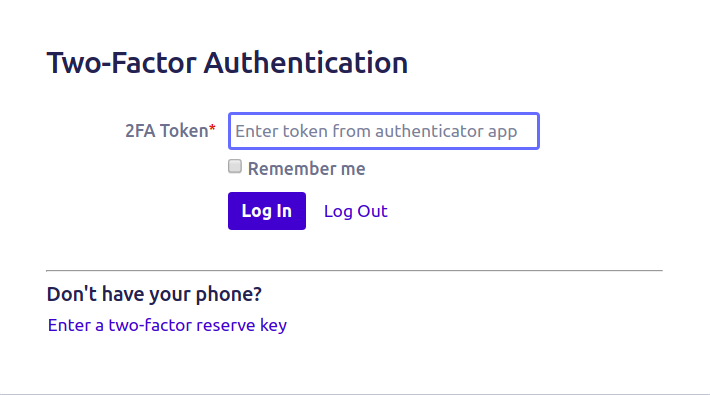
Step 1. Log in with your credentials (username and password) as usual. The second-factor authentication page will open.
Step 2. Now you have 2 options:
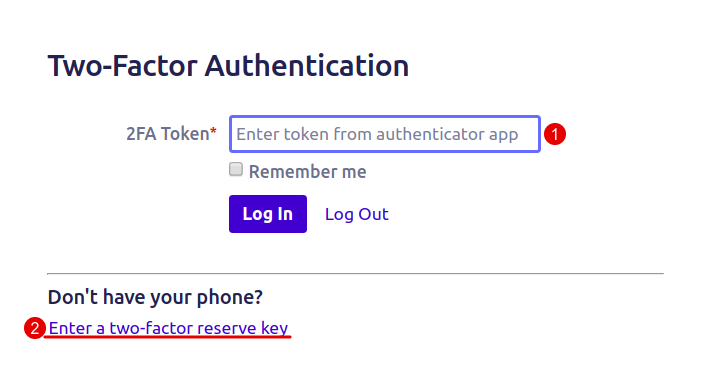
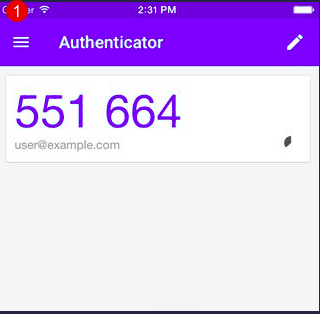
1 Option. Open your mobile authenticator app, choose the right account (if there are more than 1), and enter the code from the mobile app to the Confluence Login page.
2 Option. If you don't have your mobile authenticator app click Enter a two-factor reserve key. Use your backup (recovery) codes and enter a one-time secret password.
%20codes.png?cb=8aaf97c2db2a8c8a5a94060bc51df06d)