How to Install the App
-
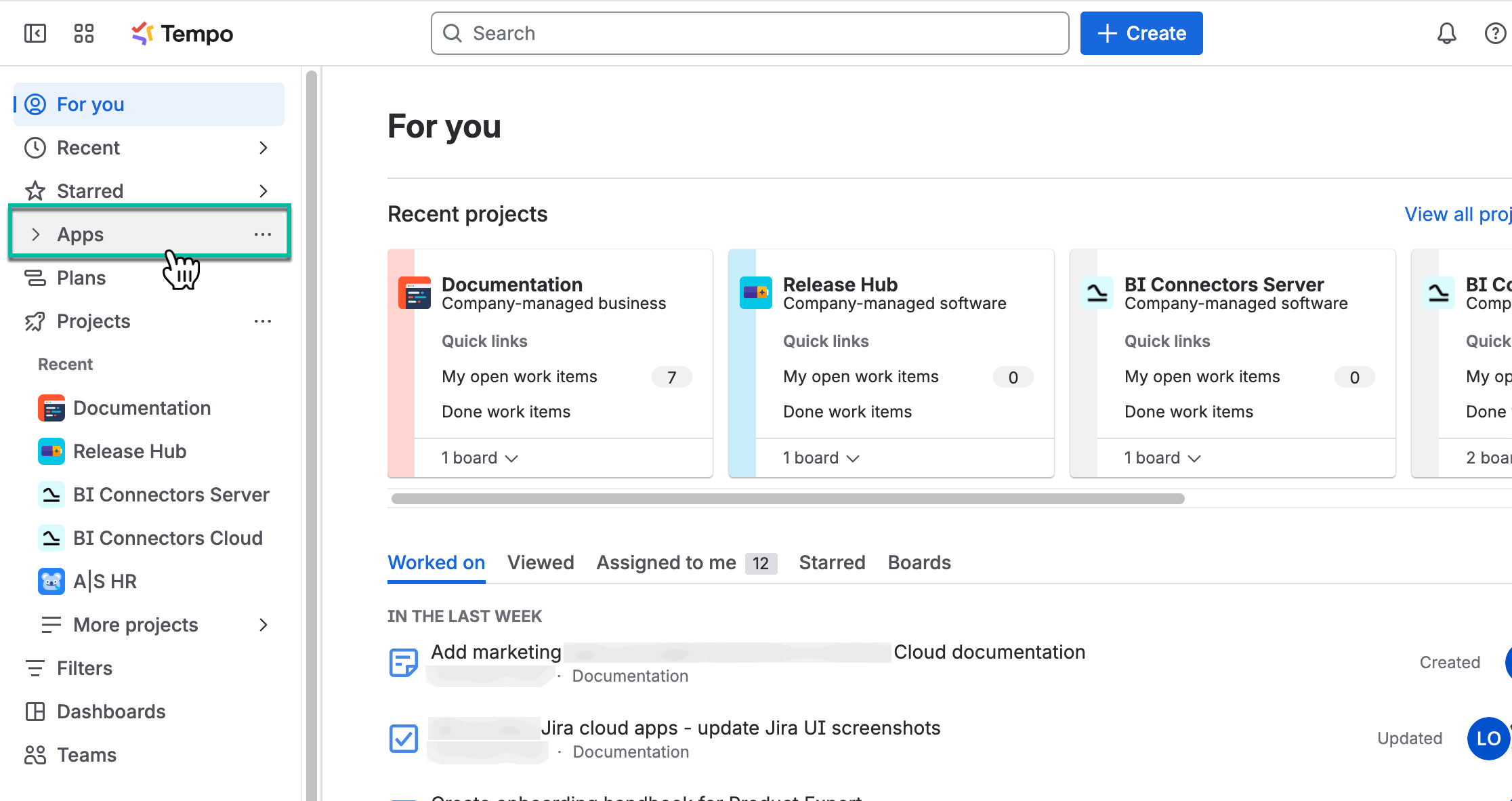
Being signed in to your Jira cloud instance, select Apps.
-
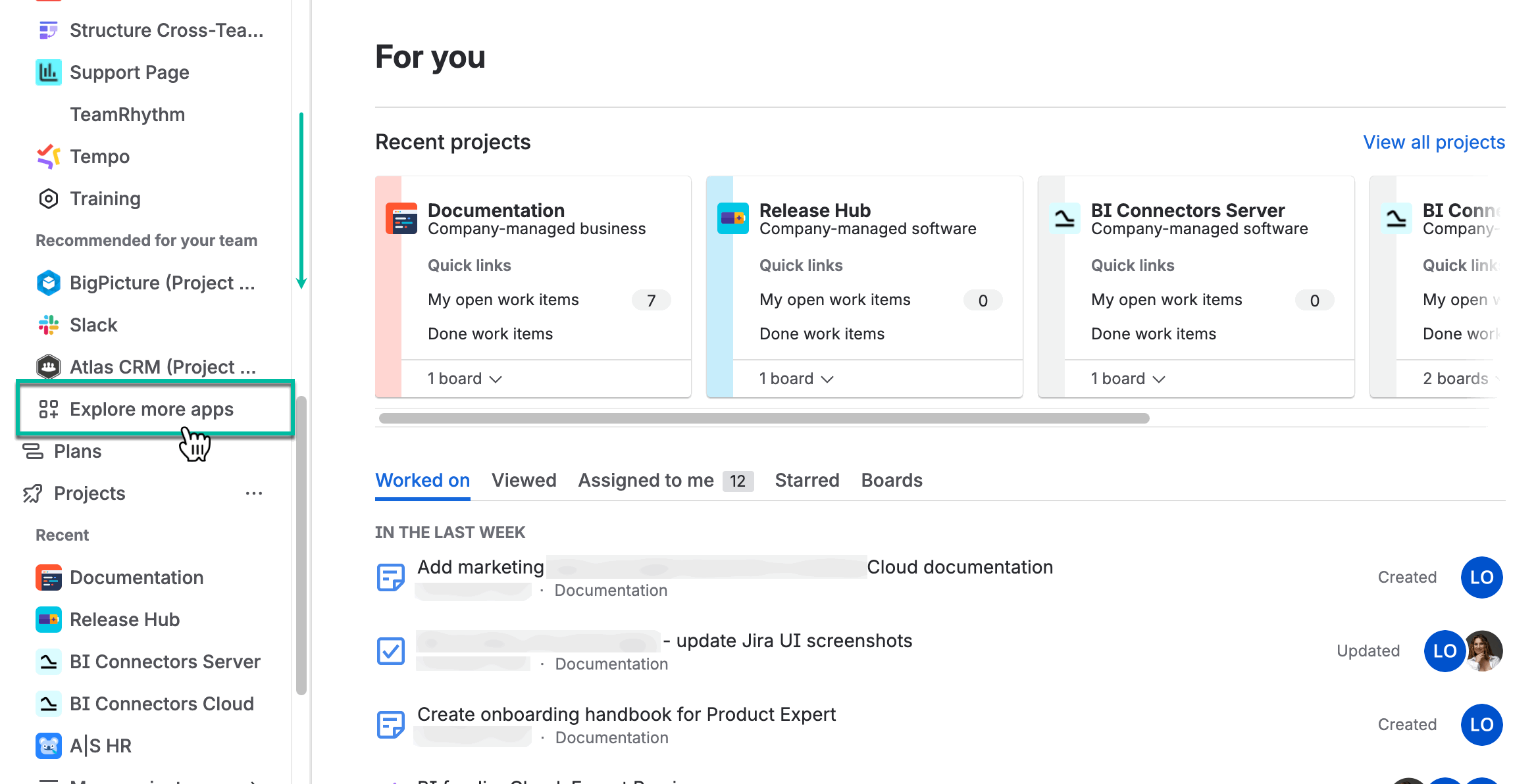
Select Explore more apps.
-
In the Search for apps box, enter Power BI Report, and then press Enter.
-
From the search results, select Power BI Embed Reports by Tempo Software.
.png?cb=234f327097cfc2eb97c03dfdb8026a75)
-
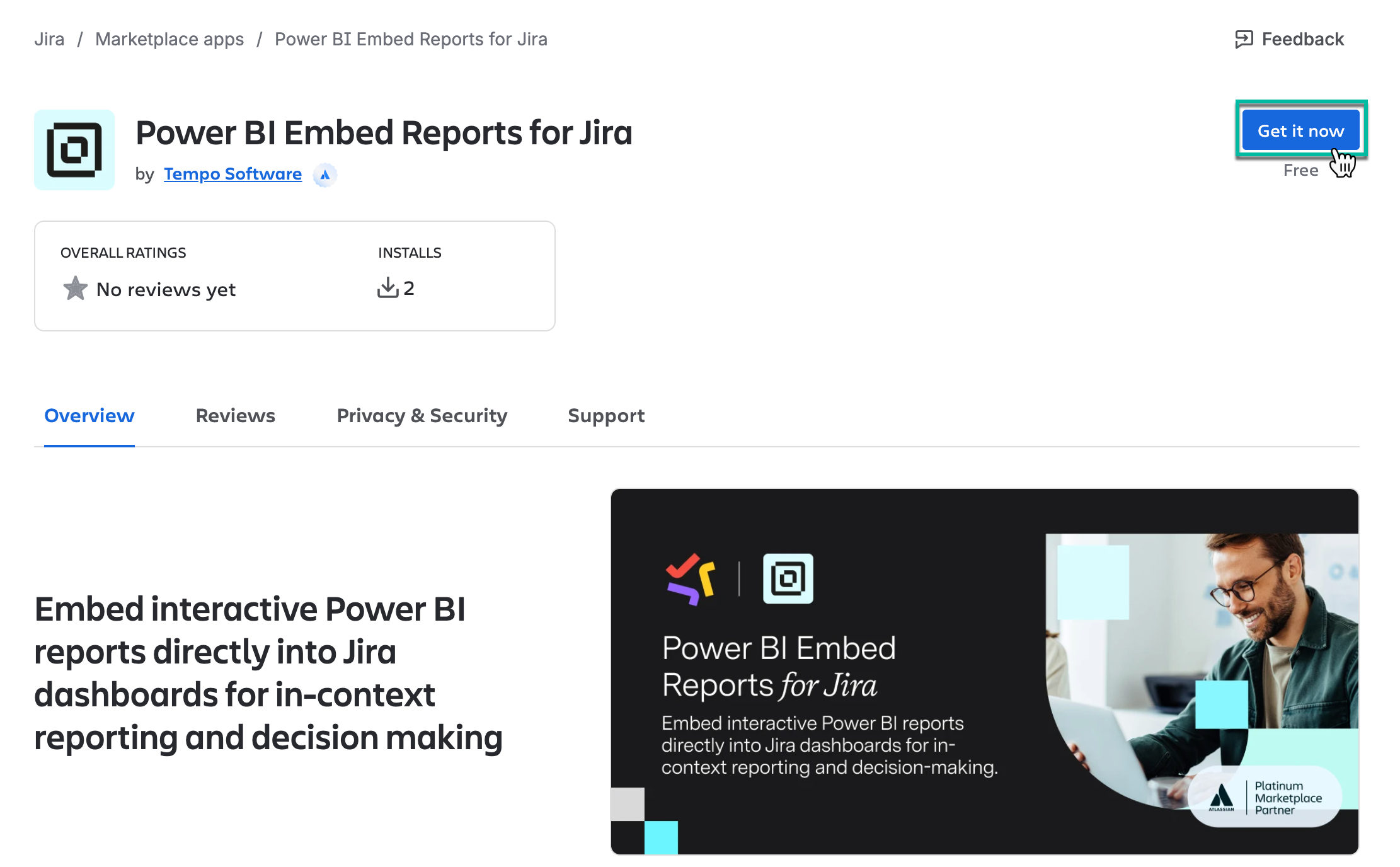
Select Get it now.
-
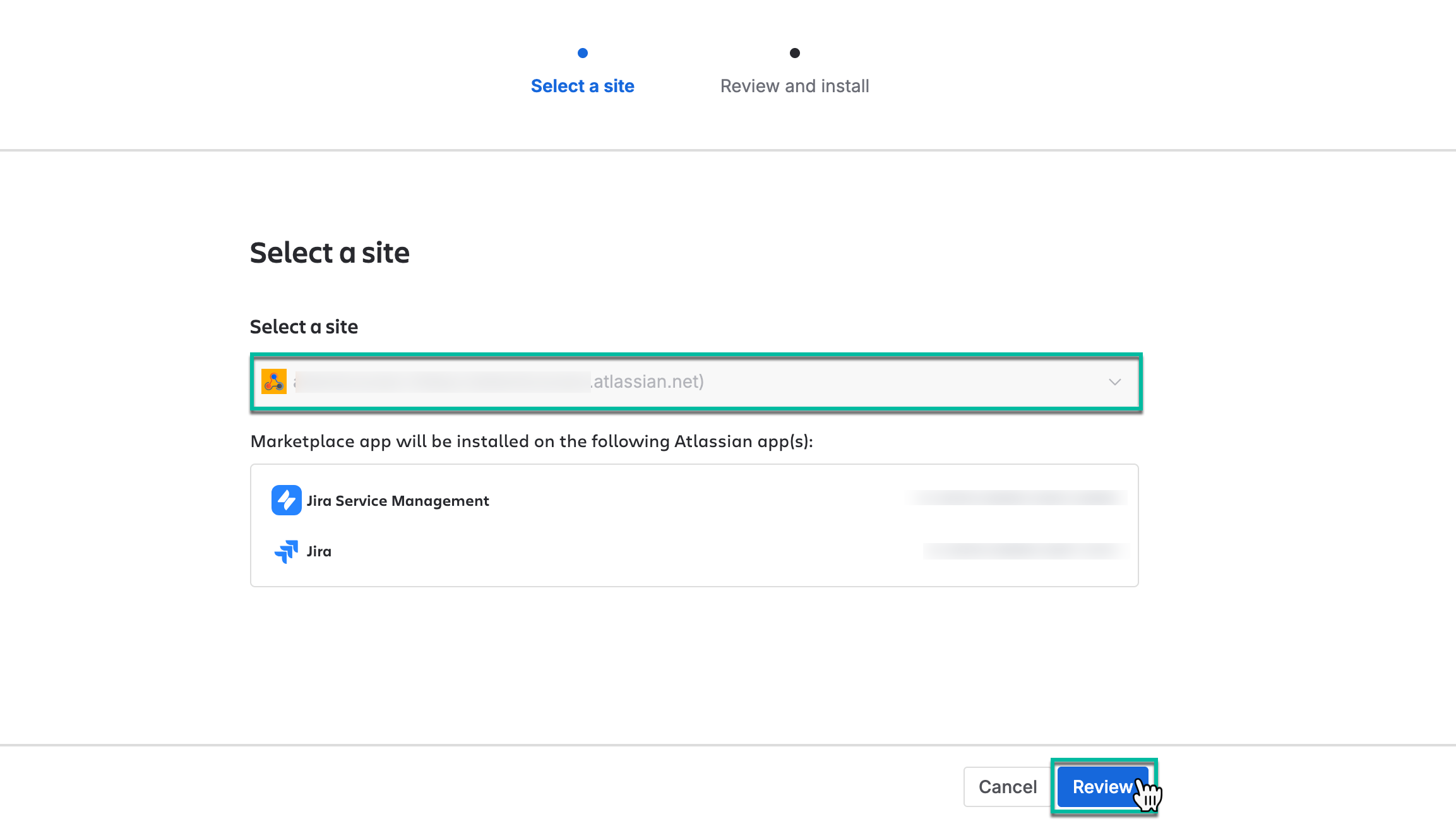
Select site where to install, and then select Review.
-
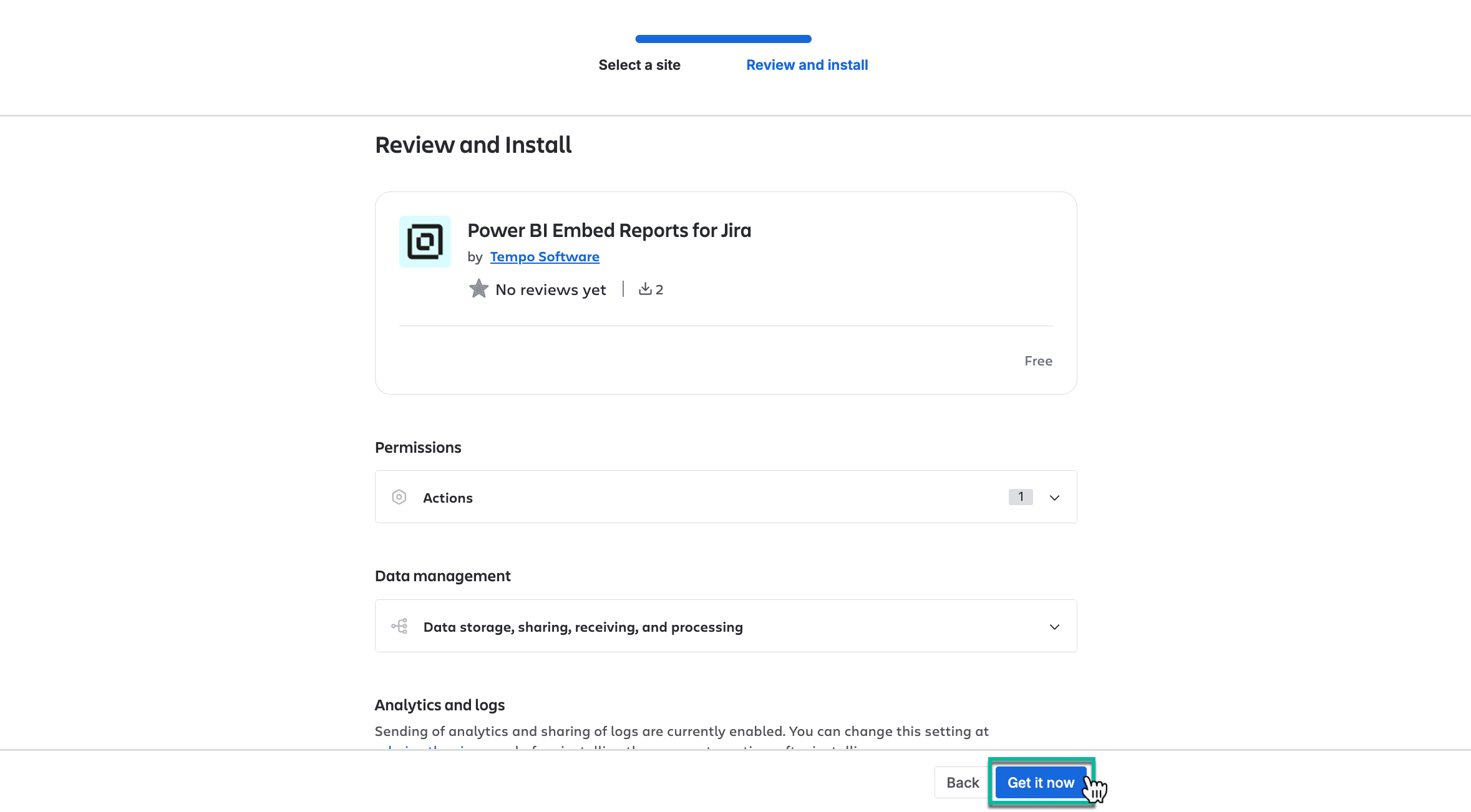
Select Get it now.
The app installation process will be started automatically.
You can also install the app directly from the Atlassian Marketplace.
How to Uninstall the App
-
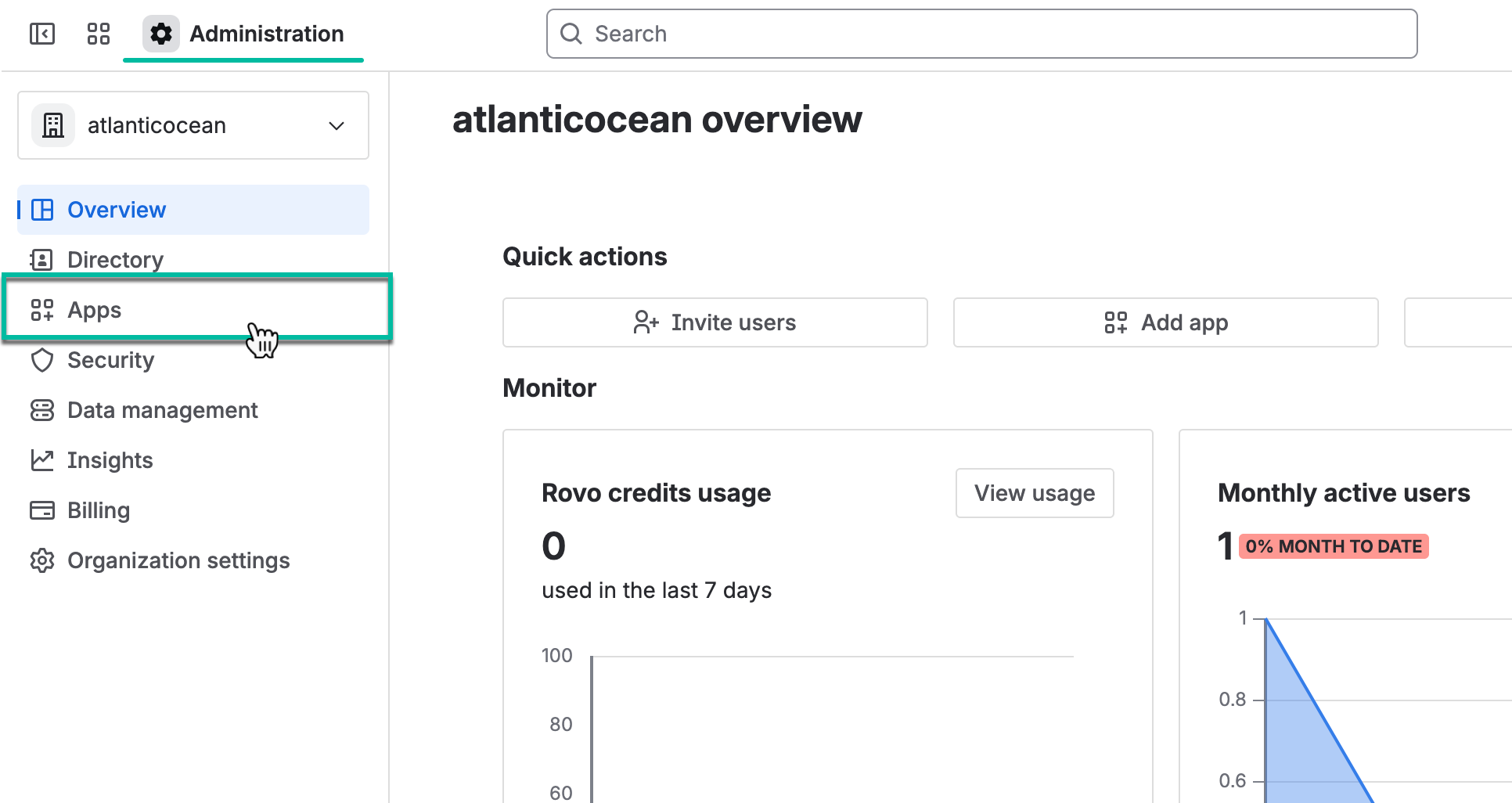
Navigate to Atlassian Administration, and then select Apps.
-
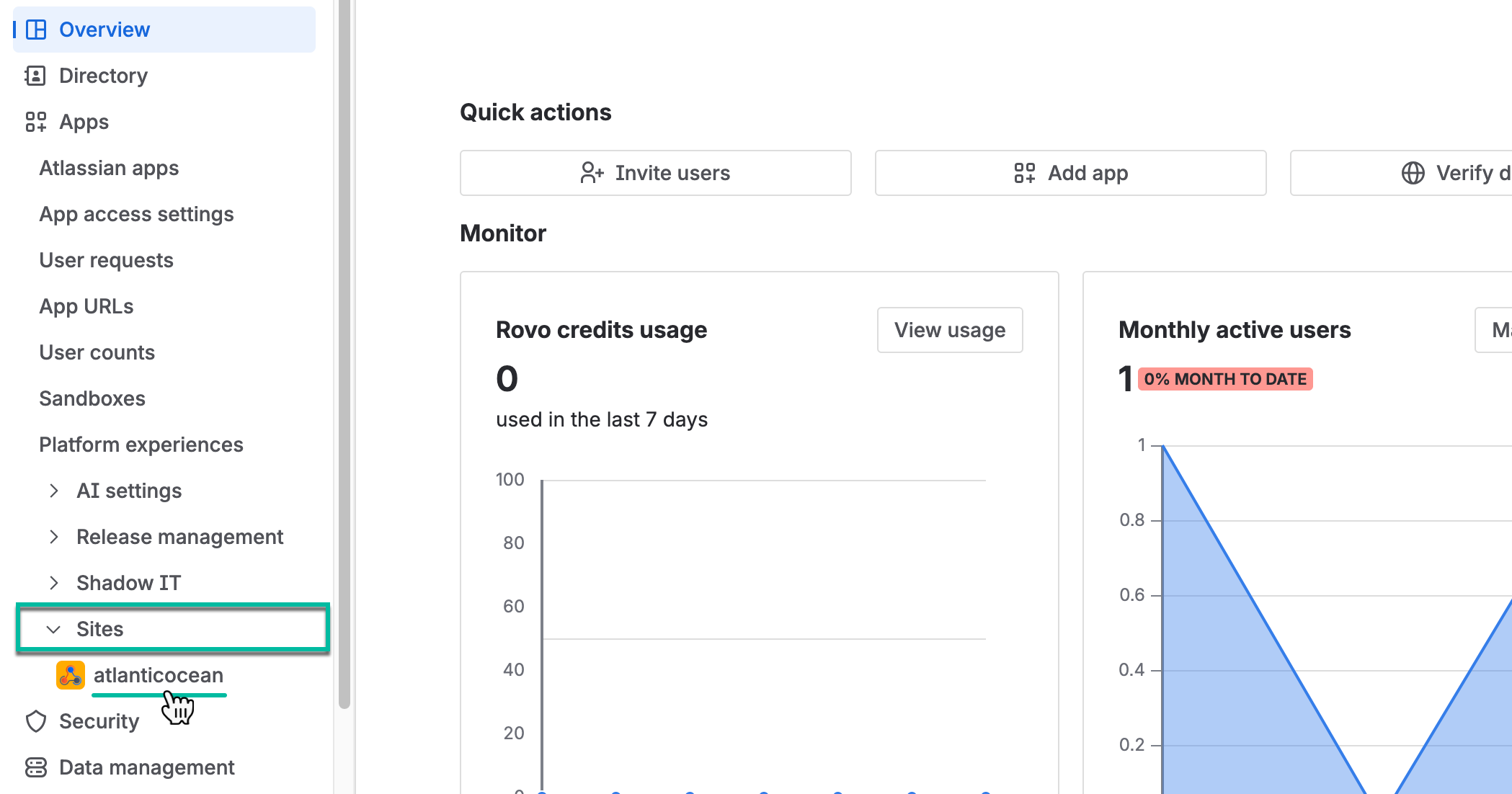
Select Sites, and then select the one you need.
-
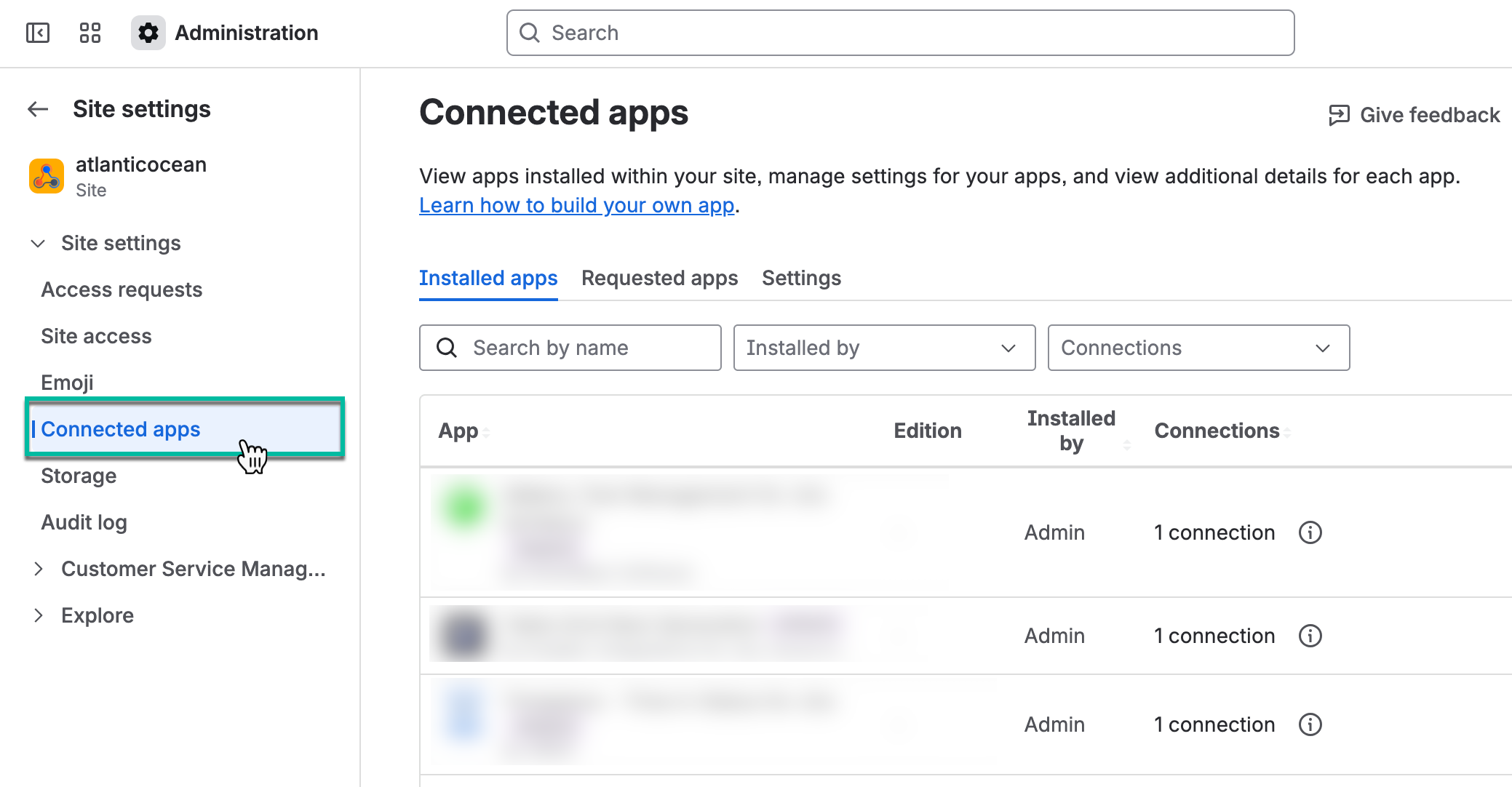
Select Connected apps.
-
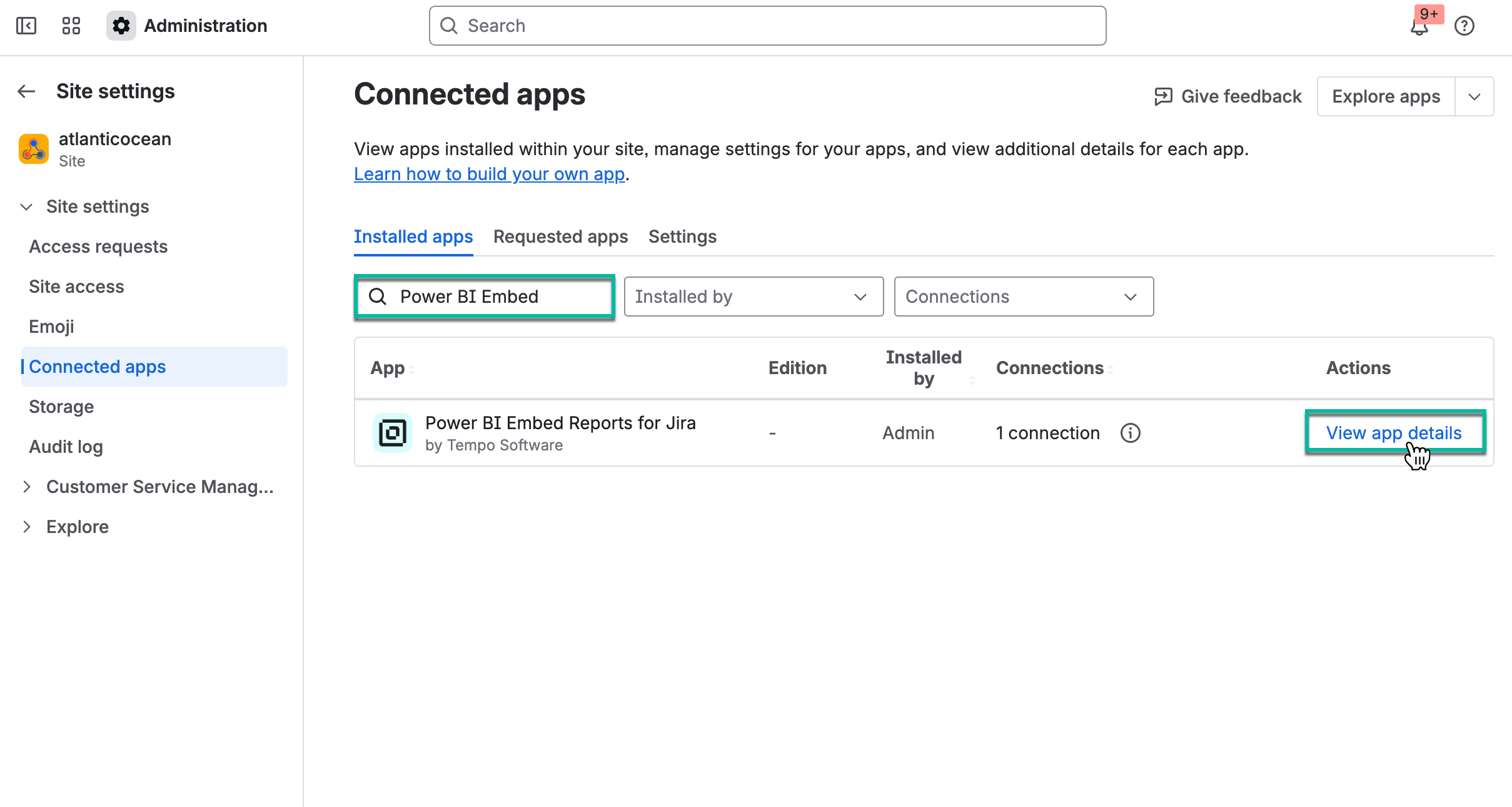
In the search box, start entering the app name, and then select View app details.
-
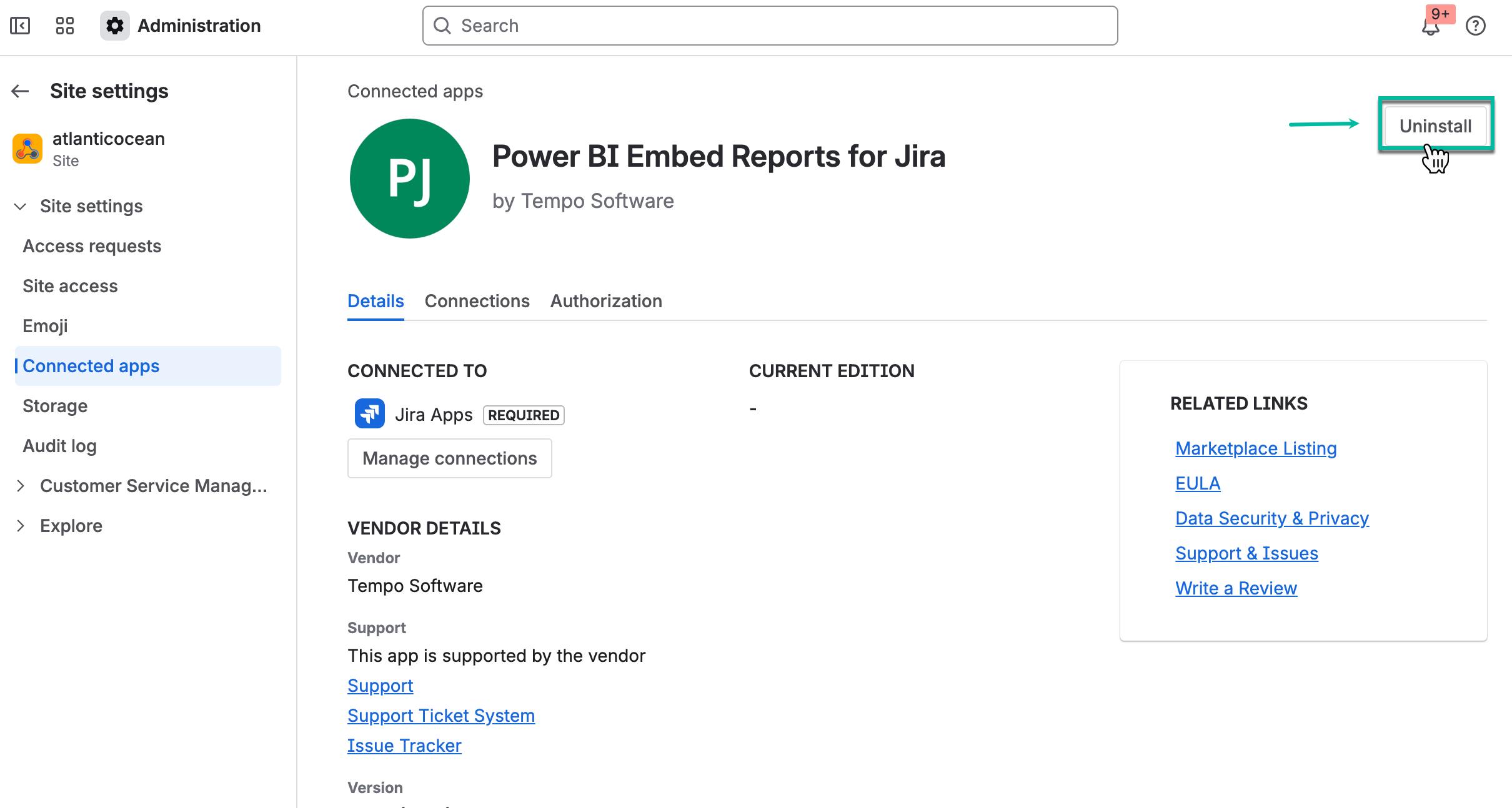
Select Uninstall.