
Some of users describe getting the Access to the resource is forbidden error message when connecting to Microsoft Power BI with data sources.
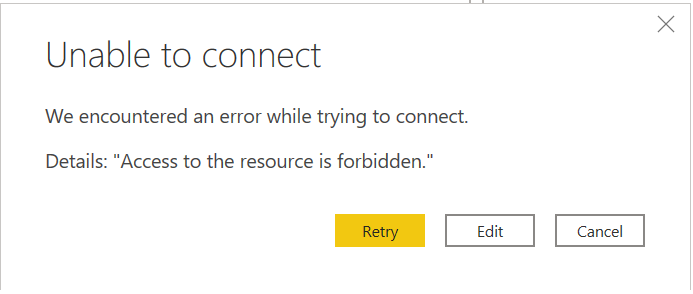
📘 Reason: Incorrect credentials. During the initial connection, incorrect credentials were provided and saved for the data source.
📘 Solution:
-
At the top-left corner of Power BI Desktop, select the File tab.
-
Select Options, and then select Settings.
-
Select Data Source Settings.
-
Select the data source the “Access to the resource is forbidden” error arises for.
-
From the drop-down menu, select the Clear Permissions option.
-
Select the Close button.
📘 Afterward, you can re-enter the correct credentials when connecting the data source using Basic authentication.