
Before your team can utilize the Tempo Work Logged Column or Tempo Planned Time Column in Structure, or use Structure as the scope of a Financial Manager project, the Jira admin needs to make sure both Structure and Timesheets/Capacity Planner are installed and configured to work together.
Step 1: Install all necessary apps
Step 2: Link Structure and Tempo
-
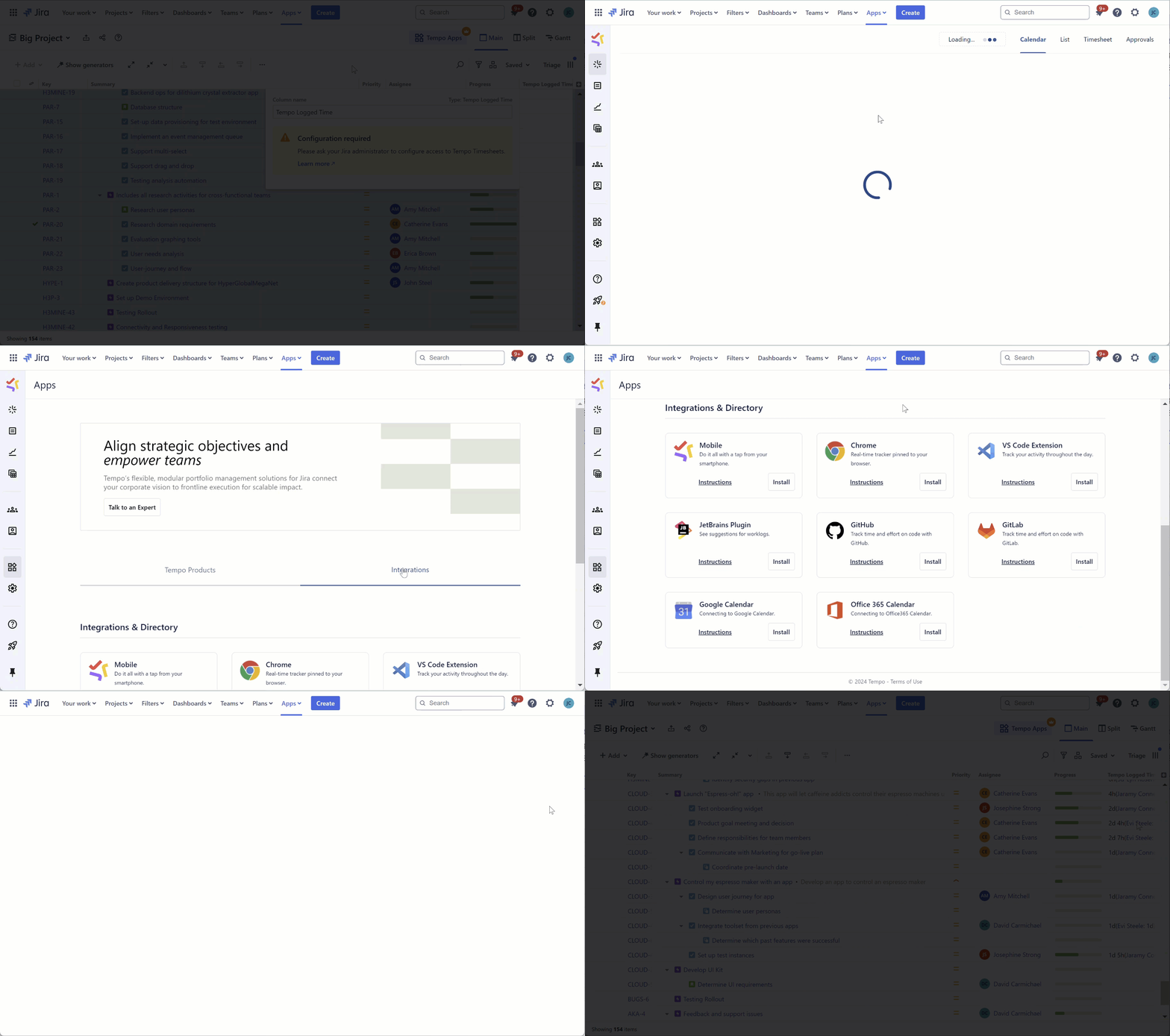
Open the Tempo app. From the Jira toolbar, go to Apps > Tempo
-
In the Tempo sidebar, select Apps
-
Go to Integrations
-
Locate Connect to Structure and click Install
If you haven't already installed Structure on your Jira instance, the linking process will fail. Install Structure first, and then try again.