
To export Jira Work Management custom field:
-
Go to the Data Sources page, select the required data source, and then select Edit.
-
Under the Jira Work Management tab, find Issue Custom Fields, and then select the required field.
.gif?cb=54cde2eba667f6a38b5ff5cab5a21a74)
To export Jira Service Management custom field:
-
Under the Jira Service Management tab, find Service Management Custom Fields, and then select the required field.
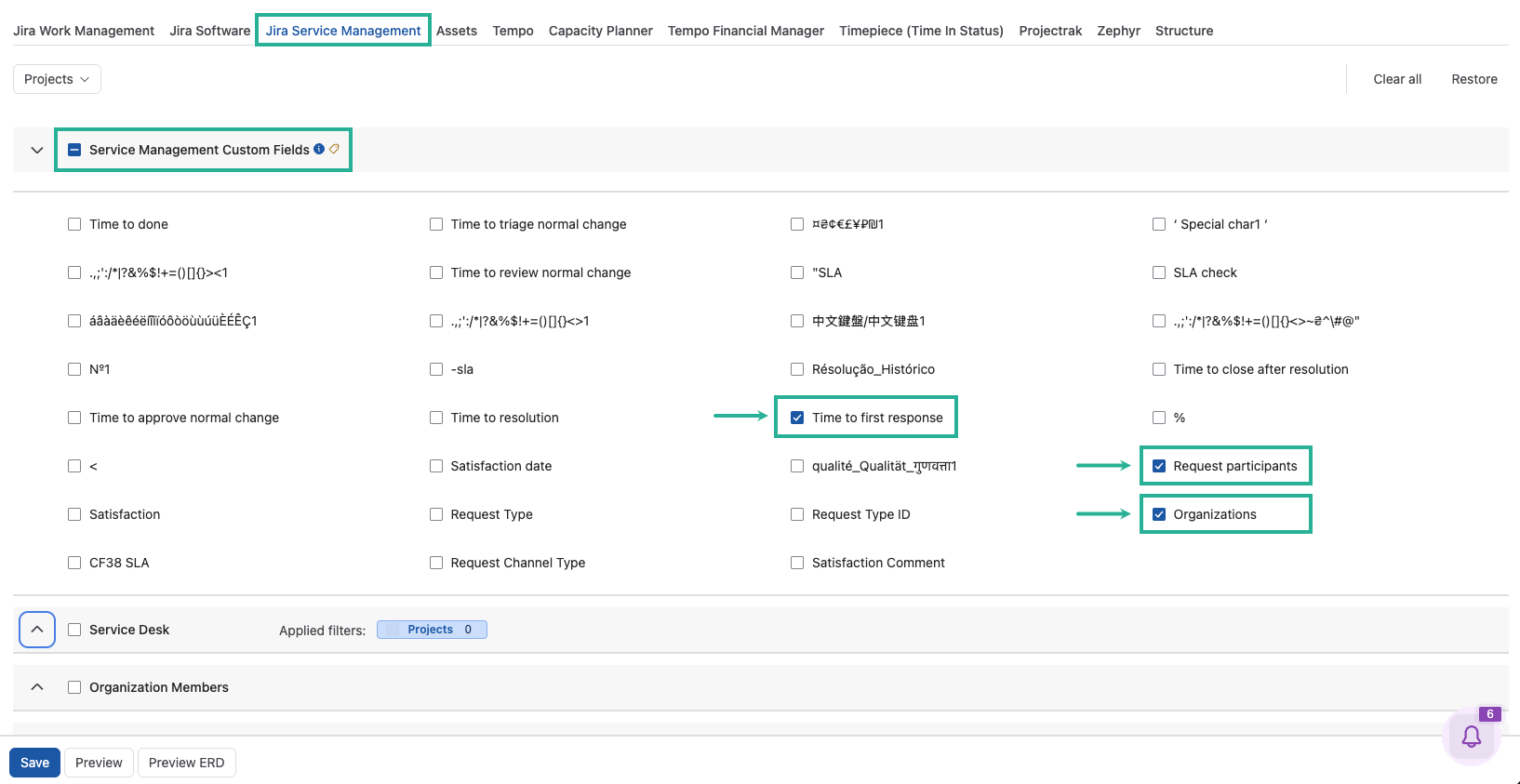
Custom fields are available in the Issue Custom Fields and Service Management Custom Fields tables under the Jira Work Management and Jira Service Management tabs. The custom field is exported either as part of the Issue table or as a separate table. To determine where a custom field is exported, select Preview ERD and locate the field.
As for adding a field to the Jira dashboard template, you will need to customize it yourself or ask for assistance from experts. We can only help you with setting up the configuration of your data source.