
BigQuery Connector for Jira Cloud by Tempo Software is the unique no-code Big Query Jira integration app for easy Jira data load to BigQuery:
-
200+ active installations
-
Cloud Fortified app
-
Trusted by multinational companies, governments, and businesses from all over the globe.


What Does BigQuery Connector for Jira Do?
BigQuery Connector for Jira Cloud allows you to easily and quickly import Jira data into BigQuery, including default fields and custom fields, history, worklogs, sprints, 3rd-party apps data, and more.
Who Finds BigQuery Connector for Jira Useful?
BigQuery Connector for Jira Cloud is especially valuable for data analysts and business intelligence professionals who create data models in BigQuery. It simplifies BigQuery import processes, helping teams focus on insights rather than manual setup. However, even users without an analytical background can still work with the connector, loading Jira data into BigQuery and creating data sources with ease.
The BigQuery Connector is particularly helpful for users without Jira admin skills, as it does not require additional expertise. With the service key method, users can quickly set up secure connections and manage Jira BigQuery integrations without any advanced technical knowledge.
Why Use BigQuery Connector for Jira Cloud?
Jira Cloud is a highly informative data source for any business. Therefore, integrating Jira Cloud as a data source into your BigQuery expands your data landscape and allows you to view all your projects in one place. With Jira BigQuery integration, you can import Jira data into BigQuery efficiently, making it easier to analyze and visualize information.
The BigQuery import process facilitates timely decision-making and helps maintain focus. By loading data into BigQuery from Jira, team members can not only track their project activities but also evaluate results to determine overall business outcomes.
BigQuery Connector for Jira Cloud Key Features
➡️ Automated Jira Data Load into BigQuery
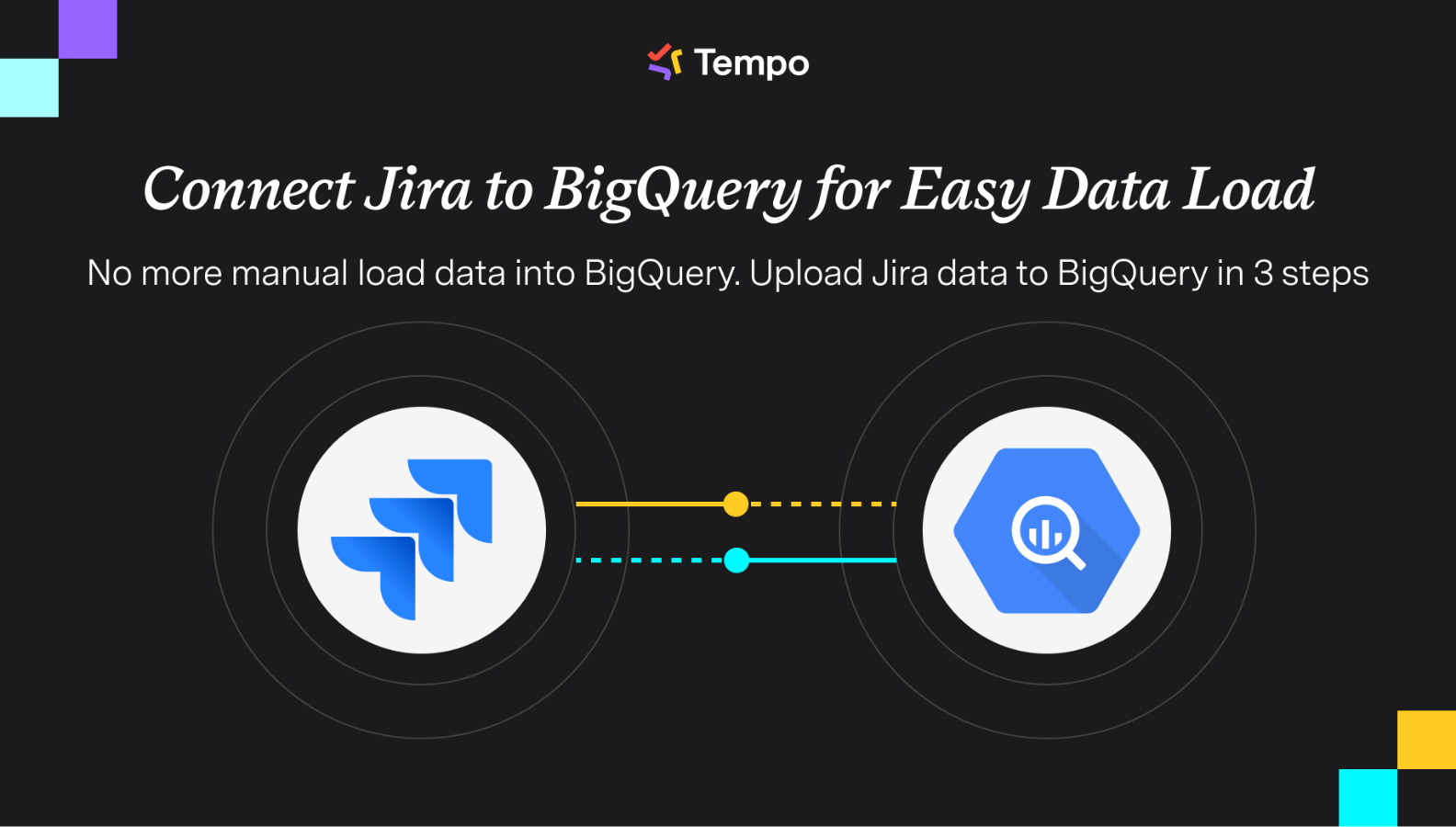
No more manual effort when loading data into BigQuery. With the BigQuery Connector for Jira Cloud, you can perform a smooth BigQuery import in just 3 steps:
-
Install BigQuery Connector for Jira
-
Create a data source and select any fields using filters
-
Import data into BigQuery
➡️ Unlimited Jira Data Export to BigQuery
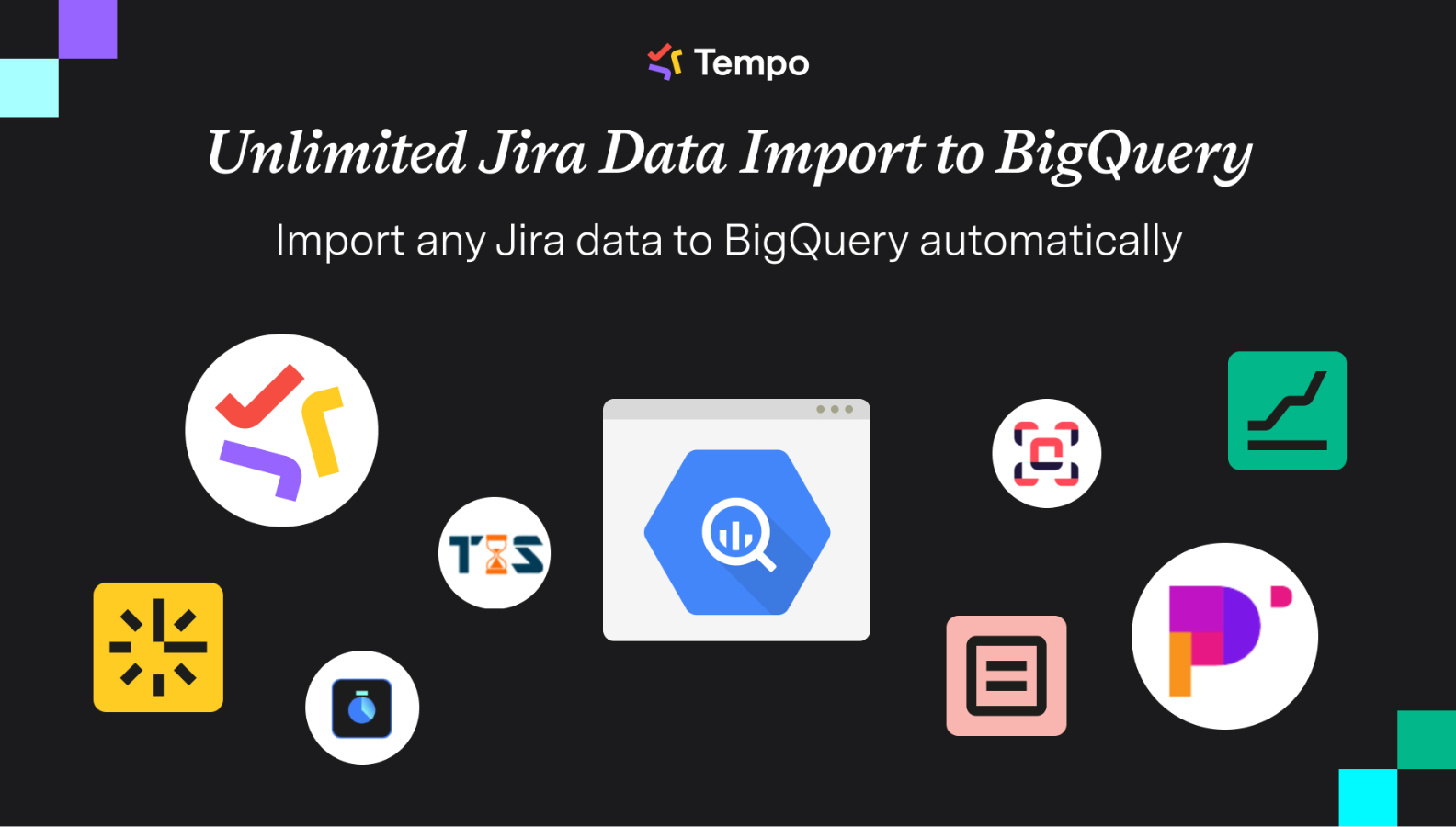
Import any Jira data to BigQuery automatically, including Jira custom fields and 3rd-party apps data. Use basic, JQL, or advanced filters to load only the most relevant information. With Jira BigQuery integration, you can create unlimited data sources to support different reporting and analytics needs.
➡️ Safe Jira Data Load to BigQuery
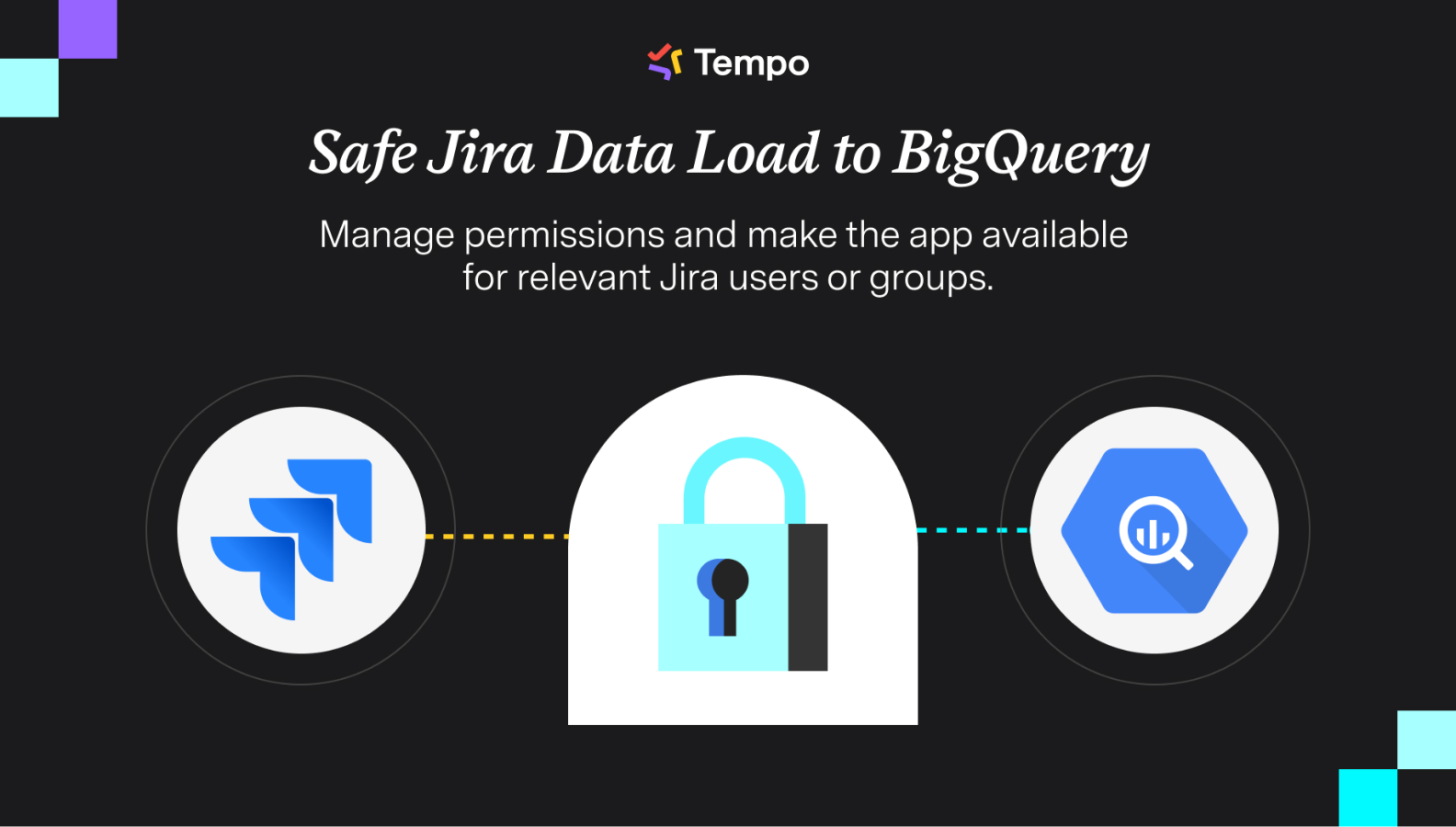
Ensure security and control while managing permissions. Make the app available only for the relevant Jira users or groups. Create and share multiple data sources to securely upload Jira Cloud data to BigQuery, automating the entire BigQuery load data process.
How Can you Benefit from Using BigQuery Connector for Jira Cloud?
-
Translate raw Jira data into transformable information to make proper decisions and plan your future business strategies with Jira BigQuery integration.
-
Improve efficiency within your organization and, as a result, increase productivity through loading data into BigQuery.
-
Keep all your data together to create actionable insights.
-
Use the full potential of BigQuery by different teams without any Jira access permissions concerns.
-
Increase ROI from investments, and enhance data governance with automated Jira Data Load into BigQuery.
Read this article to learn more on how to easily export data from Jira Cloud to BigQuery ⬇️
https://www.alphaservesp.com/blog/jira-bigquery-integration-how-to-connect-jira-to-bigquery-easily/
💬 Like using BigQuery Connector for Jira? Leave us a quick review on the Marketplace!