
Capacity Planner by Tempo is a resource management app that helps teams and organizations in Jira optimize and streamline capacity planning by providing real-time visibility into team availability, aligning work with skills and demand, and enabling smarter decision-making to improve project delivery and utilization.
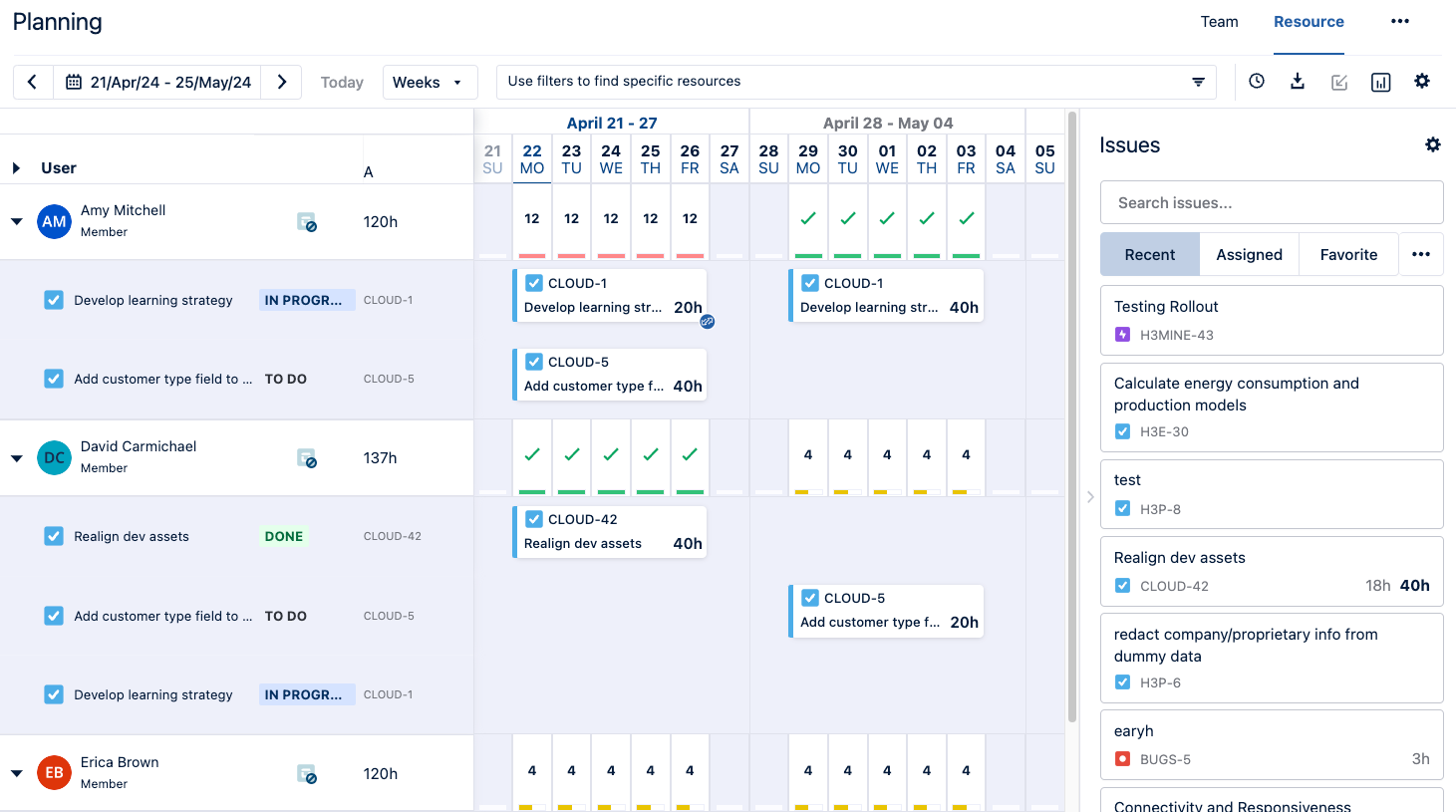
Try Capacity Planner
There are two ways to try Capacity Planner:
Option 1: Demo Capacity Planner for 14 days
Non-admins can start a 14-day demo of Capacity Planner. Just click the Planner icon in the Tempo sidebar and select Try Capacity Planner.
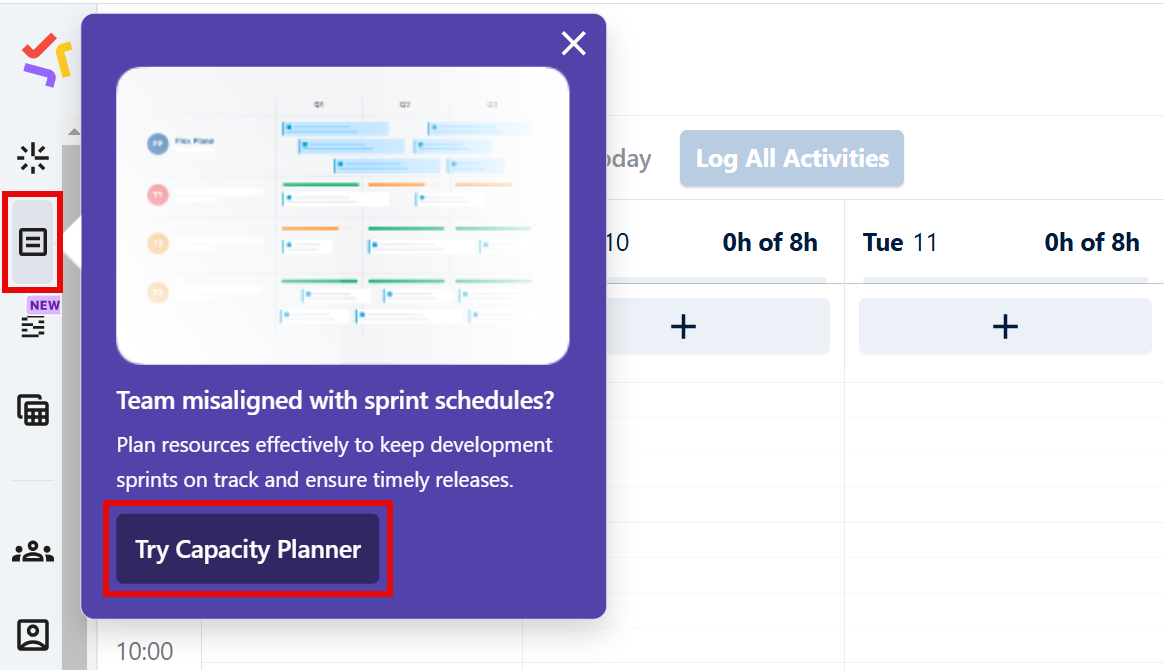
This will start a 14-day demo for the entire organization, with nearly all the features available in the full version.
Demo Notes
-
Any plans or data saved during your demo period will still be available if you install the full version from the Atlassian Marketplace
-
A demo is only available if you have not previously installed Capacity Planner from the Atlassian Marketplace (trial or full)
-
Jira admins can disable the demo version by contacting Tempo Support
-
If you decide not to purchase Capacity Planner, at the end of your 14-day demo period:
-
You will not be charged
-
You will lose access to any existing plans
-
Option 2: Install a 30-day trial
Jira admins can install a 30-day trial - click the Planner icon in the Tempo sidebar and select Try it Free.
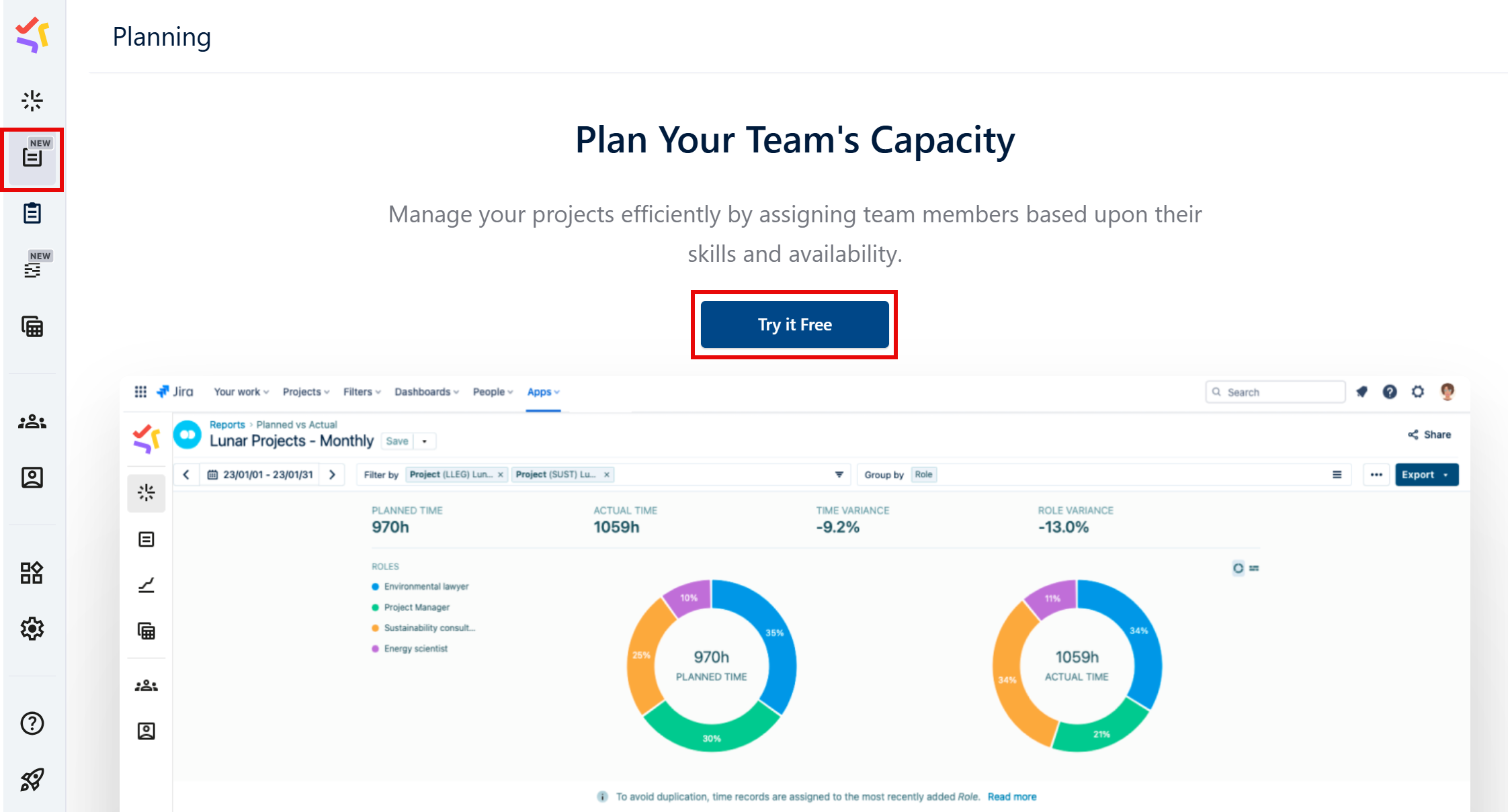
When you install a trial, you get the full version of Capacity Planner with no limitations.
Learn More
-
Documentation: Capacity Planner
-
Learn more and try Capacity Planner: Atlassian Marketplace