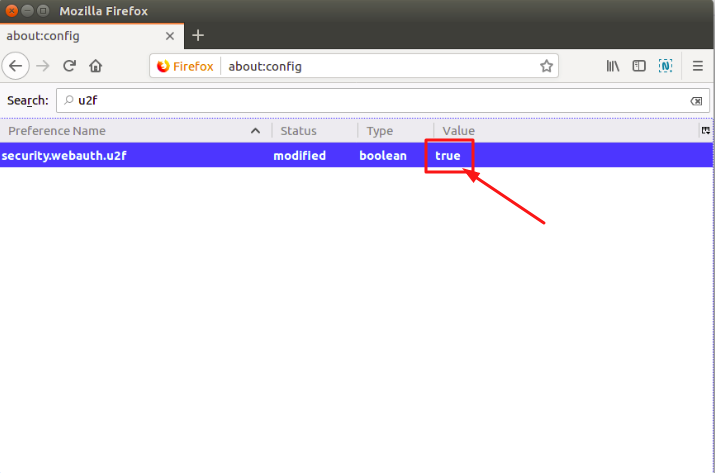
While FIDO U2F support was added with the release of Firefox Quantum, the feature is turned off by default. In order to enable U2F support in Firefox Quantum, follow the steps below:
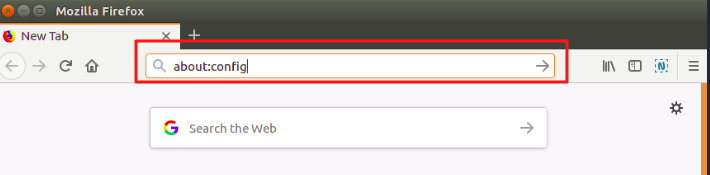
Step 1. Open Mozilla Firefox and type "about:config" (without quotes) into the Firefox address bar and press Enter.
Step 2. Search for “u2f”.
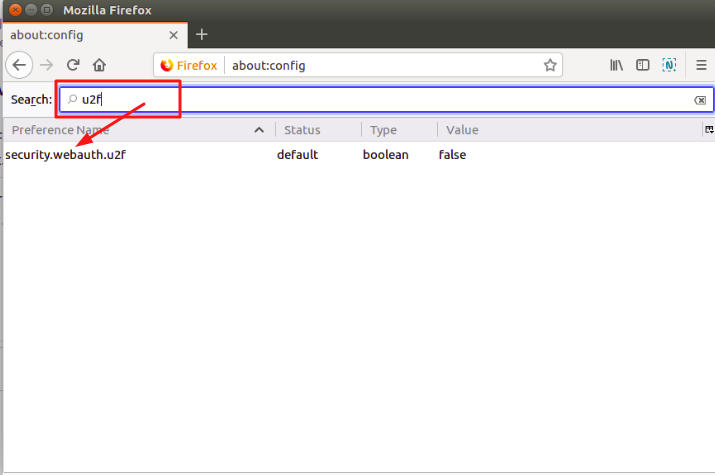
Step 3. Double-click on security.webauth.u2f to enable U2F.